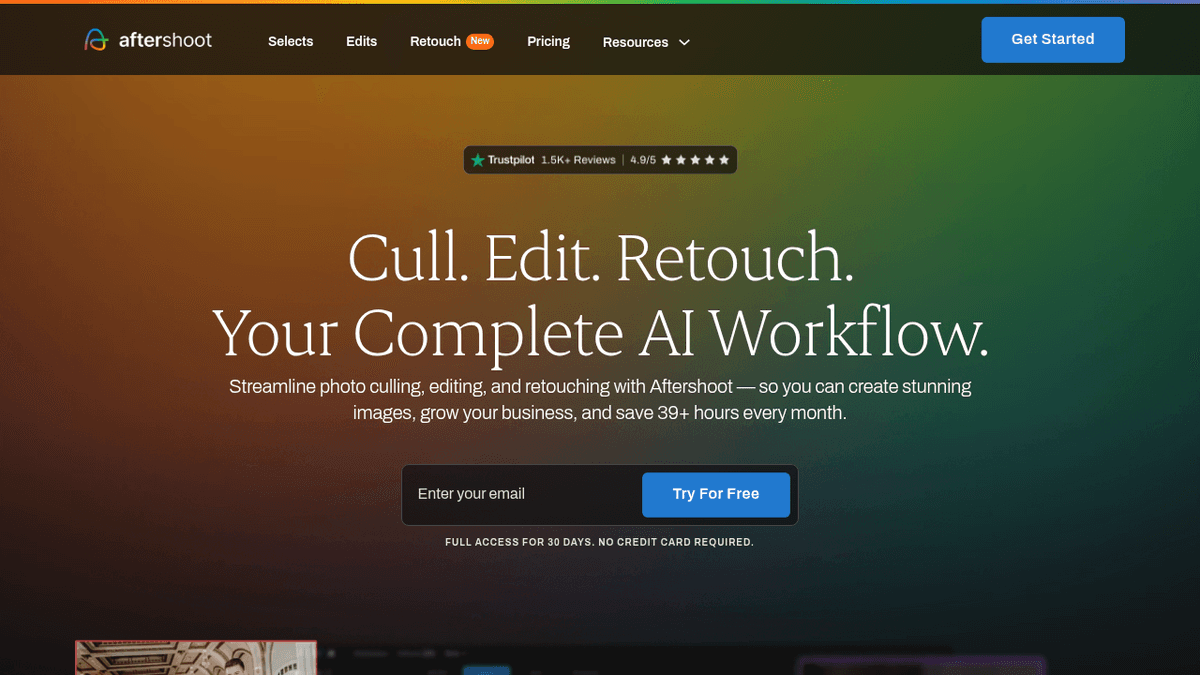
 Live Preview
AfterShoot
Features
- AI-assisted culling — Quickly identifies the best images from each similar set, saving you precious time.
- Duplicate detection — Groups identical or near-identical shots together for easy review, making your workflow smoother.
- Facial recognition — Flags closed eyes, blur, and poor expressions to help you avoid bad shots effortlessly.
- Customizable criteria — Fine-tune culling to fit your specific needs and style, ensuring you get the results you want.
- Automated editing — Applies presets and adjustments that match your editing style, allowing you to maintain your unique touch.
- Works offline — After the initial download, you can work without an internet connection, keeping your workflow uninterrupted.
Use Cases
- Wedding Photographers — Aftershoot helps wedding photographers cull through thousands of ceremony and reception photos quickly, allowing them to focus on capturing the special moments without getting bogged down in post-processing.
- Portrait Photographers — For portrait photographers, Aftershoot eliminates blinks, blur, and bad expressions from session batches, ensuring that only the best images are selected for final editing.
- Real Estate Photographers — Real estate photographers can use Aftershoot to cull similar property photos and apply consistent edits, making their workflow more efficient and professional.
- Product Photographers — Product photographers benefit from Aftershoot's ability to select the best product shots from batches with minimal effort, streamlining their editing process and enhancing productivity.
- Photo Editors — Photo editors can automate basic editing tasks like cropping and color correction with Aftershoot, saving hours and allowing them to focus on more creative aspects of their work.
Related Tools
Tools with similar capabilities you might also like
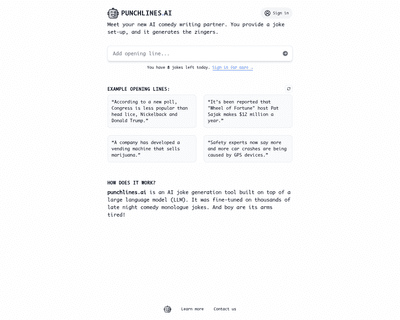
By simply inputting an opening line, users can receive a variety of humorous responses tailored to enhance their comedic writing. This tool is particularly bene

With features like background removal, automatic retouching, and image compression, users can improve their photos with minimal effort. The platform's ability t

By leveraging advanced artificial intelligence and deep convolutional neural networks, the platform effectively reduces noise and serration, making it particula

By utilizing advanced artificial intelligence and deep learning techniques, this tool interprets written prompts and translates them into unique images, effecti

The platform’s features, such as sky replacement and object removal, significantly improve the visual appeal of images, making them more attractive to potential

Unlike many competitors that rely on cloud processing, OptiClean operates entirely on the user's device, meaning that image data remains private and secure. Thi