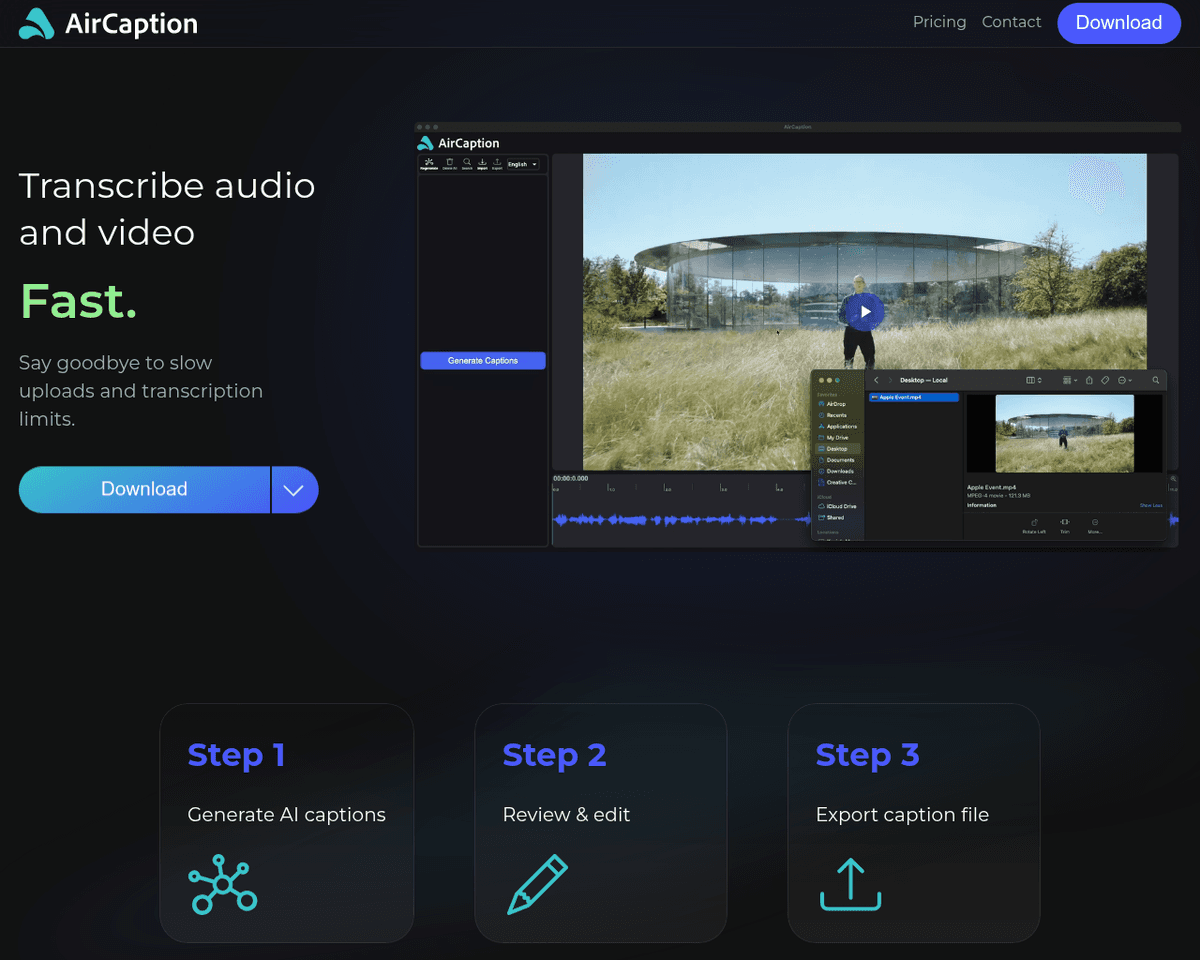
 Live Preview
AirCaption
Features
- Effortless speech-to-text conversion — Transform your media into text in just a few clicks, making captioning a breeze.
- User-friendly interface — Navigate easily with a clean design and hotkeys for quick editing, perfect for everyone.
- Multiple export formats — Export your captions in SRT, VTT, TXT, or directly onto the video, ensuring versatility.
- Seamless offline operation — Work without the hassle of slow uploads or transcription limits, keeping your data secure.
- Multilingual support — Handle captions in various languages, catering to a diverse audience effortlessly.
- Efficient transcription management — Easily manage transcription queues with multiple files, streamlining your workflow.
FAQ
What is AirCaption?
Users can easily input their media, review the automatically generated captions, and make necessary edits before exporting in multiple formats such as SRT, VTT, or TXT. The intuitive interface, enhanced by hotkeys for quick adjustments, allows for efficient management of multilingual captions and tr
How much does AirCaption cost?
Visit the official AirCaption website for the most up-to-date pricing.
What are the key features of AirCaption?
AirCaption includes features such as: [object Object], [object Object], [object Object], [object Object], [object Object].
Related Tools
Tools with similar capabilities you might also like
With a robust suite of AI-driven tools, users can effortlessly generate scripts, create avatars, and receive camera guidance, all while benefiting from features

With features like an AI image generator, background remover, and a robust video editor, users can produce high-quality graphics and videos quickly and efficien
Users can easily input text, URLs from blogs, or even audio files, and the AI quickly analyzes the material to generate relevant video content. This capability

By utilizing advanced speech recognition and natural language processing technologies, it delivers impressive accuracy in generating subtitles across 22 languag

Contents.com leverages generative AI to streamline the content creation process across various formats, including text, audio, video, and animations. By signifi

The AI Image Generator allows for the creation of unique visuals, while the AI Video Editing tool simplifies the enhancement of footage, making it accessible ev