 Live Preview
Architect Render
Features
- Instant professional 3D renders — Generate stunning 3D visuals in just a few simple steps, making your design process seamless.
- Sketch to render transformation — Turn your sketches into photorealistic 3D models effortlessly, bringing your ideas to life.
- Interior and exterior design views — Create detailed and realistic representations of both indoor and outdoor spaces, enhancing your presentations.
- Virtual staging capabilities — Virtually stage empty spaces to showcase potential, helping clients visualize the possibilities.
- User-friendly interface — Enjoy an intuitive design that allows you to navigate and utilize the tool with ease, regardless of your experience level.
- Free trial credits — New users receive 5 free credits to explore and experience the full potential of Architect Render without any commitment.
FAQ
What is Architect Render?
Users can easily convert their sketches into photorealistic images, allowing architects and designers to present their ideas more effectively. The platform also offers the ability to stage empty spaces virtually, which can be particularly beneficial for real estate professionals looking to showcase
How much does Architect Render cost?
Visit the official Architect Render website for the most up-to-date pricing information and available plans.
What are the key features of Architect Render?
Architect Render includes features such as: [object Object], [object Object], [object Object], [object Object], [object Object].
What category does Architect Render fall under?
Architect Render is listed under Design Tools and Real Estate on Hack the Prompt.
Related Tools
Tools with similar capabilities you might also like
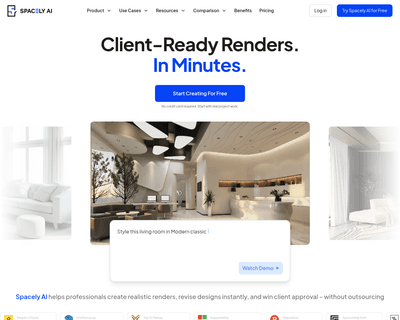
Discover Spacely AI, the innovative interior design platform using advanced AI to create personalized room designs in seconds.
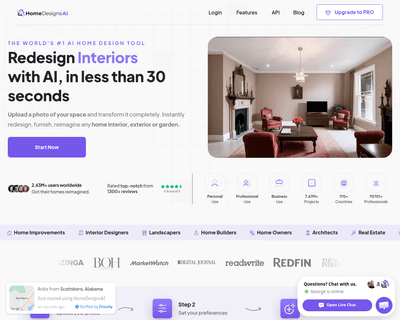
Users can easily upload images of their spaces and specify their preferences, such as room type and design style. Within moments, the platform generates a varie

By allowing individuals to upload images of their rooms, the platform offers a variety of preset styles and modes, enabling users to visualize different design
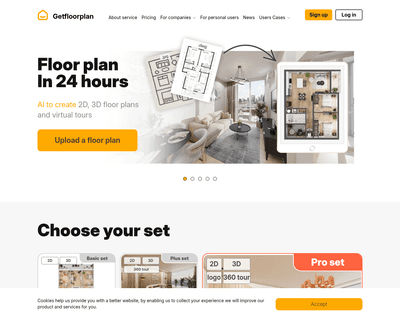
By allowing users to upload basic sketches or CAD files, the platform can generate comprehensive visual materials quickly—often within a single business day. Th

Users start by inputting details about their space, such as dimensions, existing furniture, and personal style preferences. The platform's AI then analyzes this
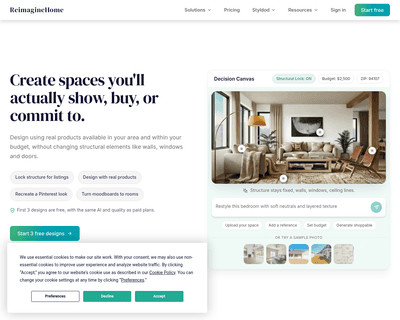
By simply uploading a photo of a room or outdoor area, the platform meticulously analyzes the existing features, such as walls, floors, and furniture. Users can