 Live Preview
AVC AI
Features
- Fully Automatic — Just upload your image and let the AI do all the work for you—no manual adjustments needed.
- Cloud Processing — Enjoy seamless processing without the need for any installations; everything happens in the cloud.
- Deep Learning Algorithms — Benefit from advanced AI technology that leverages deep learning and neural networks for optimal results.
- Targeted Enhancements — The tool analyzes your images and applies specific improvements to enhance quality and clarity.
- Fast Results — Get your enhanced images back in under a minute, making it perfect for those who need quick turnarounds.
- Versatile Enhancements — From upscaling and denoising to background removal and color calibration, the tool covers a wide range of image enhancement needs.
Use Cases
- Enhancing Old Photos — Revitalize your cherished memories by transforming blurry, pixelated, or damaged images into stunning, high-quality photos, perfect for sharing with family and friends.
- Preparing Images for Large Prints — Ensure your images maintain clarity and sharpness when printed on large formats, making them ideal for displays or wall art in your home or office.
- Perfecting Portraits — Make your portraits stand out by automatically enhancing facial features, ensuring every detail is flattering and professional, whether for personal use or client delivery.
- Optimizing Product Photos — Boost your product images by removing backgrounds and enhancing details, making your items pop in marketing materials and online stores.
- Social Media Ready — Elevate your social media presence by enhancing photos for platforms like Instagram and Facebook, ensuring your images are eye-catching and vibrant.
- Marketing and Advertising — Enhance visuals for ads and marketing campaigns, ensuring your images are polished and appealing to attract more customers and engagement.
- Post-Production Enhancement — Use the enhancer as a preprocessing tool before diving into further editing in Photoshop or Lightroom, saving time while improving your workflow.
Related Tools
Tools with similar capabilities you might also like
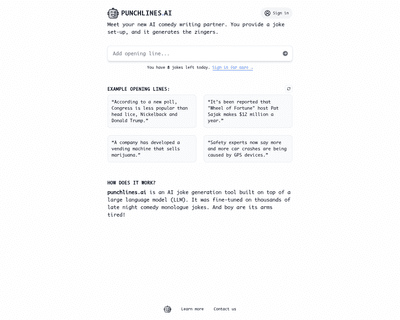
By simply inputting an opening line, users can receive a variety of humorous responses tailored to enhance their comedic writing. This tool is particularly bene

With features like background removal, automatic retouching, and image compression, users can improve their photos with minimal effort. The platform's ability t
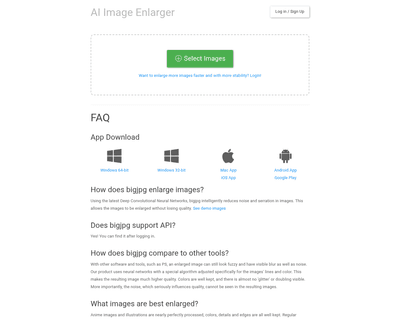
By leveraging advanced artificial intelligence and deep convolutional neural networks, the platform effectively reduces noise and serration, making it particula
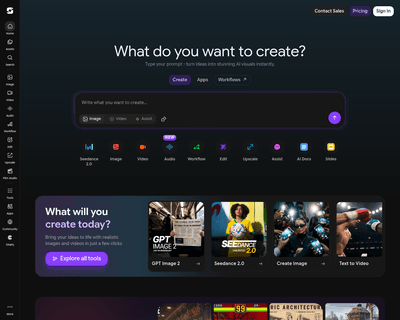
By utilizing advanced artificial intelligence and deep learning techniques, this tool interprets written prompts and translates them into unique images, effecti

The platform’s features, such as sky replacement and object removal, significantly improve the visual appeal of images, making them more attractive to potential

Unlike many competitors that rely on cloud processing, OptiClean operates entirely on the user's device, meaning that image data remains private and secure. Thi