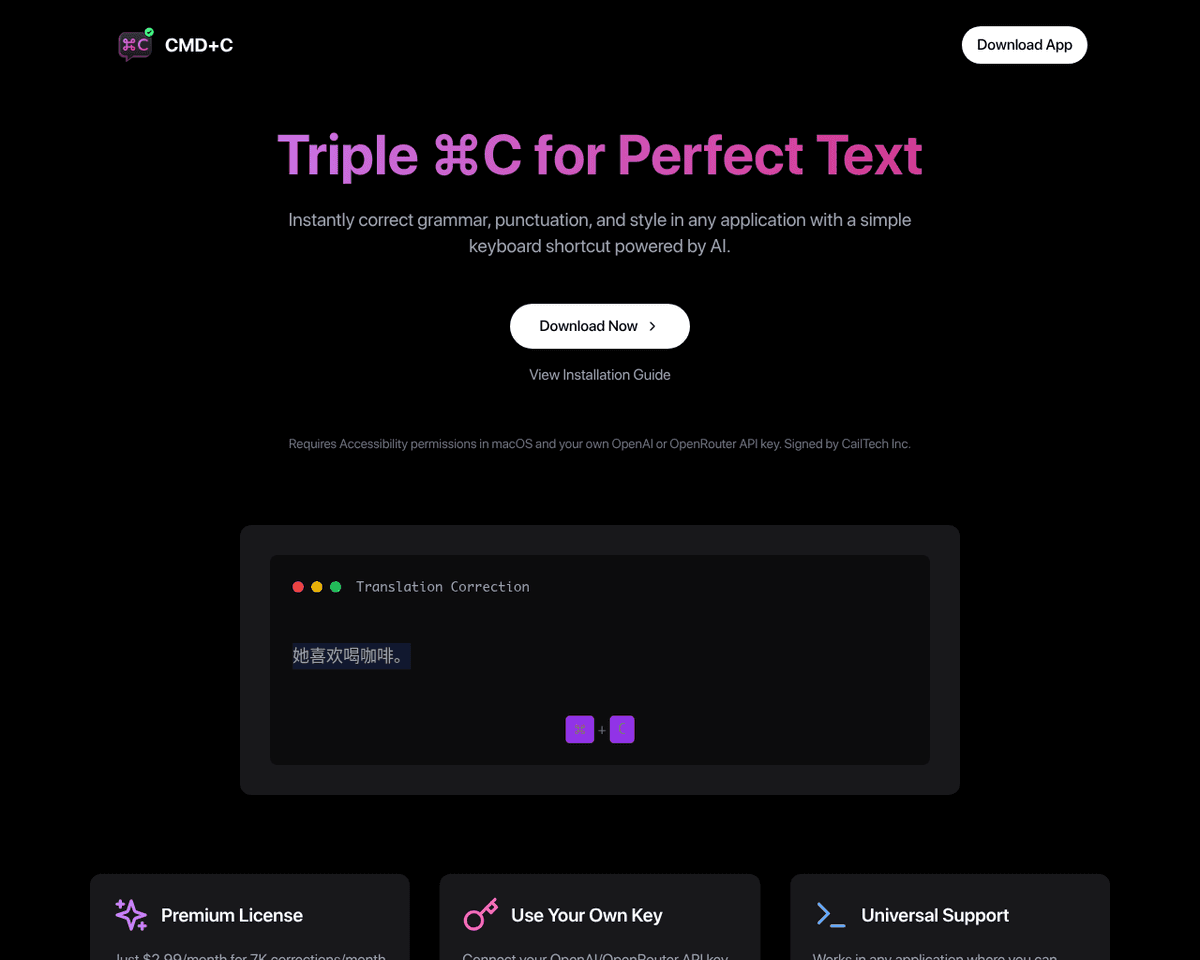
 Live Preview
CMD-C.app
Features
- Intuitive shortcut activation — Easily trigger the tool by pressing CMD-C three times, making it accessible and user-friendly.
- Real-time corrections — Experience immediate feedback on grammar, punctuation, and style as you write, enhancing your editing process.
- Context-aware suggestions — Benefit from AI-driven insights that understand the nuances of language, providing more relevant corrections.
- Seamless integration — Use CMD-C.app across various applications without the hassle of switching or copying text, streamlining your workflow.
- Comprehensive text enhancement — Improve your writing quality with features that go beyond basic spellcheck, ensuring polished and professional content.
- User-friendly interface — Enjoy a clean and straightforward design that makes it easy for anyone to enhance their writing effortlessly.
FAQ
What is CMD-C.app?
By simply pressing CMD-C three times, users can initiate a comprehensive review of their written content without the hassle of switching between different programs. This feature is particularly beneficial for those managing multiple tasks, as it allows for seamless error-checking directly within the
How much does CMD-C.app cost?
Visit the official CMD-C.app website for the most up-to-date pricing.
What are the key features of CMD-C.app?
CMD-C.app includes features such as: [object Object], [object Object], [object Object], [object Object], [object Object].
Related Tools
Tools with similar capabilities you might also like
Its intuitive interface caters to both novice and experienced users, allowing for a seamless writing experience. The integration of AI-powered autocompletions n
Story-boards.ai serves as a pivotal resource for visual storytellers, enabling them to create detailed storyboards that effectively convey their narratives. Thi
By inputting personal details—such as birthdate, place of birth, hobbies, and interests—users can quickly create a meaningful narrative that captures the essenc
Users can engage with more than 200 practice prompts that not only challenge their writing abilities but also provide immediate feedback from the AI. The freete
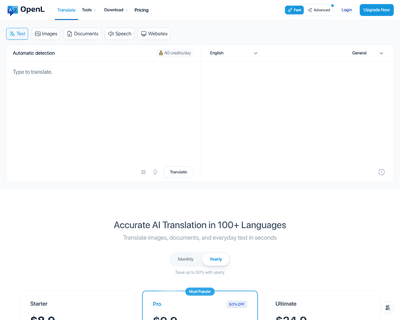
OpenL Translate leverages advanced AI and machine learning technologies to deliver precise translations across a broad spectrum of languages—more than 100, to b
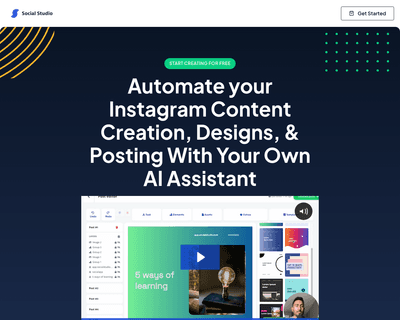
By leveraging artificial intelligence, the platform enables users to generate niche-specific content quickly, allowing for a more focused approach to social med