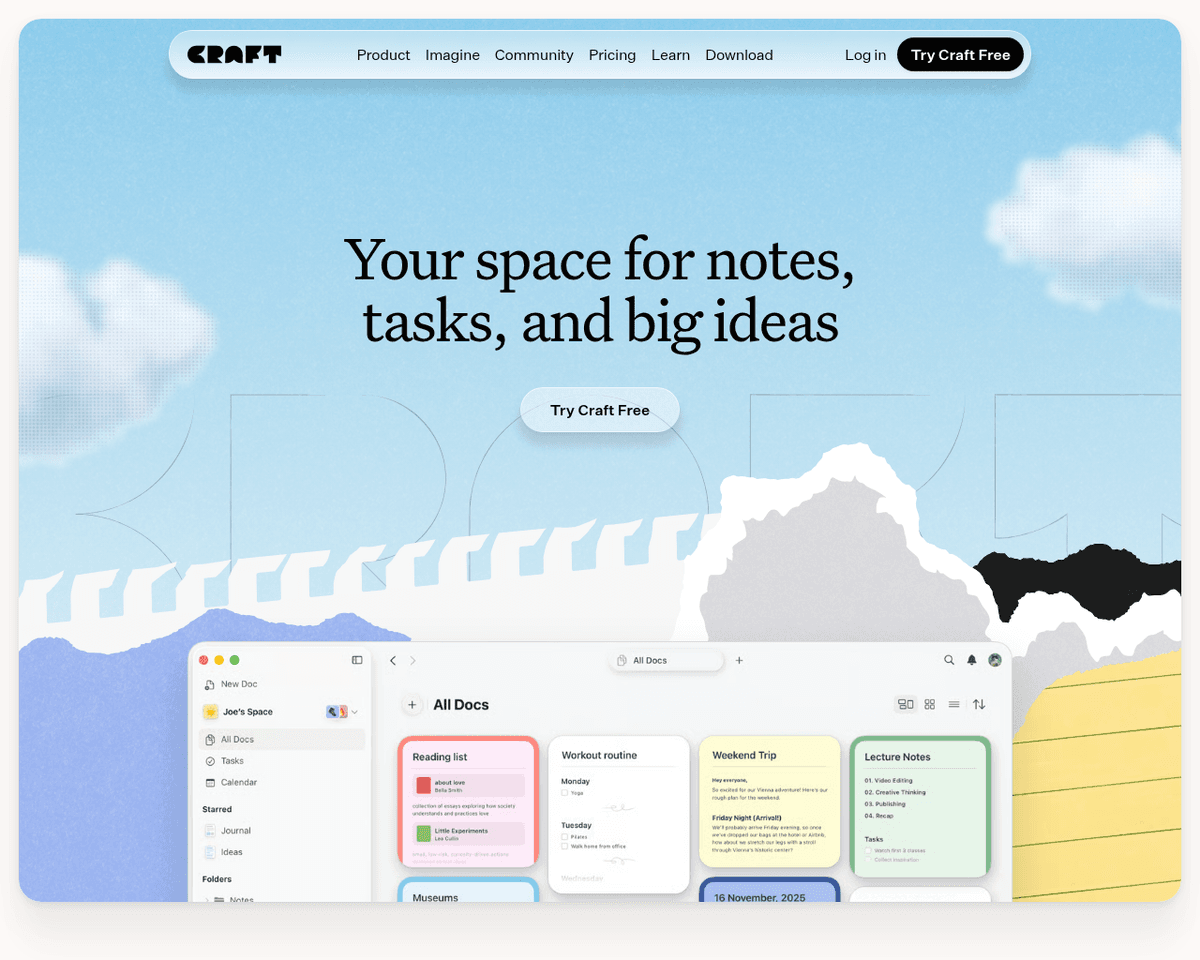
 Live Preview
Craft
Features
- Visual editor — Craft's editor provides a live preview, allowing you to see exactly how your document looks as you write and format.
- Media embedding — Easily embed images, videos, charts, and maps to enhance your documents and engage your audience.
- Powerful formatting — Extensive formatting options, including text styles, color coding, tables, toggles, and Markdown support, make your documents stand out.
- Real-time collaboration — Collaborate seamlessly with team members in real-time, with instant syncing of changes.
- Offline access — Work on your documents even without an internet connection, as Craft stores them locally and syncs changes when back online.
- Version history — Easily track changes to your documents and revert to previous versions if needed, ensuring you never lose important content.
Use Cases
- For Writers — Craft helps writers create ebooks, blog posts, and fiction stories with ease, allowing them to organize research and track feedback seamlessly, making the writing process enjoyable and efficient.
- For Students — Students can use Craft to write visually appealing essays, collaborate on group projects, and create interactive study guides, enhancing their learning experience and productivity.
- For Businesses — Craft empowers businesses to design polished proposals, reports, and manuals, facilitating real-time collaboration that streamlines workflows and enhances communication within teams.
- For Developers — Developers can create technical documentation, draft product specs, and build personal wikis, making it easier to share knowledge and streamline project planning.
- For Creative Projects — Craft is ideal for creatives looking to storyboard videos, outline podcast episodes, and plan events, providing the tools to bring their imaginative ideas to life with organization and clarity.
- For Personal Use — Individuals can leverage Craft for journaling, brainstorming, and organizing personal information, making it a versatile tool for everyday life and creative pursuits.
Related Tools
Tools with similar capabilities you might also like
This web-based service is particularly beneficial for online education, remote work, and home entertainment, providing a seamless experience for users looking t
Rather than merely providing answers, it crafts a structured growth plan tailored to individual profiles, complete with regular follow-ups. This approach ensure
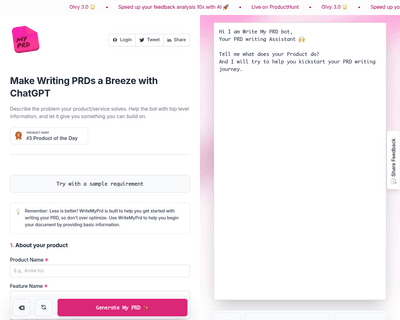
By allowing users to provide essential details about their product—such as its name, description, target audience, and key features—the platform generates an in
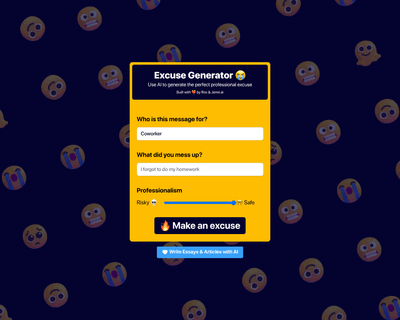
Users simply input the name of the person for whom the excuse is needed and specify the reason, allowing the AI to generate a contextually relevant response. Th
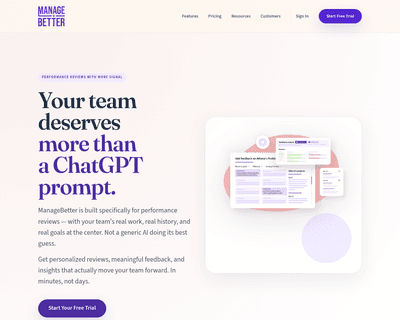

The platform offers a suite of features designed to streamline management tasks, including a feedback library, performance review generator, and project achieve
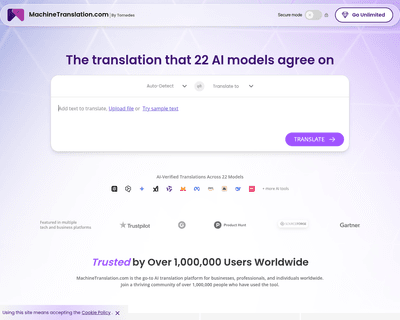
Unlike many competitors that provide basic translations, this tool employs AI to generate tailored questions that help clarify the nuances of the text. This app