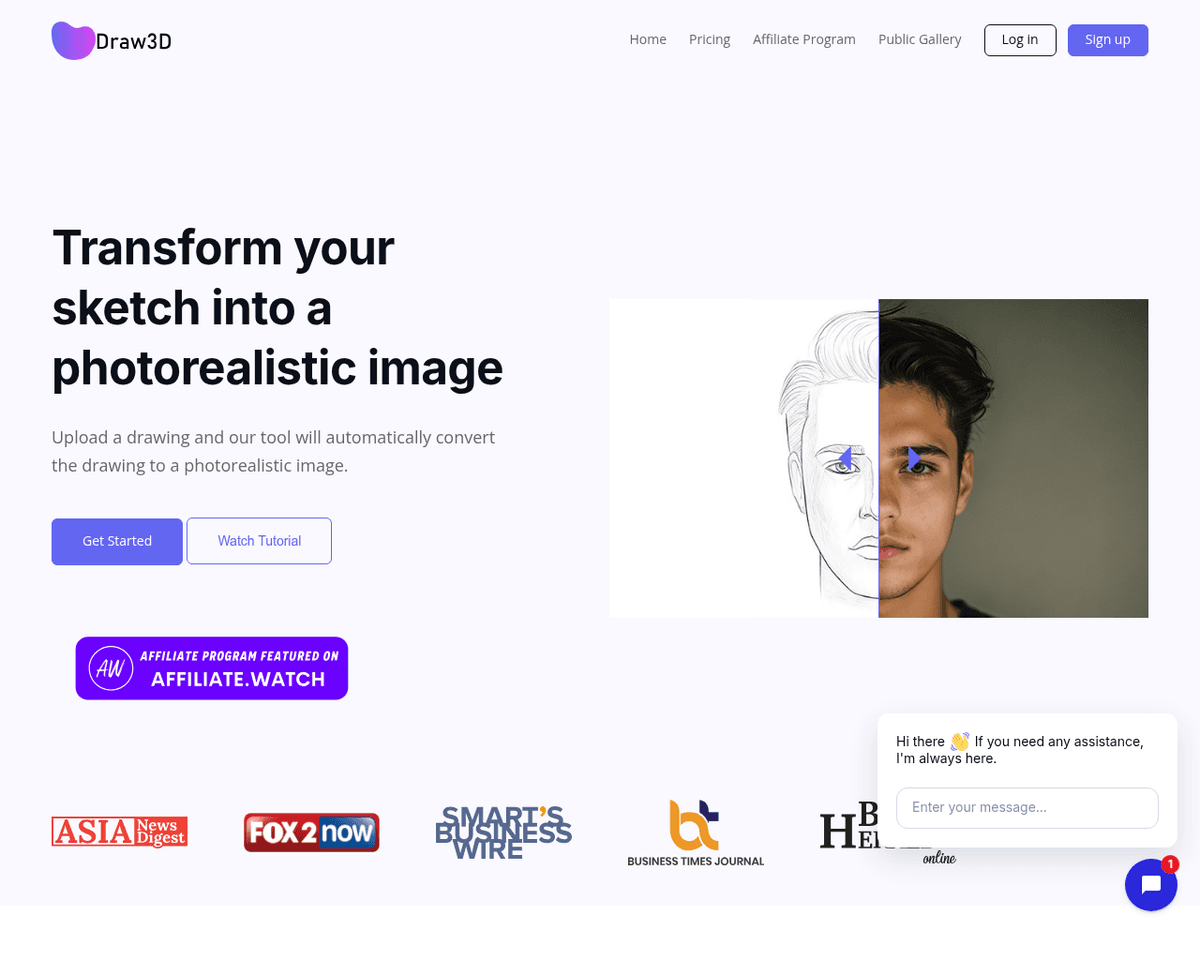
 Live Preview
Draw3D
Features
- Transform Hand-Drawn Sketches — Draw3D effortlessly converts your sketches into stunningly realistic images using advanced AI technology.
- Versatile Sketch Compatibility — Whether it's landscapes, animals, or objects, Draw3D works with any detailed sketch you create.
- Upscaling Capability — You can upscale your generated images up to 4x without losing any quality, ensuring every detail shines.
- Built-in Image Editor — Enjoy a convenient image editor that allows you to filter and resize your creations with ease.
- Seamless Integration — Draw3D integrates smoothly with popular creative tools like Photoshop and Illustrator, enhancing your workflow.
- Accessible Support — With email support available, you can get assistance whenever you need it, making your experience even better.
Use Cases
- Artists and Designers — Draw3D empowers artists and designers to effortlessly create realistic versions of their sketches and concepts, enhancing their creative process and bringing their visions to life.
- Creators and Entrepreneurs — With Draw3D, creators and entrepreneurs can easily make prototypes and product concepts come to life, helping them visualize their ideas and communicate them effectively.
- Engineers and Architects — Engineers and architects can visualize their designs through quick sketching, using Draw3D to transform rough ideas into detailed, photorealistic images.
- Game Developers — Game developers benefit from Draw3D by designing realistic assets and environments, streamlining the asset creation process for their games.
- Students and Hobbyists — Students and hobbyists can bring their imagination into reality and learn digital art, making Draw3D a perfect tool for exploring creativity and developing skills.
Related Tools
Tools with similar capabilities you might also like
With 12 billion parameters, this rectified flow transformer excels at producing high-quality images from textual prompts, making it a valuable tool for both art
Users can generate high-quality images from text prompts or sketches, apply various editing effects, and even transfer styles between images. The platform's use
This platform enables individuals to generate stunning images quickly, making it an appealing option for artists, designers, and anyone looking to explore visua
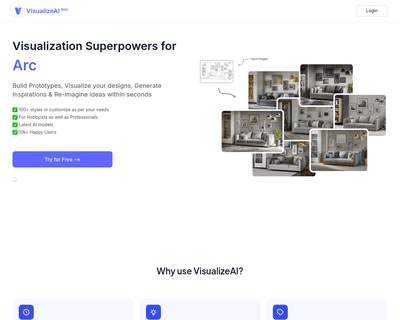
Users can easily upload sketches and configure their desired styles, leading to rapid generation of high-quality visuals. This efficiency is particularly benefi
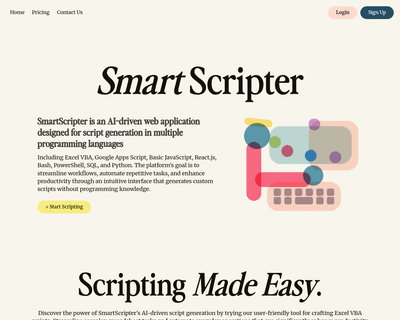
Users simply input their requirements, and the AI delivers tailored code along with clear, step-by-step guidance for implementation. This capability not only st
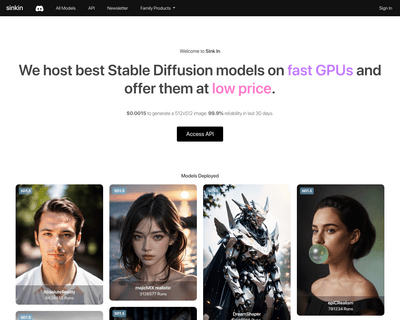
With a focus on Stable Diffusion models, it allows users to create and customize generative models tailored to their unique visions. The affordability of genera