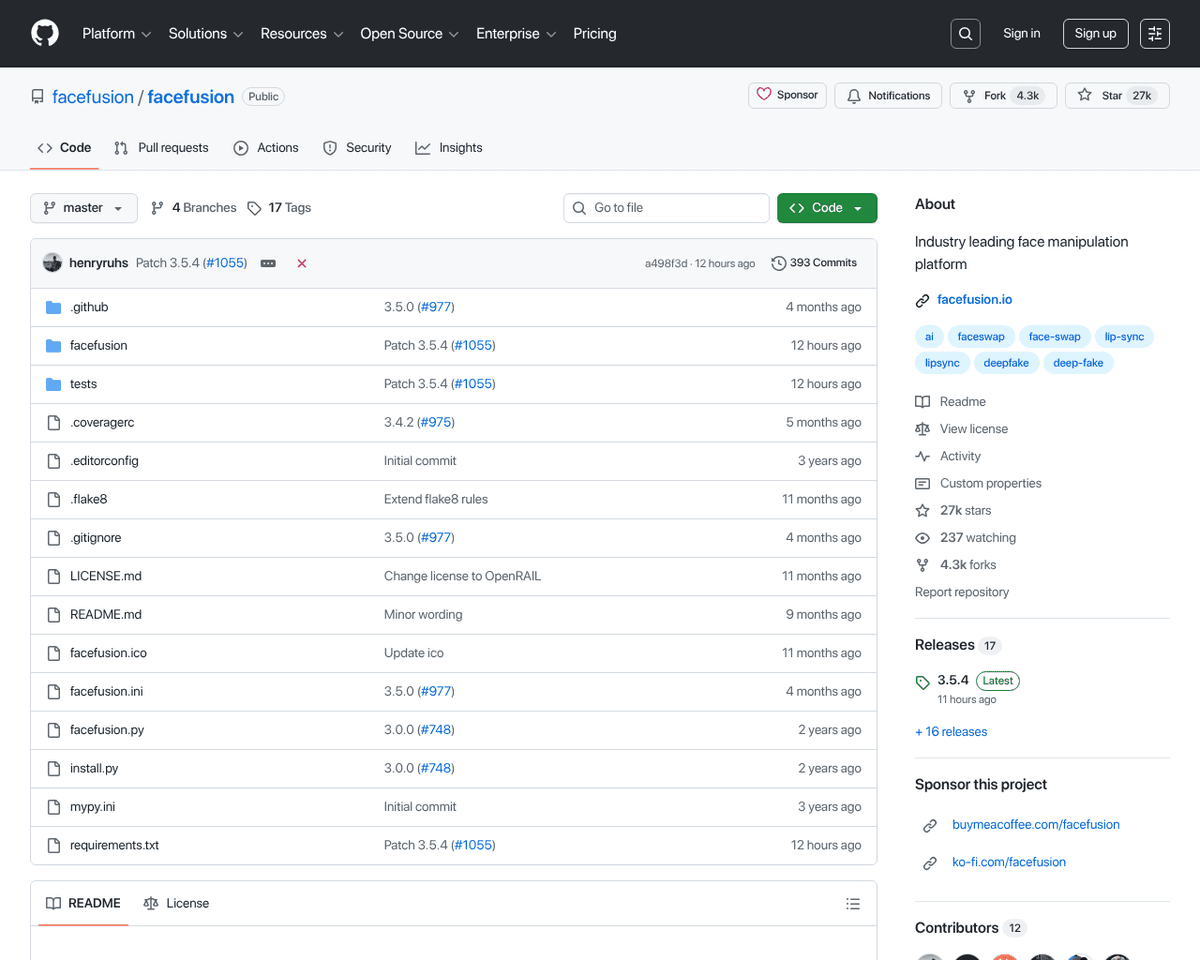
 Live Preview
FaceFusion
Features
- Standalone Installer — A one-click installer for Windows simplifies the setup process, allowing you to get started quickly.
- Frame Enhancers — Features advanced frame enhancers like `clear_reality_x4` and `ultra_sharp_x4` to elevate your video quality.
- Configurable Ini Files — Customize your experience by loading different ini files via the `--config` argument.
- Browser and Device Support — Easily open your browser once the program is ready and select your processing device with `--execution-device-id`.
- Multiple Face Detectors — Run multiple face detectors simultaneously for enhanced accuracy in face swapping.
- ONNX Powered Enhancers — Enjoy better performance with ONNX powered frame enhancers, ensuring your projects run smoothly.
FAQ
What is FaceFusion?
The one-click installer for Windows simplifies the setup process, allowing users to dive right into face swapping and enhancing without technical hurdles. With frame enhancers like `clear_reality_x4` and `ultra_sharp_x4`, users can significantly elevate video quality, while the ability to load confi
How much does FaceFusion cost?
Visit the official FaceFusion website for the most up-to-date pricing information and available plans.
What are the key features of FaceFusion?
FaceFusion includes features such as: [object Object], [object Object], [object Object], [object Object], [object Object].
What category does FaceFusion fall under?
FaceFusion is listed under Photo Editing & Enhancement and Development Tools on Hack the Prompt. It competes with other tools in this space.
Related Tools
Tools with similar capabilities you might also like

Users can easily enhance portraits, upscale images while maintaining quality, and even colorize black and white photos. The platform's intuitive interface allow

The centerpiece of the site is Radiant Photo, a photo editing software that provides intelligent presets designed to improve color and quality effortlessly. Use
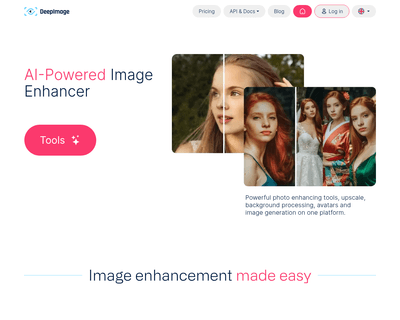
With capabilities such as upscaling, noise reduction, and background removal, the platform simplifies the process of improving image quality. Its advanced neura

With a straightforward integration process that requires minimal coding—just two lines—developers can quickly enhance text input fields across various platforms

Its user-friendly interface allows for easy file uploads, whether through drag-and-drop or a simple click. Once a file is uploaded, it enters a processing queue
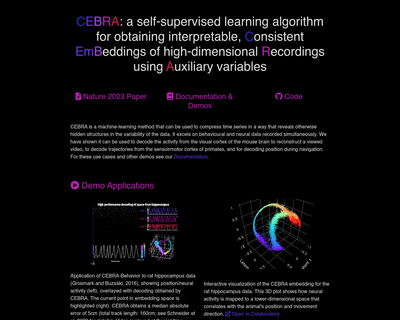
Its ability to analyze both behavioral and neural data simultaneously sets it apart, particularly in neuroscience applications. For instance, CEBRA can decode n