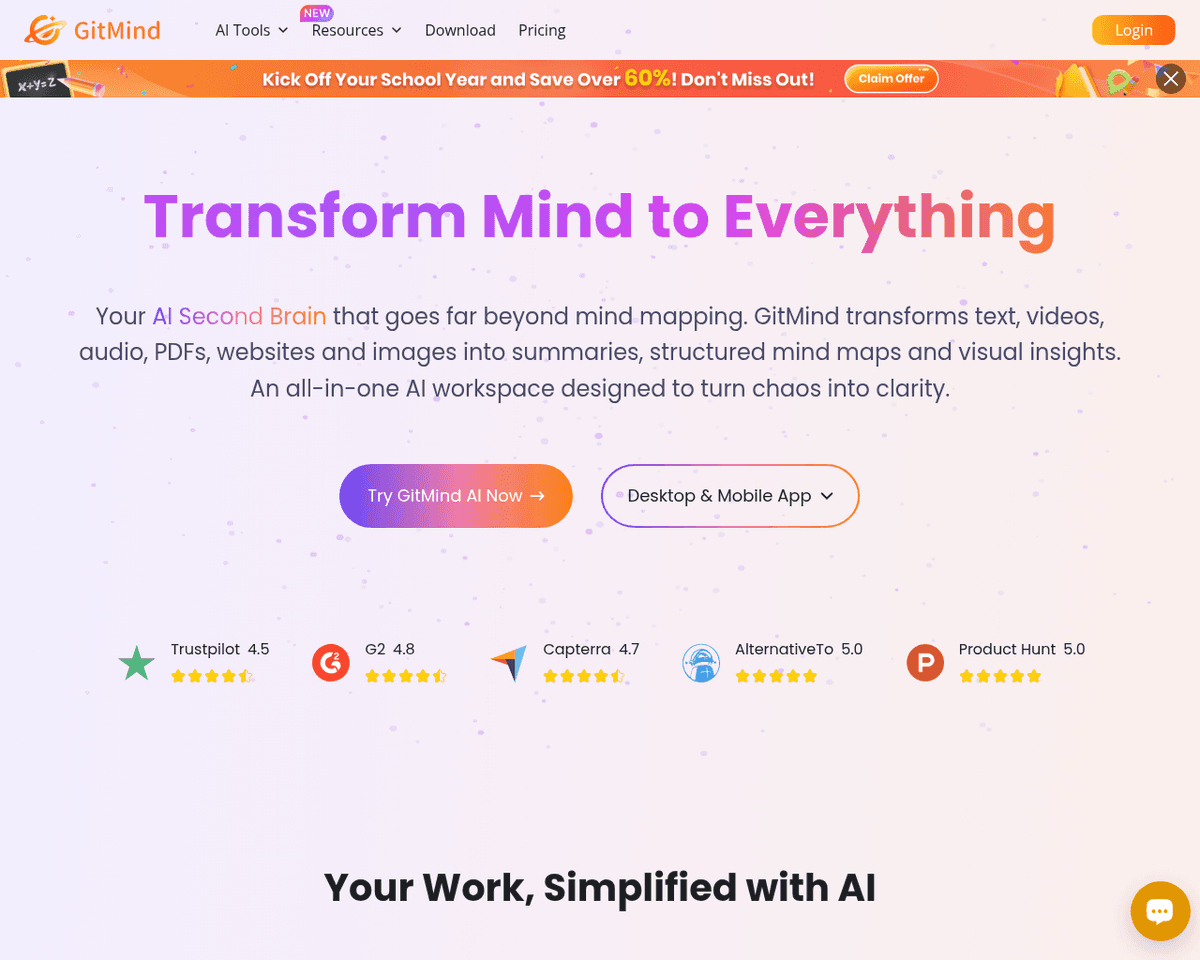
 Live Preview
GitMind AI
Features
- Real-time Online Collaboration — Work together seamlessly with colleagues or friends to create mind maps simultaneously, enhancing teamwork and creativity.
- Versatile Mind Map Applications — Utilize mind maps for various purposes, including project planning, note-taking, and flowchart design, making it a multifunctional tool.
- Access Across Devices — Enjoy the flexibility of accessing your mind maps from both personal computers and mobile devices, ensuring convenience wherever you are.
- Multiple Format Export — Easily export your mind maps in formats like PDF, PNG, TXT, and SVG, allowing for versatile sharing and presentation options.
- Customization Options — Personalize your mind maps with a variety of templates and themes, enhancing their visual appeal and clarity to suit your preferences.
- AI-driven Enhancements — Leverage innovative AI features such as text-to-image conversion and chatGPT integration, boosting creativity and productivity in your ideation process.
FAQ
What is GitMind AI?
With real-time collaboration features, users can work together seamlessly, making it ideal for project planning, note-taking, and diagram creation. The platform supports a variety of applications, from flowcharts to UML diagrams, catering to diverse needs. Accessibility is a key advantage, as users
How much does GitMind AI cost?
Visit the official GitMind AI website for the most up-to-date pricing.
What are the key features of GitMind AI?
GitMind AI includes features such as: [object Object], [object Object], [object Object], [object Object], [object Object].
Related Tools
Tools with similar capabilities you might also like
This web-based service is particularly beneficial for online education, remote work, and home entertainment, providing a seamless experience for users looking t
Rather than merely providing answers, it crafts a structured growth plan tailored to individual profiles, complete with regular follow-ups. This approach ensure
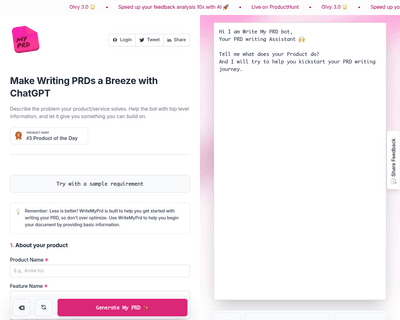
By allowing users to provide essential details about their product—such as its name, description, target audience, and key features—the platform generates an in
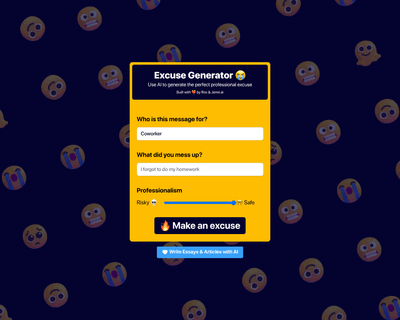
Users simply input the name of the person for whom the excuse is needed and specify the reason, allowing the AI to generate a contextually relevant response. Th
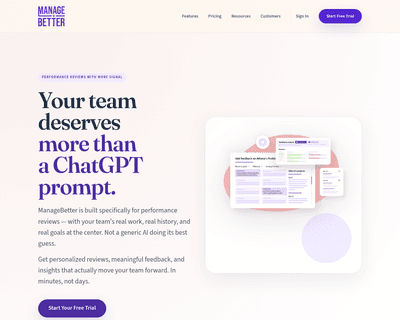

The platform offers a suite of features designed to streamline management tasks, including a feedback library, performance review generator, and project achieve
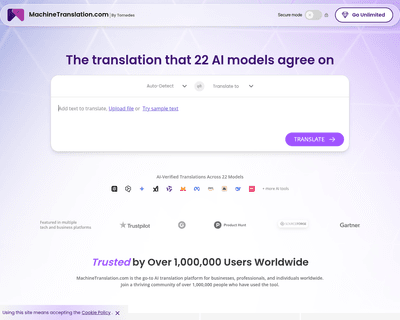
Unlike many competitors that provide basic translations, this tool employs AI to generate tailored questions that help clarify the nuances of the text. This app