 Live Preview
Glyf
Features
- User-Friendly Interface — Glyf is designed with a focus on user experience, making it easy for anyone to dive into 3D design without feeling overwhelmed.
- AI-Powered Creativity — The app uses advanced AI technology to transform simple designs into professional-quality artwork, allowing users to create stunning pieces from just a few words.
- Real-Time Rendering — With Glyf, you can see your creations come to life instantly, thanks to high-quality rendering that provides immediate feedback during the design process.
- Intuitive Design Tools — The app offers comprehensive tools to manipulate shapes, colors, and contours effortlessly, empowering users to craft unique 3D designs.
- Cross-Platform Availability — Glyf is accessible on both iOS and Android devices, ensuring that everyone can join in on the creative journey, regardless of their preferred platform.
- High-Quality Outputs — Glyf is committed to excellence, producing visually stunning 3D artwork that can impress both art enthusiasts and potential clients alike.
Use Cases
- Hobbyists and Enthusiasts — Glyf provides a fun and powerful platform for hobbyists to unleash their creativity, allowing them to create stunning 3D art during their leisure time without the need for extensive training.
- Professional Designers — For design professionals, Glyf serves as a mobile solution to quickly mock-up 3D concepts on the go, enhancing productivity and streamlining the design process.
- Educators and Students — Teachers can integrate Glyf into their curriculum, providing students with an engaging way to learn the fundamentals of 3D design, making education more interactive and accessible.
- Aspiring Artists — Glyf is the perfect starting point for aspiring artists, offering an intuitive interface that helps them develop their skills in digital art without feeling overwhelmed.
- Creative Professionals — Creative professionals can leverage Glyf to expand their portfolios and explore new artistic avenues, making it an invaluable tool in their creative toolkit.
Related Tools
Tools with similar capabilities you might also like
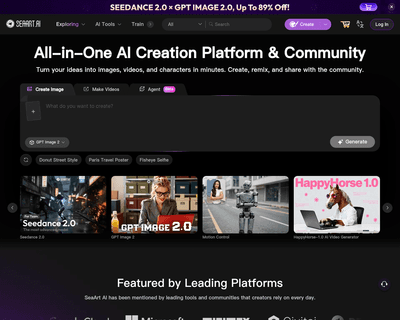
With a library of more than 12,000 models, SeaArt AI caters to a wide range of artistic preferences, allowing users to explore various styles and techniques. Th
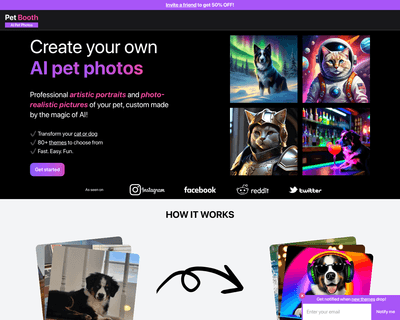
With the ability to create images in various themes, users can easily personalize their pet's representation. Whether you want to frame a portrait for your livi
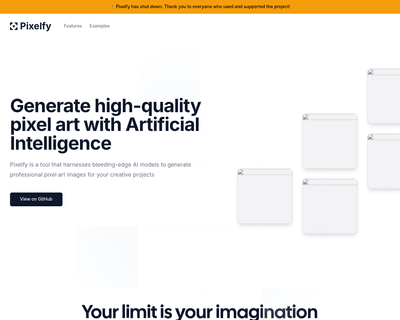
By simply entering a text prompt, users can produce a variety of pixel art images, from characters to intricate backgrounds. The tool’s flexibility allows for c
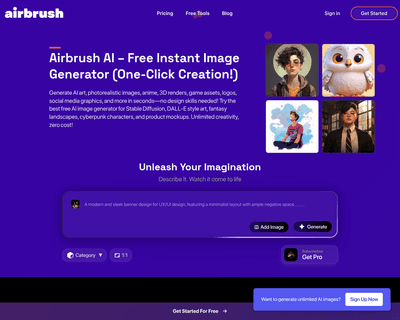
Users can create a variety of visual content, from stock photos to unique art pieces, simply by providing a brief description. The platform's efficiency is nota
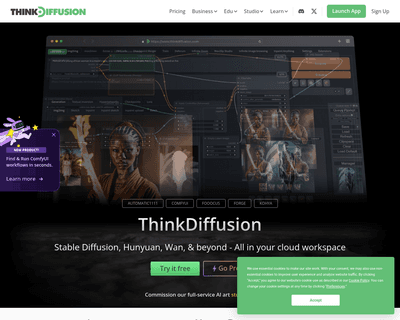
Accessible through any device with a browser, the platform eliminates the need for high-end hardware, making it easier for users to dive into their projects. Th
By allowing users to input various design materials—ranging from sketches to 3D models—the platform employs sophisticated algorithms to analyze these inputs. Th