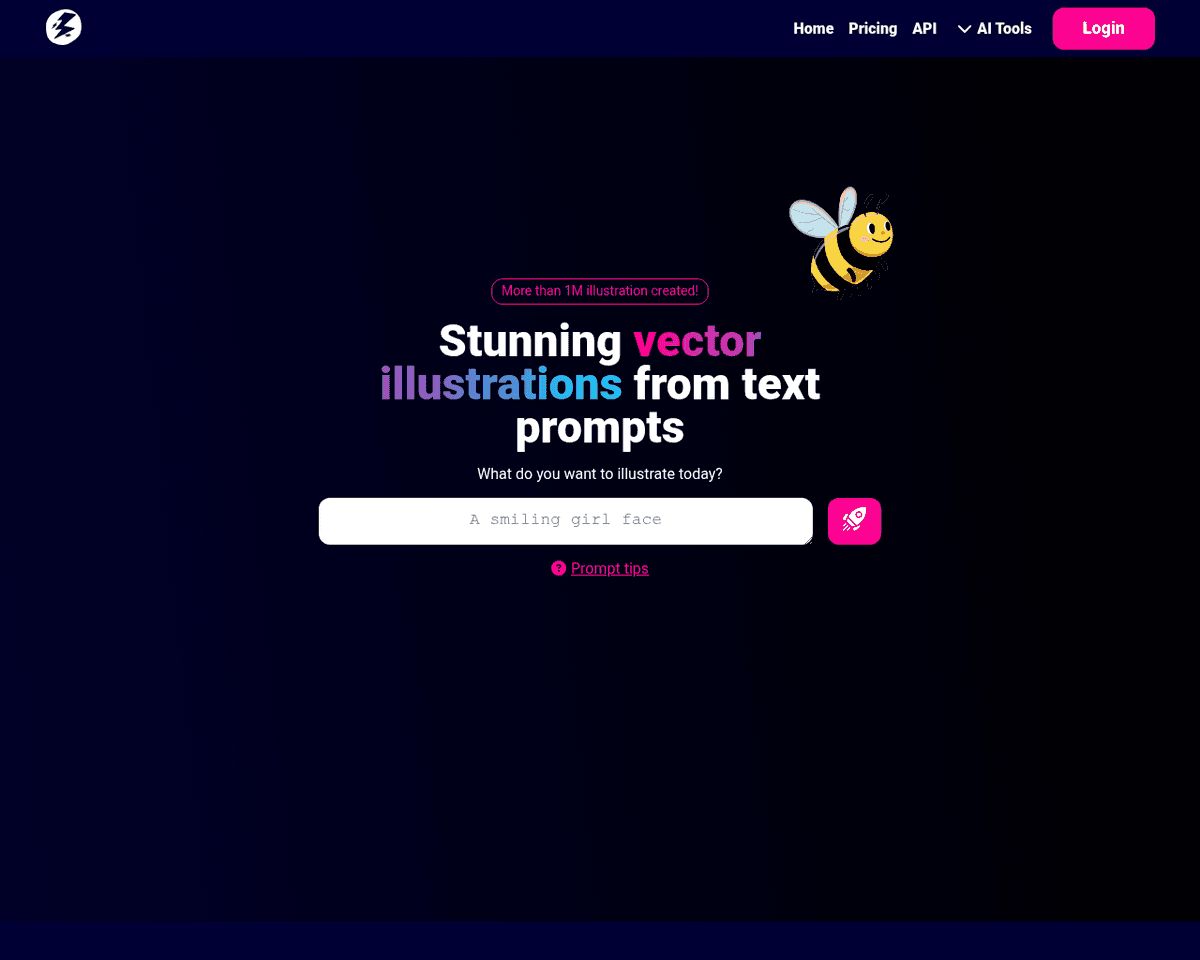
 Live Preview
Illustroke
Features
- User-Friendly Interface — Illustroke is designed to be intuitive, allowing users of all skill levels to create stunning vector illustrations with ease.
- Text-to-Vector Conversion — Transform your text prompts into beautiful SVG illustrations quickly and effortlessly.
- Diverse Style Selection — Choose from over 40 unique styles to perfectly match your creative vision.
- High-Quality Vector Format — Enjoy the advantage of scalable vector graphics that maintain quality at any size, perfect for various projects.
- Customization Options — Personalize your illustrations with an easy-to-use vector editor, allowing you to adjust colors, shapes, and more.
- API Access for Developers — Integrate Illustroke's powerful capabilities into your applications with well-documented API support.
Use Cases
- Website Design — Illustroke empowers designers to create unique visuals that enhance website aesthetics, captivating visitors and improving user engagement.
- Marketing Materials — Marketers can develop eye-catching graphics for social media and email campaigns, ensuring their content stands out in a crowded marketplace.
- Logo and Icon Creation — With Illustroke, brands can craft memorable logos and icons that are scalable and versatile, leaving a lasting impression on their audience.
- Content Creation — Content creators can generate stunning visuals that complement their narratives, enhancing storytelling and audience connection.
- Designers — Illustroke streamlines the illustration process for designers, allowing them to focus on creativity without compromising quality.
Related Tools
Tools with similar capabilities you might also like
With 15 options available, individuals can experiment freely without the commitment of an actual haircut. This feature not only serves as a practical tool for d
By simply entering a text prompt or uploading an image, users can generate a logo that aligns with their vision. Once the initial design is produced, the platfo
By analyzing a vast array of fonts, icons, colors, and design elements, it offers a diverse range of creative options that can be easily refined using its intui
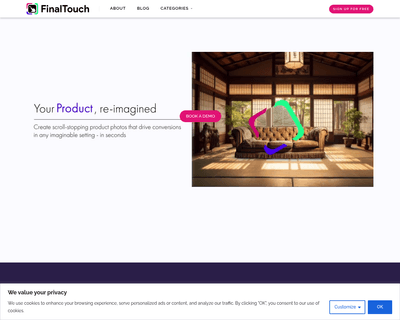
By simply uploading a product photo, users can generate a variety of unique scenes in seconds, all powered by advanced generative AI. This ease of use allows ma
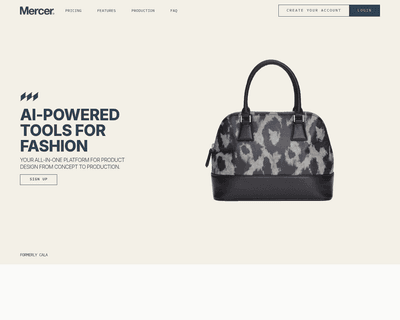
Users can tap into AI-driven design capabilities, such as generating apparel concepts through DALL·E 2, which interprets text descriptions or reference images.
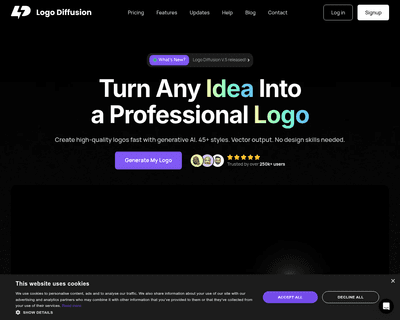
This platform harnesses the capabilities of artificial intelligence to create unique designs tailored to user specifications. With features such as vector expor