 Live Preview
Kapture CX
Features
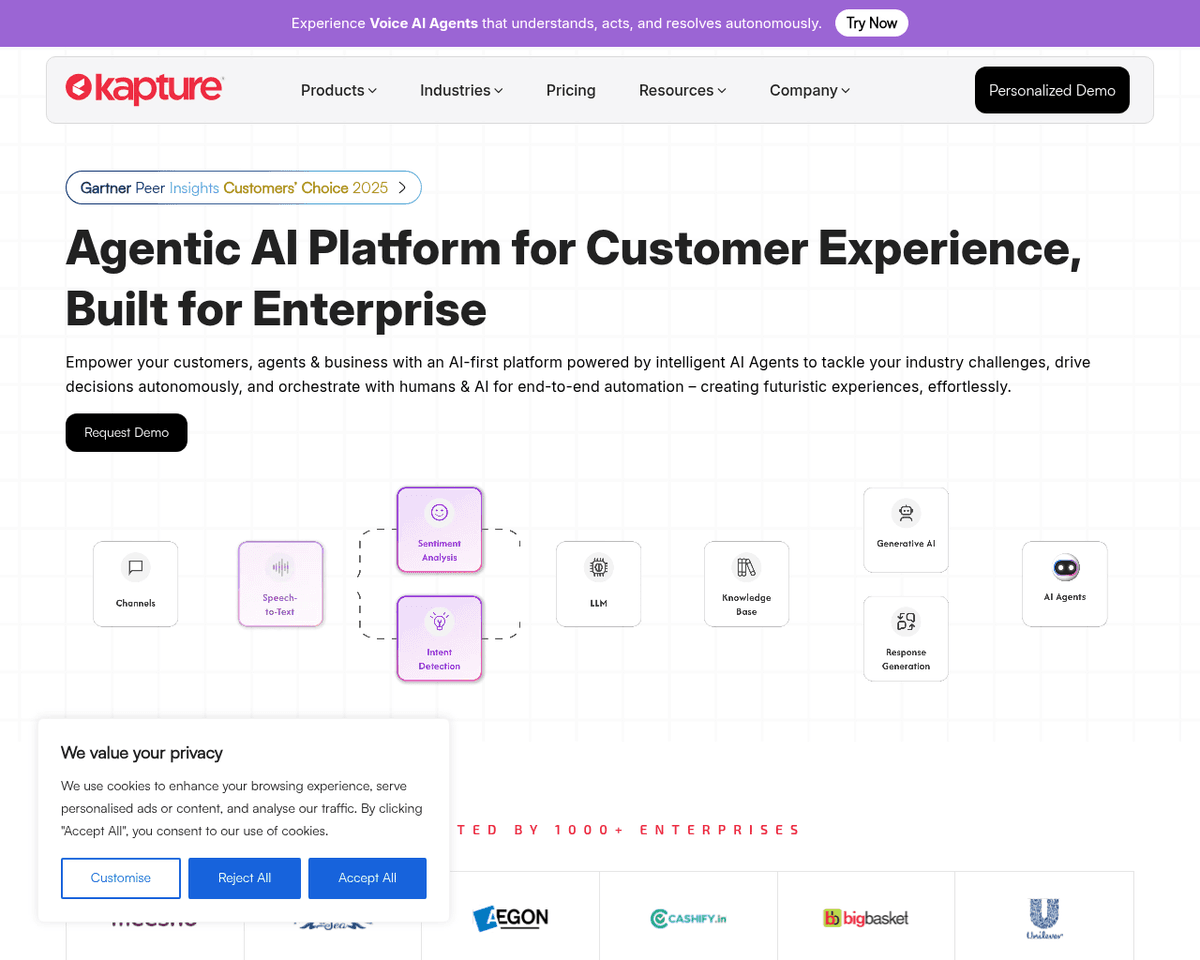
- Omnichannel Ticketing — Manage all customer queries from various channels like email, social media, phone, and live chat in one unified platform.
- Auto-Assign Tickets & SLA Management — Automatically route tickets to the right agents and set service level agreements to ensure timely responses.
- Knowledge Management System — Access an extensive repository of information to provide accurate solutions quickly, enhancing agent efficiency.
- Self-Service Portal — Empower customers to find answers and track their requests independently, reducing the workload on your support team.
- Customer 360 View — Gain a holistic view of customer interactions, enabling personalized support that meets individual needs.
- AI-Powered ChatBot — Utilize AI chatbots to handle routine inquiries, allowing your agents to focus on more complex customer issues.
FAQ
What is Kapture CX?
By integrating features such as omnichannel ticketing, automated ticket assignments, and a comprehensive knowledge management system, Kapture CX streamlines the customer support process. This ensures that agents can focus on more complex issues while routine inquiries are handled by AI-powered chatb
How much does Kapture CX cost?
Visit the official Kapture CX website for the most up-to-date pricing.
What are the key features of Kapture CX?
Kapture CX includes features such as: [object Object], [object Object], [object Object], [object Object], [object Object].
Related Tools
Tools with similar capabilities you might also like
By linking triggers and actions, it allows users to set up automated workflows, known as Zaps, that can significantly reduce the time spent on repetitive activi
The real-time transcription capability allows users to focus on discussions without the distraction of note-taking, while automated summaries ensure that key po
With integrations like OpenAI models and Google Cloud Text-to-Speech, users can streamline tasks such as summarizing emails or converting text into audio files.
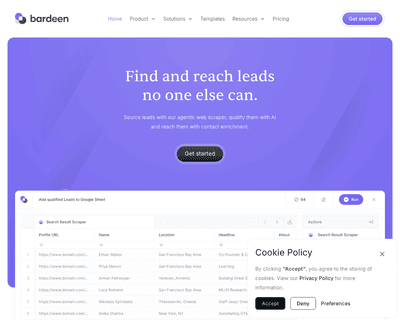
Its AI Builder allows users to create workflows through simple language prompts, eliminating the need for technical expertise. This feature, combined with web s
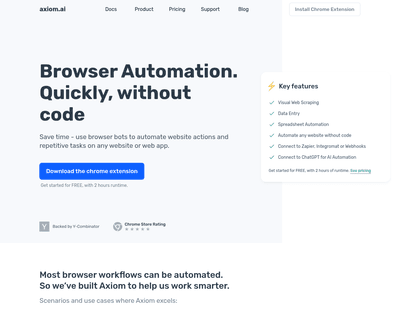
Axiom.ai enables users to record their actions within a web browser, making it accessible for individuals and businesses alike. With features like custom bot cr
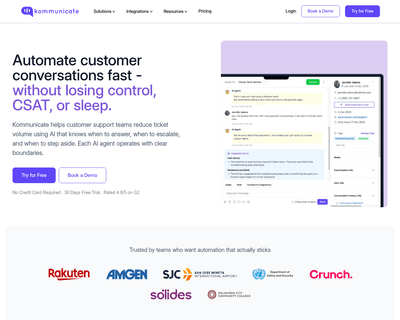
By simply uploading a PDF, companies can create a chatbot that efficiently extracts and delivers relevant information, allowing customers to receive immediate a