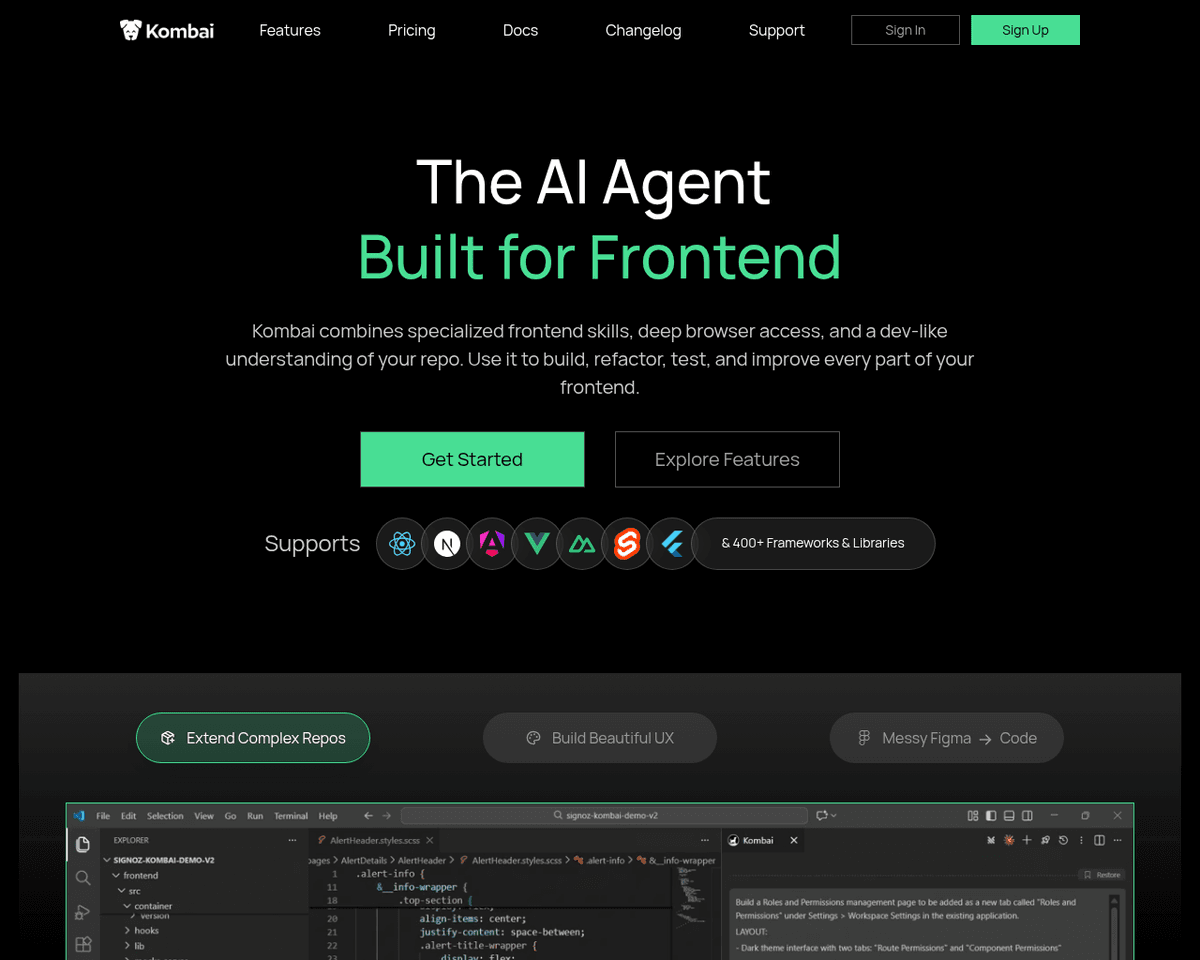
 Live Preview
Kombai
Features
- Seamless Design to Code Conversion — Effortlessly transform Figma designs into high-quality HTML, CSS, or React code.
- No Manual Tagging Required — Kombai intelligently interprets designs without the hassle of manual tagging or grouping.
- Human-like Naming Conventions — Enjoy readable and logical naming for classes and components in the generated code.
- Support for Various Form Elements — Easily generate code for buttons, inputs, selects, checkboxes, and switches.
- Responsive Flex CSS — Create responsive designs with flex properties, avoiding hardcoded dimensions.
- High-Quality JavaScript Code — Generate JavaScript code that includes loops, conditions, and mock data for easy modifications.
FAQ
What is Kombai?
By utilizing advanced artificial intelligence, it eliminates the need for manual tagging and grouping of design elements, allowing developers to focus on more intricate aspects of their projects. The tool generates clean HTML, CSS, and React code with human-like naming conventions, enhancing readabi
How much does Kombai cost?
Visit the official Kombai website for the most up-to-date pricing.
What are the key features of Kombai?
Kombai includes features such as: [object Object], [object Object], [object Object], [object Object], [object Object].
Related Tools
Tools with similar capabilities you might also like

Its AI-driven capabilities allow users to generate a fully functional website in just 30 seconds, eliminating the steep learning curve often associated with web
By simply entering keywords or uploading images, users can tap into the app's advanced AI capabilities, which analyze the semantic meanings and visual elements
By generating tailored color palettes based on specific design contexts, it helps ensure that the colors not only look good together but also fit well within th

Users can generate websites quickly with AI-generated layouts, designs, and content, making it particularly appealing for those who may lack extensive coding sk
Users can easily specify their preferences by selecting from a wide range of objects, colors, styles, shapes, and quantities, resulting in unique icons generate
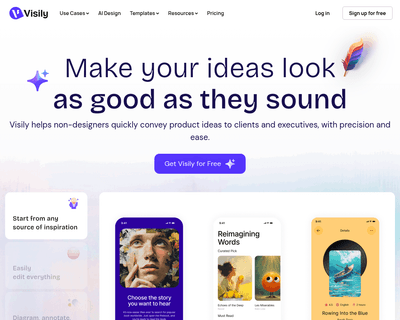
The platform enables individuals to create visually appealing wireframes and prototypes by utilizing various starting points, such as hand-drawn sketches and ap