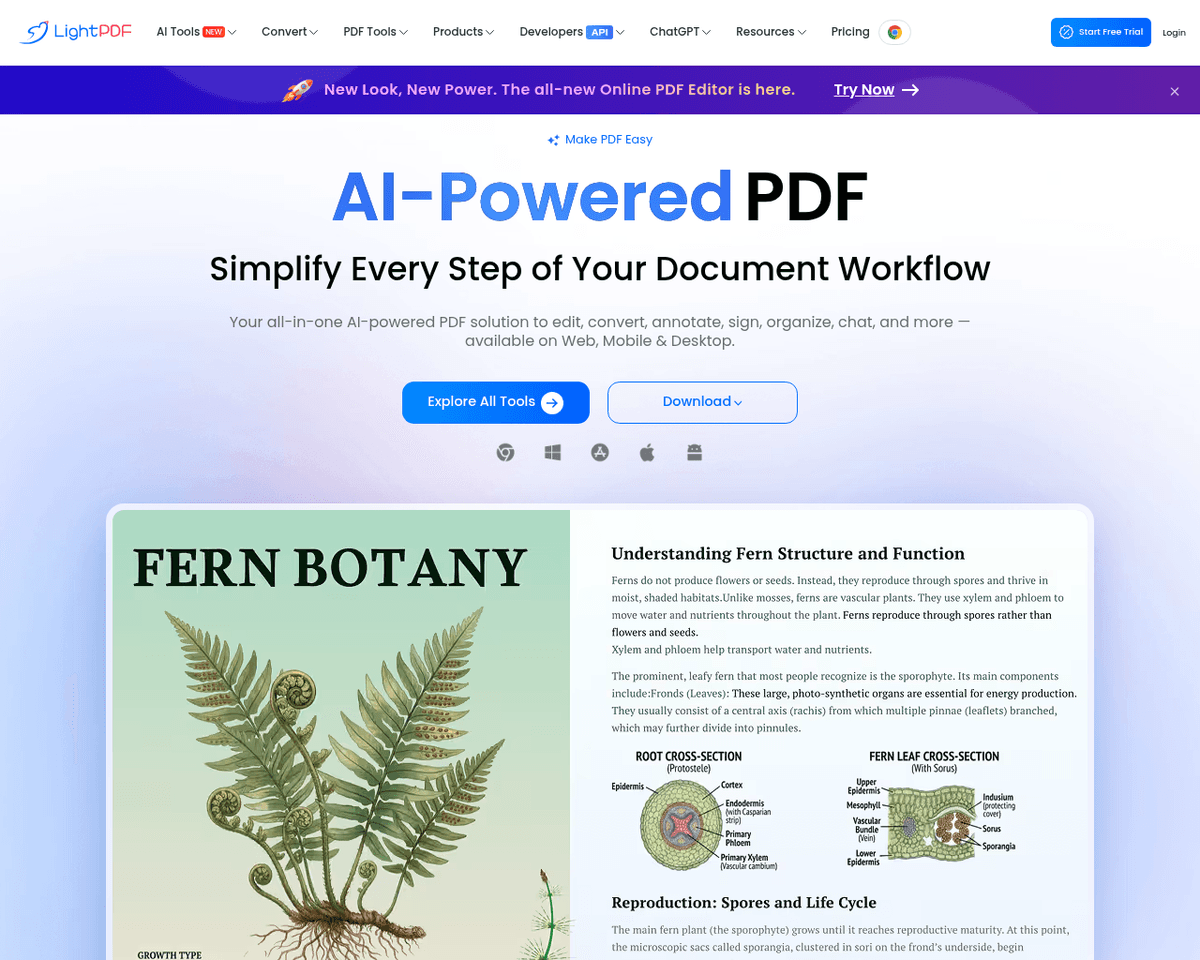
 Live Preview
LightPDF
Features
- Automatic document analysis — Simply upload your file, and LightPDF AI will analyze it for you.
- Document summarization — Get concise summaries of your documents to grasp the main points quickly.
- Interactive Q&A — Ask questions related to your document and receive accurate answers for better understanding.
- User-friendly experience — Designed with an intuitive interface that makes it easy for anyone to use.
- Support for various document types — LightPDF can handle a wide range of document formats for versatile use.
- Accessible for all users — Ideal for students, book-readers, and analysts looking to enhance their document comprehension.
FAQ
What is LightPDF?
Once the document is uploaded, the system automatically generates a concise summary, providing users with a quick overview of the content. This feature is particularly beneficial for those who need to grasp the essentials of lengthy texts without spending excessive time reading. Additionally, users
How much does LightPDF cost?
Visit the official LightPDF website for the most up-to-date pricing.
What are the key features of LightPDF?
LightPDF includes features such as: [object Object], [object Object], [object Object], [object Object], [object Object].
Related Tools
Tools with similar capabilities you might also like
With features like summarization, rephrasing, and text simplification, it caters to a diverse audience, from students to professionals. The one-time payment of
By recording meetings across various platforms like Zoom and Webex, it employs advanced speech recognition to create accurate transcriptions. This allows teams

Users can easily upload images or input URLs to tap into a vast database of over 900,000 fonts, which includes both free and commercially licensed options. The

By simply uploading a PDF or entering a URL, individuals can pose questions about the content as if they were conversing with a knowledgeable peer. The tool sca
By harnessing artificial intelligence, Uizard.io allows users to create wireframes, mockups, and prototypes quickly, catering to both novices and experienced de
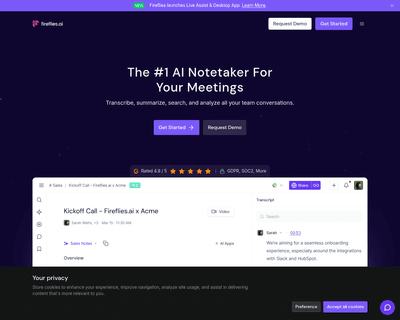
By leveraging advanced voice recognition technology, this application allows users to either upload recordings or have the AI listen in real-time during meeting