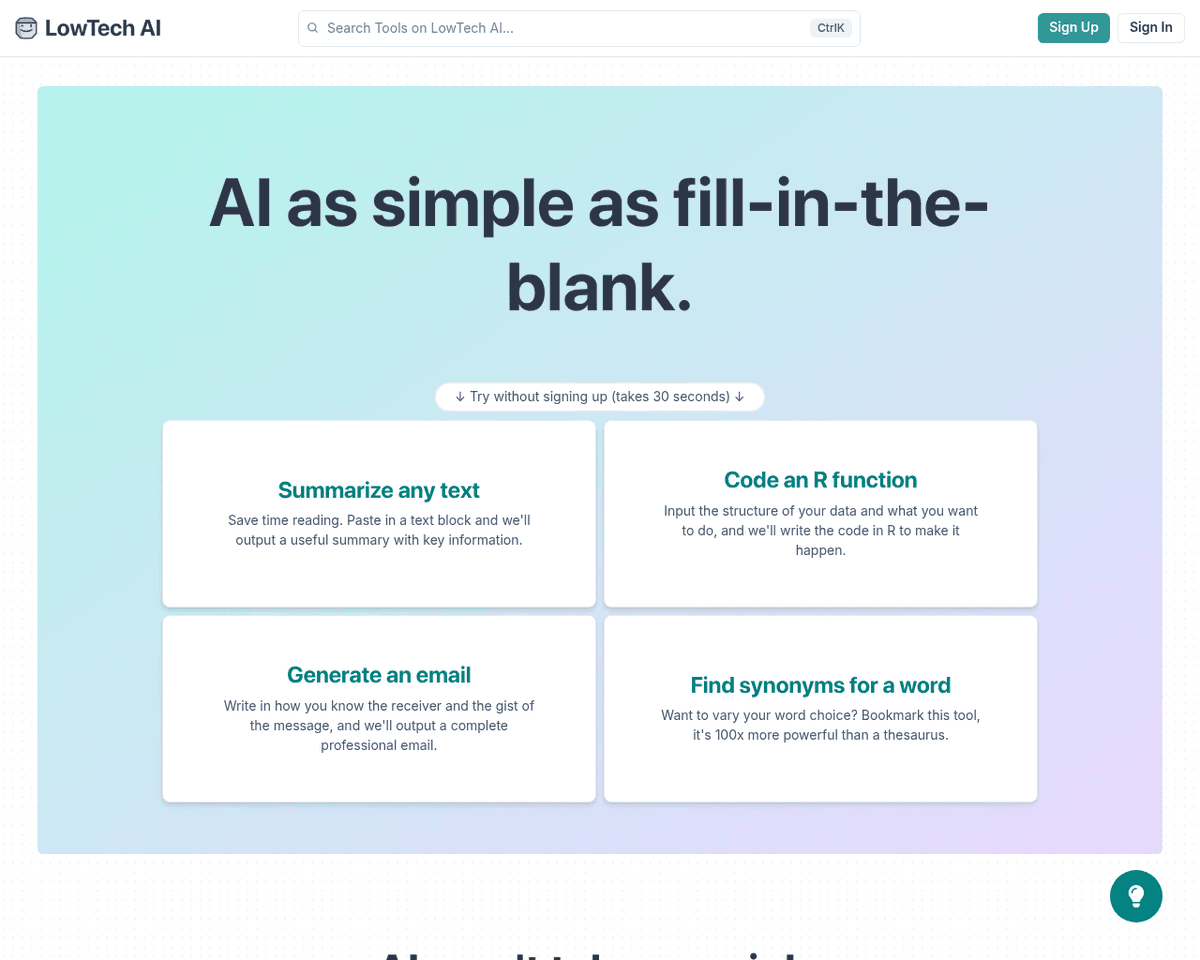
 Live Preview
Lowtech AI
Features
- User-Friendly Interface — Designed for ease of use, even for those without technical skills.
- Time-Saving Tools — Automates tasks such as brainstorming, writing, and editing, enhancing work efficiency.
- Versatility — Provides a broad array of tools for various needs, including planning, emailing, content creation, and analysis.
- Cost-Effective — Includes a free version with basic features, allowing access without financial investment.
- Enhanced Creativity — Assists in generating ideas and content, helping to overcome writer’s block.
- Improved Accuracy — AI-driven tools reduce errors and enhance the quality of work.
FAQ
What is Lowtech AI?
Its suite of tools is designed to streamline various tasks, such as brainstorming, planning, and editing, making it particularly appealing for those who may not have extensive technical expertise. The platform's intuitive interface allows users to engage with AI features through simple fill-in-the-b
How much does Lowtech AI cost?
Visit the official Lowtech AI website for the most up-to-date pricing.
What are the key features of Lowtech AI?
Lowtech AI includes features such as: [object Object], [object Object], [object Object], [object Object], [object Object].
Related Tools
Tools with similar capabilities you might also like
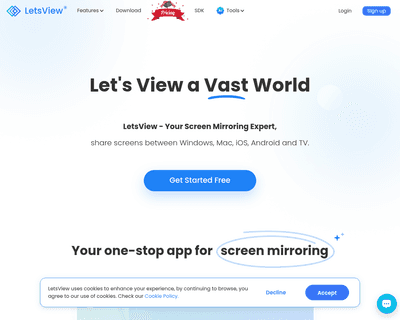
This web-based service is particularly beneficial for online education, remote work, and home entertainment, providing a seamless experience for users looking t
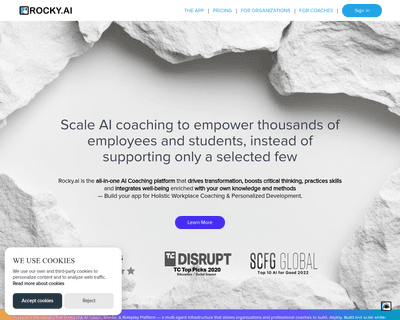
Rather than merely providing answers, it crafts a structured growth plan tailored to individual profiles, complete with regular follow-ups. This approach ensure
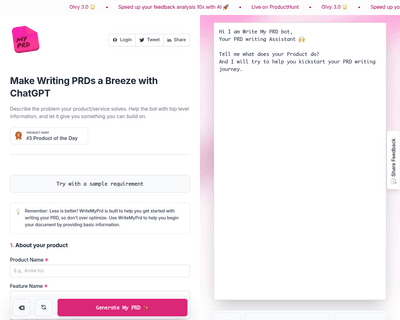
By allowing users to provide essential details about their product—such as its name, description, target audience, and key features—the platform generates an in
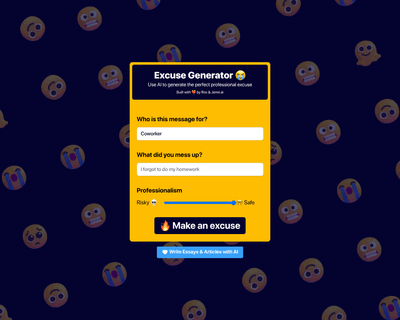
Users simply input the name of the person for whom the excuse is needed and specify the reason, allowing the AI to generate a contextually relevant response. Th
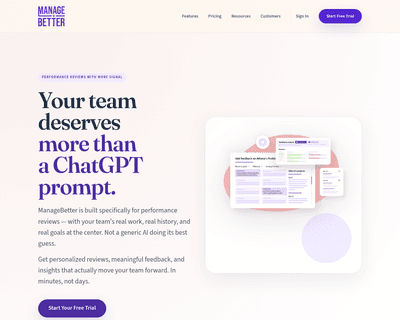

The platform offers a suite of features designed to streamline management tasks, including a feedback library, performance review generator, and project achieve
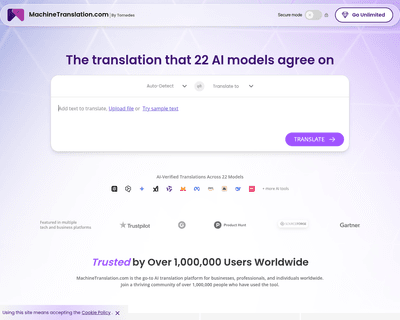
Unlike many competitors that provide basic translations, this tool employs AI to generate tailored questions that help clarify the nuances of the text. This app