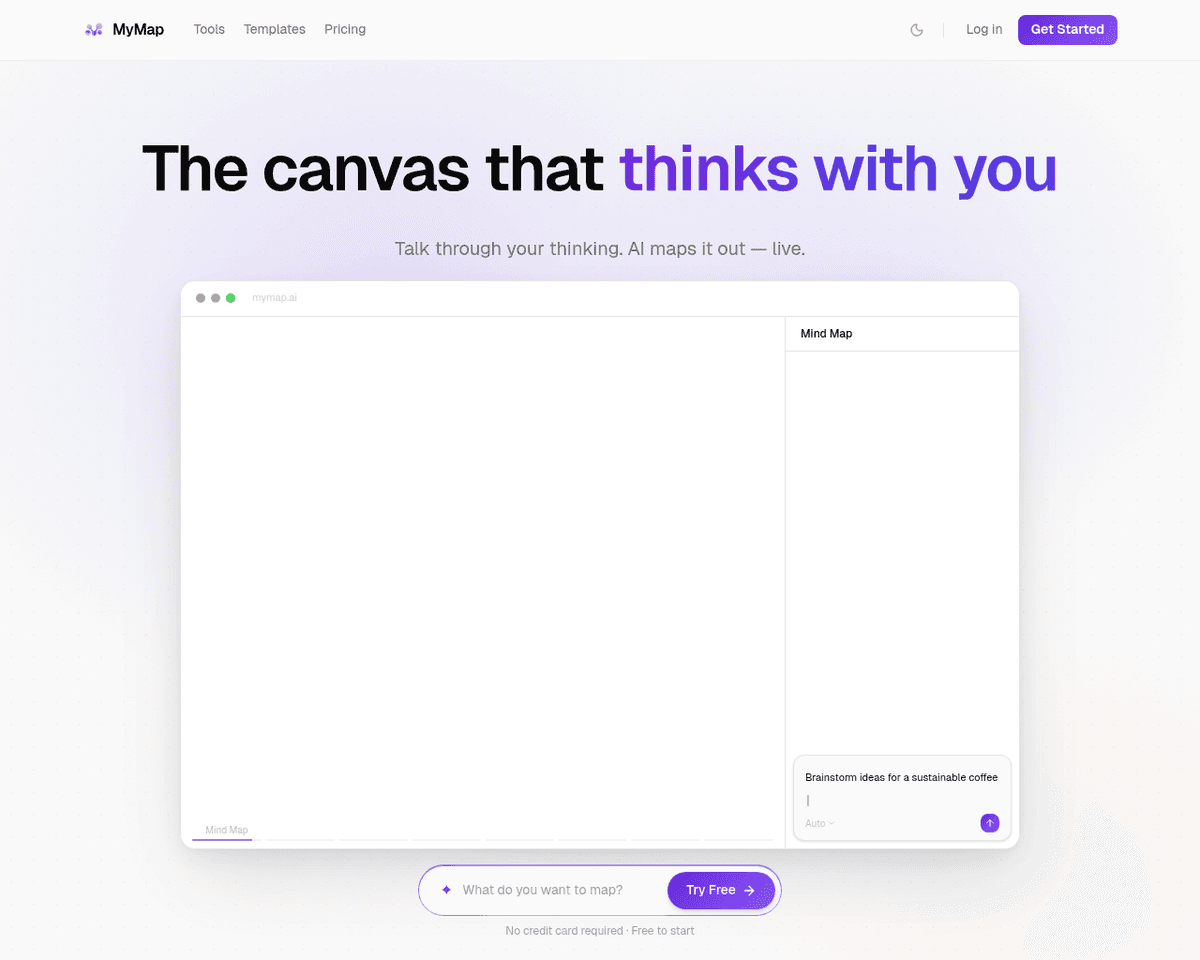
 Live Preview
MymapAI
Features
- AI-Powered Chat Interface — Simplifies idea creation and organization, enhancing the efficiency and user-friendliness of mind mapping.
- Diverse Visualization Tools — Provides a variety of visualization options including mind maps, visual stories, code snippets, Kanban boards, and SWOT analyses.
- Idea to Visual Conversion — Transforms textual ideas into visual representations such as mind maps and presentations via a straightforward chat interface.
- Collaboration — Facilitates seamless sharing and collaboration among users, catering to the needs of students, educators, and professionals.
- Automation Capabilities — Streamlines processes including brainstorming, information organization, goal setting, and task accomplishment.
- Accessibility — Designed with intuitive usability in mind, requiring no specialized design skills for operation.
FAQ
What is MymapAI?
The platform employs a chat interface that allows individuals to input their thoughts in natural language or keywords, which the AI then analyzes to identify connections and associations. This functionality is particularly beneficial for those who may not have a background in design, as it automatic
How much does MymapAI cost?
Visit the official MymapAI website for the most up-to-date pricing information and available plans.
What are the key features of MymapAI?
MymapAI includes features such as: [object Object], [object Object], [object Object], [object Object], [object Object].
What category does MymapAI fall under?
MymapAI is listed under Productivity Tools and Education & Learning on Hack the Prompt.
Related Tools
Tools with similar capabilities you might also like
By harnessing advanced natural language processing, it efficiently distills lengthy YouTube content into key points, allowing users to grasp essential concepts
With its AI Course Creator and AI-Assistant, users can easily input descriptions, select titles, and build outlines, all while enhancing their courses with mult
From lesson plans to assessment questions and engaging icebreakers, the platform caters to a diverse range of subjects, making it a versatile companion for teac
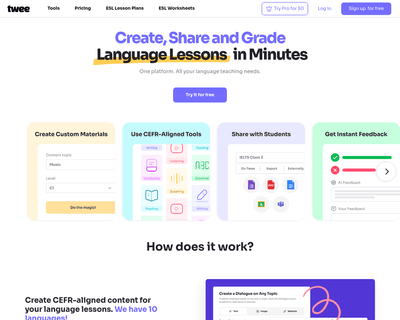
By simply entering a topic, level, and desired activity type, educators can quickly receive tailored content, ranging from reading comprehension texts to gramma
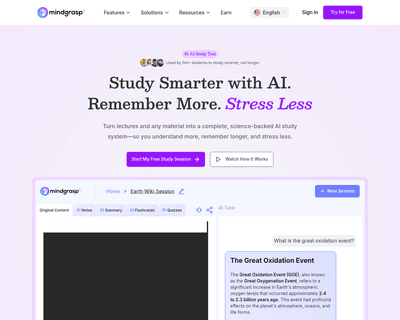
By allowing users to upload various formats, including documents and videos, it analyzes the content and generates tailored study aids. This feature is particul
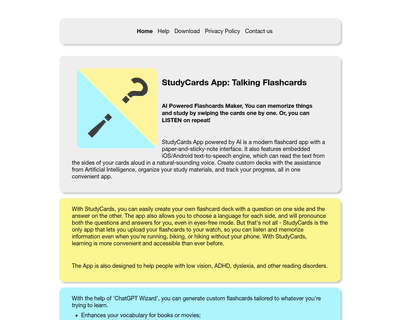
Its intuitive interface mimics the familiarity of traditional study methods, allowing users to create personalized decks with ease. The integration of text-to-s