 Live Preview
NumerousAI
Features
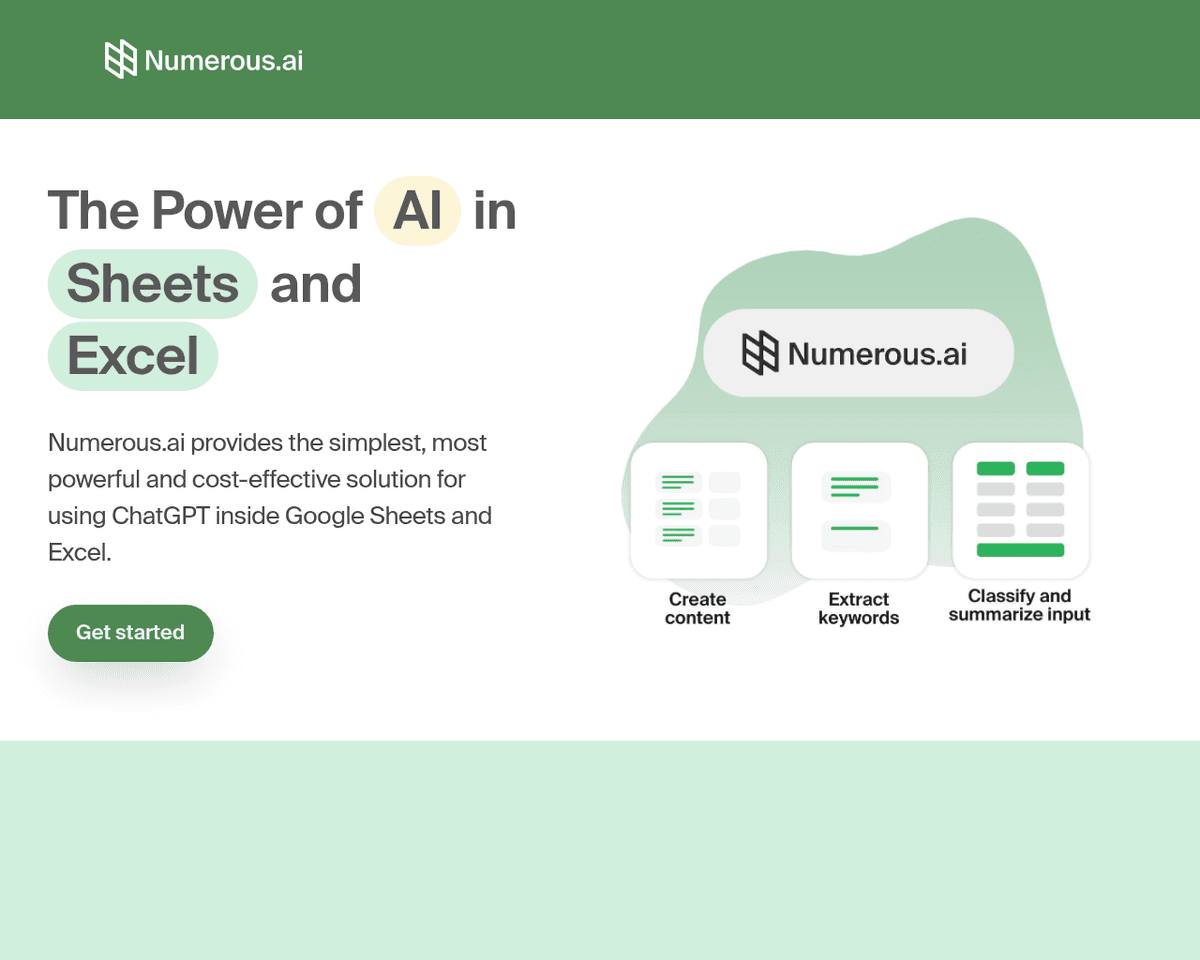
- Seamless Integration — Numerous.ai integrates effortlessly with Google Sheets and Excel, allowing you to harness AI capabilities directly within your existing spreadsheets.
- AI Functions — Execute a variety of tasks like content generation, text summarization, and formula creation directly in your cells, making your workflow more efficient.
- No API Keys Required — Simplify your setup process as Numerous.ai operates without the need for API keys, making it accessible for everyone.
- Collaborative Features — Designed for team collaboration, it enables multiple users to work together on AI tasks, enhancing productivity within organizations.
- Email Support and Prioritized Assistance — Benefit from dedicated support from the San Francisco-based team, ensuring you get help when you need it.
- Cost Efficiency — Numerous.ai optimizes your usage by eliminating duplicate queries, providing a budget-friendly solution for integrating AI into your spreadsheet tasks.
FAQ
What is NumerousAI?
With features like AI Functions, it allows for tasks such as content generation, text summarization, and formula creation right within the cells, eliminating the need for complex setups or API keys. This ease of use is complemented by its collaborative design, which supports team efforts in leveragi
How much does NumerousAI cost?
Visit the official NumerousAI website for the most up-to-date pricing.
What are the key features of NumerousAI?
NumerousAI includes features such as: [object Object], [object Object], [object Object], [object Object], [object Object].
Related Tools
Tools with similar capabilities you might also like
This accessibility opens doors for a variety of users, from small businesses to larger organizations, allowing them to gather valuable insights from unstructure
At the heart of this innovation is Ada, the AI Automation Developer, which efficiently learns from user interactions to create tailored automations in real-time
This capability extends to searching within files and images, making it easier to retrieve information quickly. The integrated AI Assistant enhances this experi
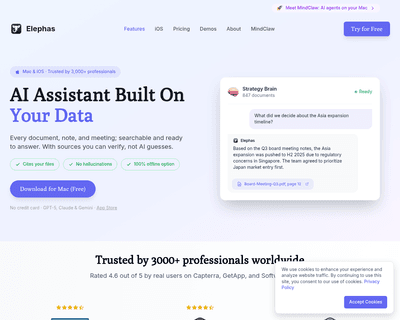
By harnessing the capabilities of OpenAI's GPT-3 model, it allows users to engage with their writing in a more dynamic way. The platform is designed for versati
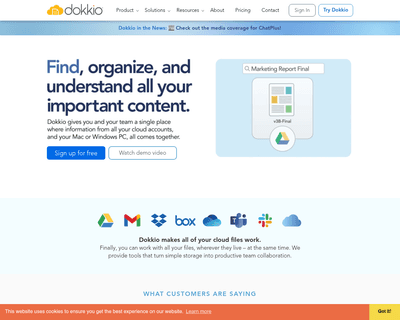
By integrating seamlessly with popular cloud services, it provides a unified view of all your information, making it easier to search, preview, and edit documen
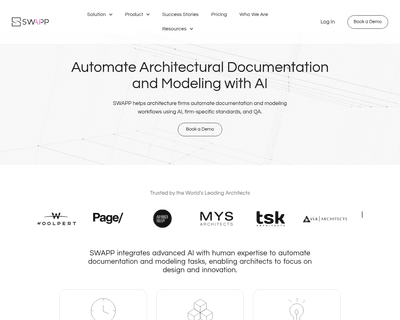
By analyzing historical project data, it creates tailored rulesets that maintain a firm's quality standards while significantly reducing the time required for p