Nuntor
Features
- Campaign Management — Create, manage, and optimize marketing campaigns with built-in targeting and tracking tools.
- Intuitive Interface — Clean, user-friendly design that makes it easy to get started without a steep learning curve.
- Fast Performance — Optimized for speed with quick load times and responsive interactions across all features.
- Comprehensive Documentation — Detailed guides, tutorials, and support resources to help you make the most of every feature.
- Regular Updates — Continuously improved with new features, enhancements, and bug fixes based on user feedback.
Use Cases
- Getting Started — Quick setup and onboarding to start using Nuntor effectively within minutes.
- Scale Operations — Grow your usage as your needs expand with Nuntor's flexible architecture.
Related Tools
Tools with similar capabilities you might also like
By providing a centralized cloud drive, it simplifies the storage and organization of files, allowing users to easily search through documents using keywords, t
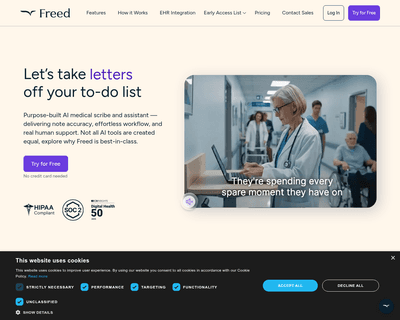
Freed accurately transcribes conversations and extracts essential medical information, making it easier for clinicians to maintain thorough and precise records.

By simply uploading a PDF or entering a URL, individuals can pose questions about the content as if they were conversing with a knowledgeable peer. The tool sca
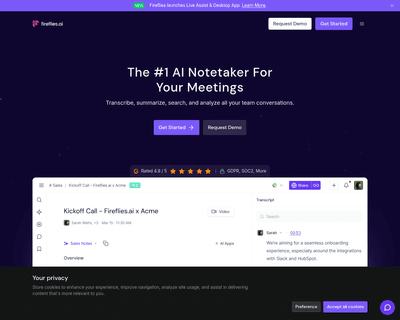
By leveraging advanced voice recognition technology, this application allows users to either upload recordings or have the AI listen in real-time during meeting
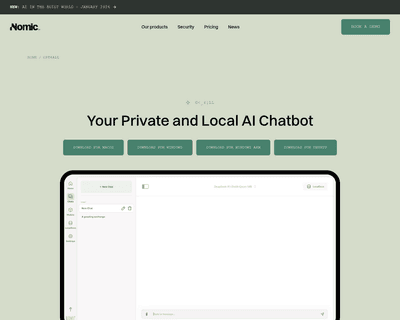
This local operation means that tasks like answering questions, drafting emails, or summarizing documents can be performed with a focus on privacy and data secu
QuillBot emerges as a reliable companion for anyone looking to refine their text. This AI-powered assistant offers a suite of features, including paraphrasing,