 Live Preview
OpExams
Features
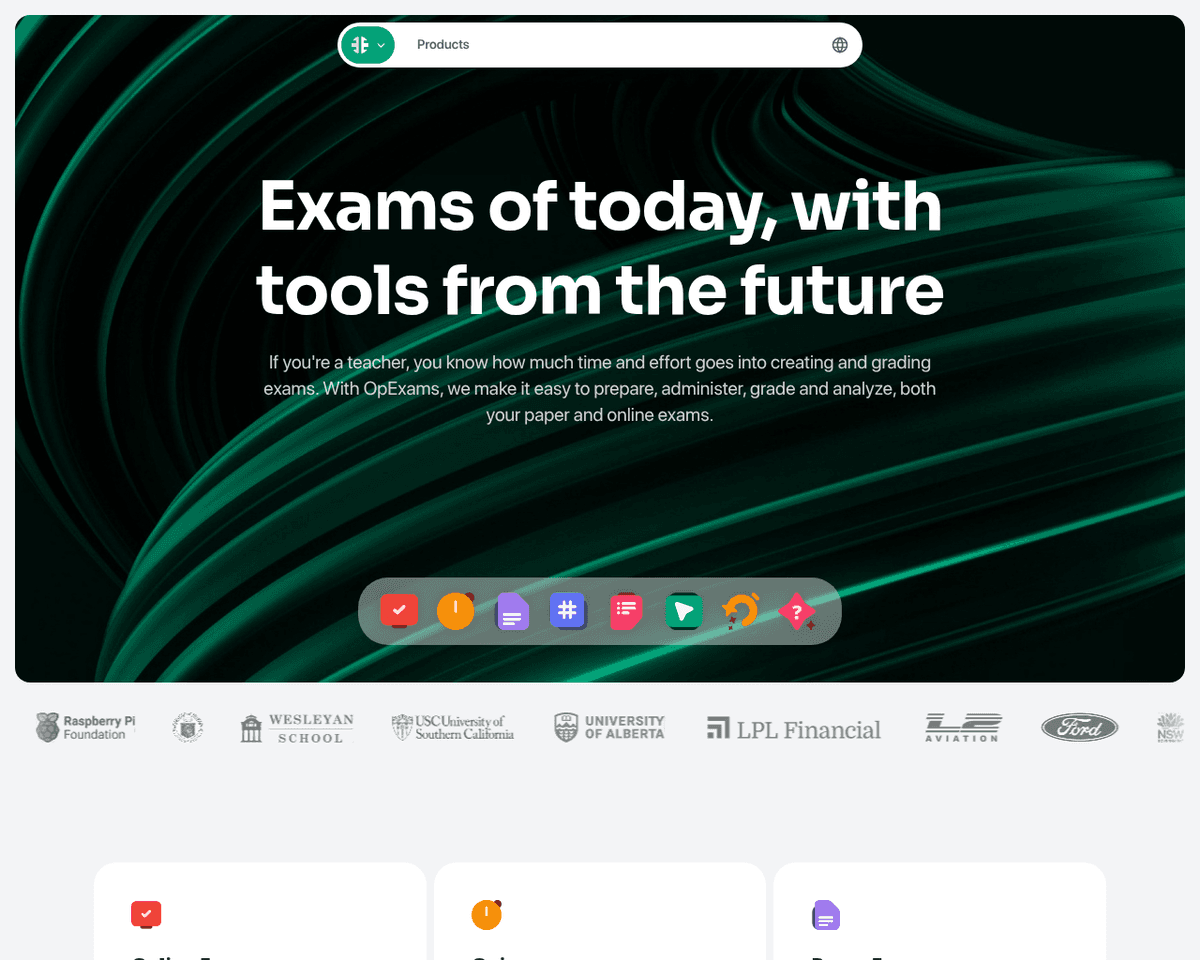
- Time-saving features — OpExams significantly reduces the time spent on creating, grading, and analyzing exams, allowing teachers to focus more on teaching.
- Flexible exam formats — Whether online, paper, or quizzes, OpExams provides versatile options to meet the needs of different teaching styles.
- Advanced proctoring capabilities — With robust proctoring features, OpExams helps maintain the integrity of exams and prevents cheating.
- Interactive question types — Engage students with a variety of interactive question formats that go beyond traditional multiple choice.
- Insightful reporting — Generate detailed reports that provide valuable insights into student performance and exam effectiveness.
- Resource sharing made easy — The Classroom Webpage Creator allows teachers to effortlessly share files, links, and resources with students in one convenient location.
Use Cases
- Exam Management for Teachers — OpExams empowers teachers to efficiently create, administer, and grade exams, allowing them to focus more on teaching and less on administrative tasks.
- Standardized Testing for Schools — Schools and universities can utilize OpExams to streamline the administration of standardized tests, ensuring a fair and secure assessment process for all students.
- Training Program Evaluations — Training programs benefit from OpExams by conducting quizzes and tests that evaluate trainees' understanding and retention of critical information.
- Certification Exams — Certification programs can rely on OpExams to conduct secure and efficient exams for candidates, ensuring a reliable process for renewals and new certifications.
Related Tools
Tools with similar capabilities you might also like
Users can easily upload or paste text, and the AI-driven system generates a variety of quiz formats, including multiple-choice, true/false, and fill-in-the-blan
By simply copying and pasting content from various sources, such as textbooks or online articles, users can specify the desired number of questions and types—ra
One of its key features, Puppetry, allows users to create engaging videos with AI-generated talking faces, making it particularly appealing for content creators
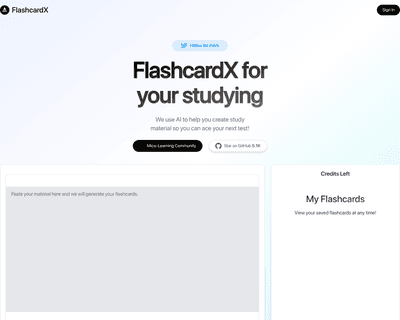
By simply inputting a text passage, whether it’s from a textbook, lecture notes, or an article, the application intelligently identifies key vocabulary and conc
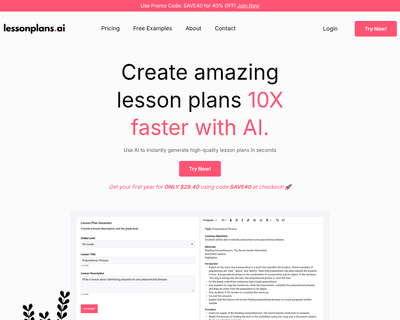
By simply providing a detailed description of the lesson they want to develop, teachers can generate complete plans in seconds, saving valuable time on planning
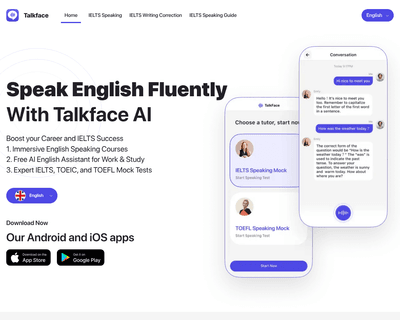
Users can engage in personalized speaking practice, allowing them to refine their conversational skills in a way that aligns with their individual learning need