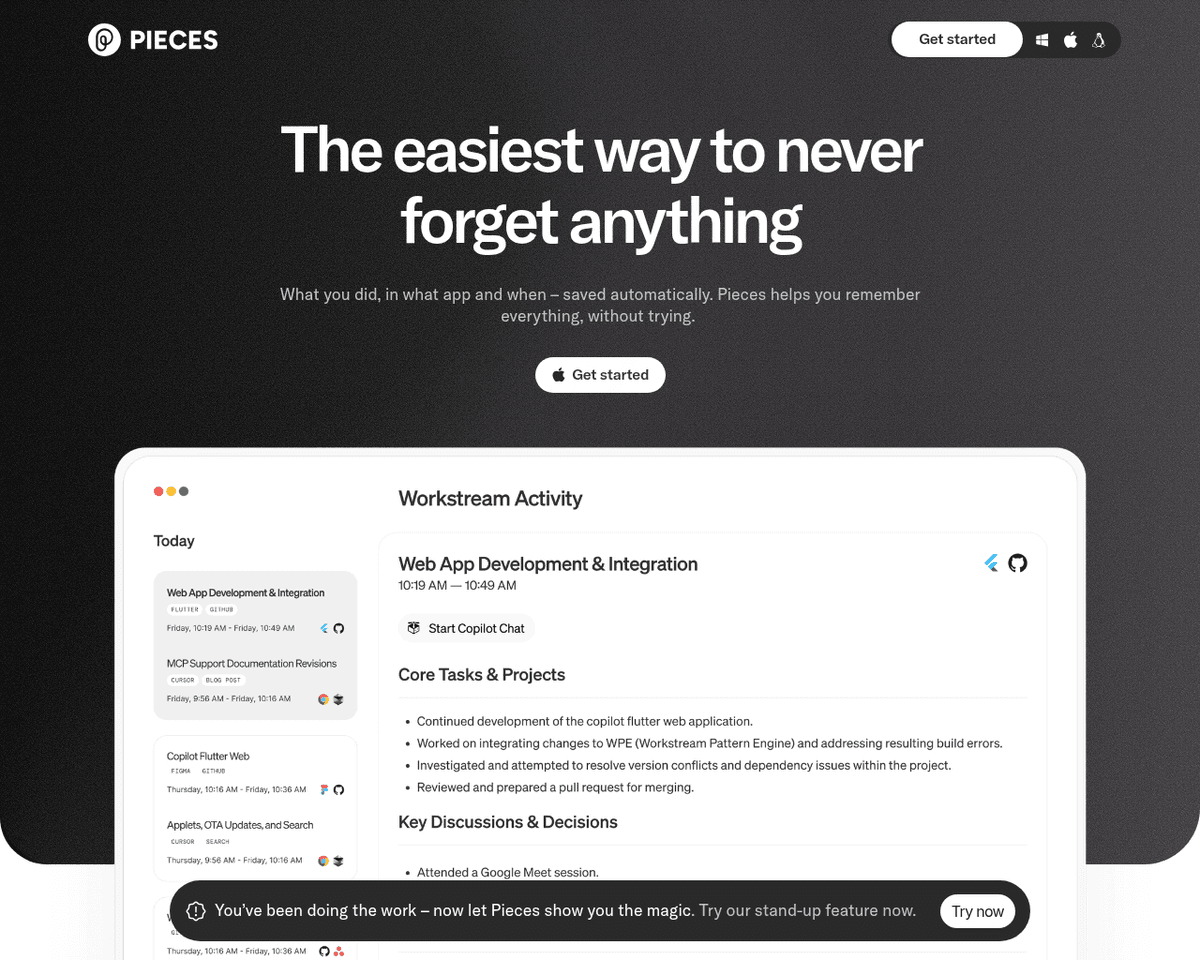
 Live Preview
PiecesApp
Features
- AI-Powered Code Snippets and Screenshots Hub — Pieces.app utilizes advanced AI to help you manage and generate code snippets and screenshots effortlessly.
- Seamless Integration with Popular Development Tools — The platform integrates smoothly with tools like VS Code, JetBrains, Chrome, Edge, Microsoft Teams, Obsidian, and JupyterLab.
- Productivity Tools Suite — Includes features like Copilot and various plugins designed to enhance your coding efficiency and workflow.
- Diverse Language Support — Supports a wide range of programming languages, including Python, Java, C#, JavaScript, TypeScript, Ruby, PHP, Swift, and Kotlin.
- Snippet Discovery and Extraction — Easily discover and extract relevant code snippets from your saved resources or directly from code files and folders.
- User-Friendly Installation and Setup — The installation process is straightforward, allowing you to quickly get started with the Pieces for Developers Desktop App and Pieces OS.
FAQ
What is PiecesApp?
With features that allow users to save, search, share, and reuse code snippets and screenshots, it stands out for its AI-driven capabilities. The integration of productivity tools like Copilot and various plugins enhances the user experience, making it compatible with popular development environment
How much does PiecesApp cost?
Visit the official PiecesApp website for the most up-to-date pricing information and available plans.
What are the key features of PiecesApp?
PiecesApp includes features such as: [object Object], [object Object], [object Object], [object Object], [object Object].
What category does PiecesApp fall under?
PiecesApp is listed under Development Tools and Automation & Workflow on Hack the Prompt.
Related Tools
Tools with similar capabilities you might also like
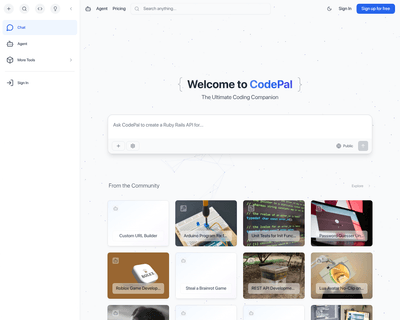
CodePal excels in generating code snippets from natural language input, making it easier for users to express their coding intentions without getting bogged dow

Its no-code builder simplifies the process of defining extraction parameters, allowing users to focus on what data they need rather than how to extract it. By u
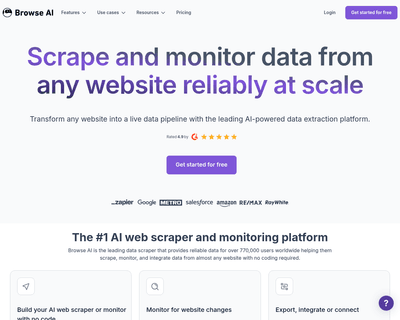
Users can train a robot in just a couple of minutes to gather information, which can then be easily exported in spreadsheet format or integrated with popular pl
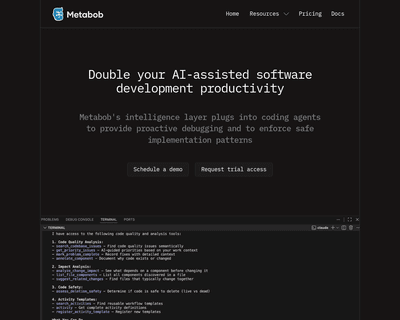
Metabob not only identifies a variety of coding issues—ranging from logical bugs to performance bottlenecks—but also provides context and explanations for these
By providing an NPM package that can be easily installed, it allows for quick integration into existing workflows. The introduction of a command-line interface

By enabling users to create neural search applications that can handle diverse data types—ranging from images and videos to lengthy text and audio—Jina AI simpl