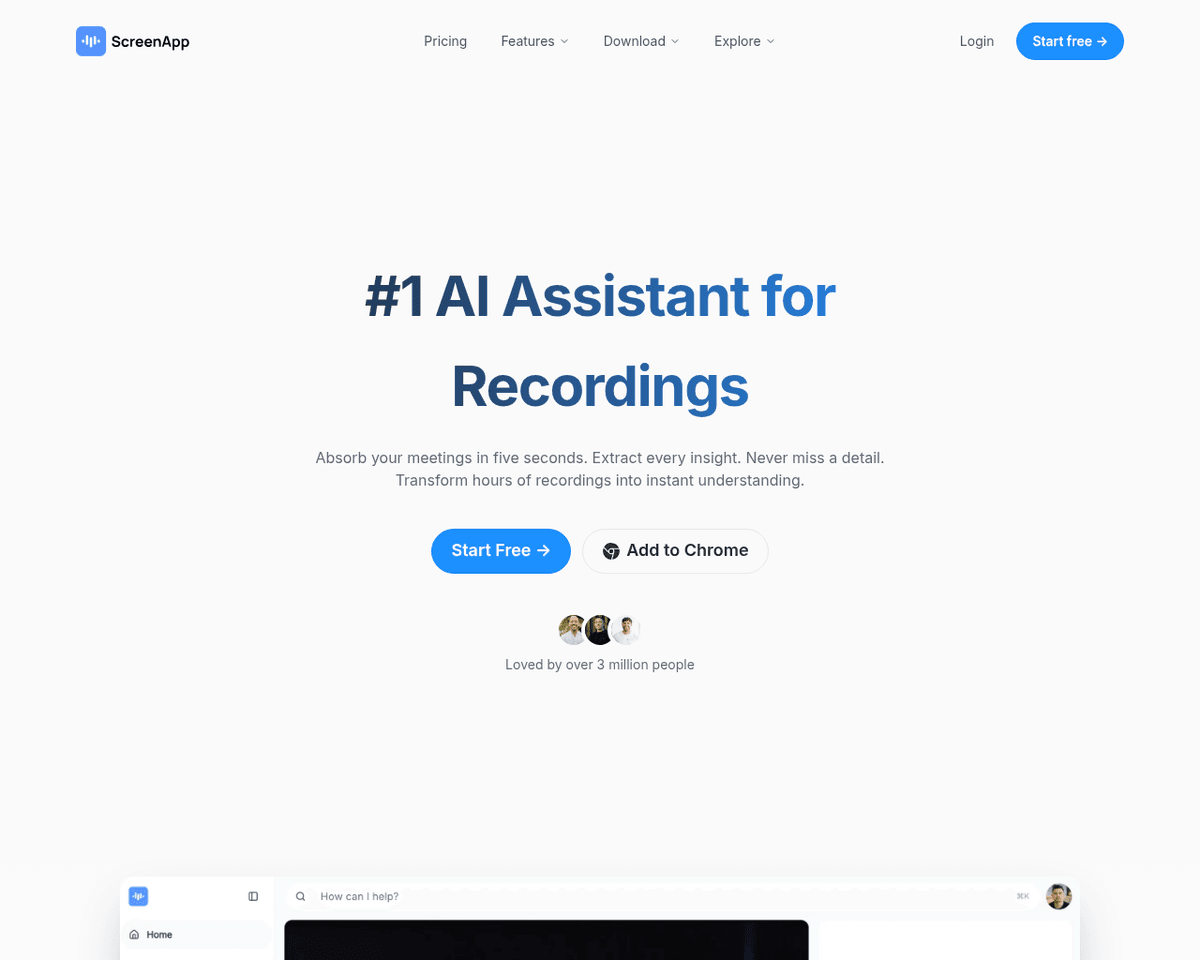
 Live Preview
ScreenApp
Features
- Instant Screen Recording — Capture your screen, webcam, and audio effortlessly, all within your browser.
- Automated Video Transcription — Receive 99% accurate transcripts immediately after recording, making it easy to reference important information.
- AI-Generated Video Summaries — Quickly understand the key points of your recordings without having to watch the entire video.
- Automated Note-Taking — AI extracts detailed, timestamped notes from your videos, ensuring you never miss crucial action items.
- Recording History and Search — Easily revisit and search through your past recordings from platforms like Google Meet and Zoom.
- Chrome Extension for Easy Captures — Enjoy one-click recording and audio capture directly from your Chrome tabs, with the ability to trim videos before sharing.
Use Cases
- Effortless Training and Webinars — ScreenApp empowers educators and trainers to create engaging online training sessions and webinars. With instant screen recording and automated video summaries, they can easily share knowledge and ensure that participants grasp key concepts without the hassle of manual note-taking.
- Streamlined Bug Reporting — Developers and QA teams can utilize ScreenApp for efficient bug reporting. By documenting issues with screen recordings and utilizing automated transcription, they can provide clear, detailed reports that save time and enhance communication within teams.
- Enhanced Learning for Students — Students can benefit immensely from ScreenApp by recording lectures and creating study materials. With AI-generated video summaries and automated note-taking, they can focus on understanding concepts rather than scrambling to take notes during class.
- Effective User Feedback Collection — Product managers and UX researchers can leverage ScreenApp to capture user interviews and feedback sessions. The ability to revisit recordings and search for specific keywords ensures that valuable insights are never lost, driving better product decisions.
- Podcast Production Made Easy — Podcasters can streamline their workflow with ScreenApp by recording episodes and using automated transcription for editing. This not only saves time but also allows for better content management, making the podcasting process smoother and more efficient.
Related Tools
Tools with similar capabilities you might also like
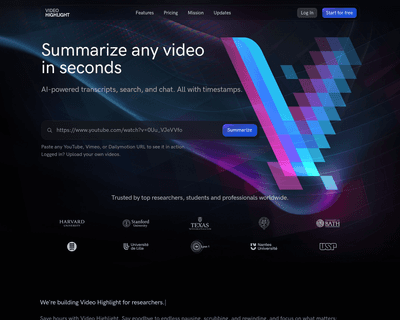
By leveraging advanced AI algorithms, VideoHighlight.com distills videos into key points and outlines, allowing users to quickly grasp essential information wit
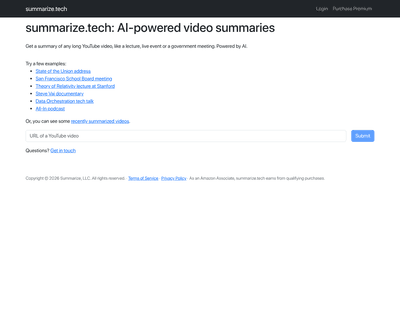
By simply entering a video URL, users can receive a well-structured summary in seconds, with the option to adjust the length according to their needs. This feat

By leveraging AI, it identifies and highlights key points, ensuring that important details are retained while reducing the overall length. This capability is pa
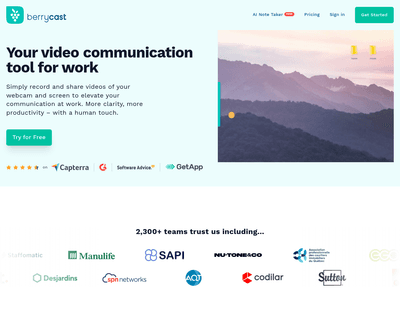
The platform includes a screen recorder and video messaging capabilities, which help users convey intricate mortgage details more clearly. Additionally, the AI
Users simply input the video URL, and the platform employs advanced speech recognition to create an accurate transcription of the spoken content. Following this
This approach addresses the common challenge of increasing memory demands associated with longer videos by compressing input frames into manageable context 'not