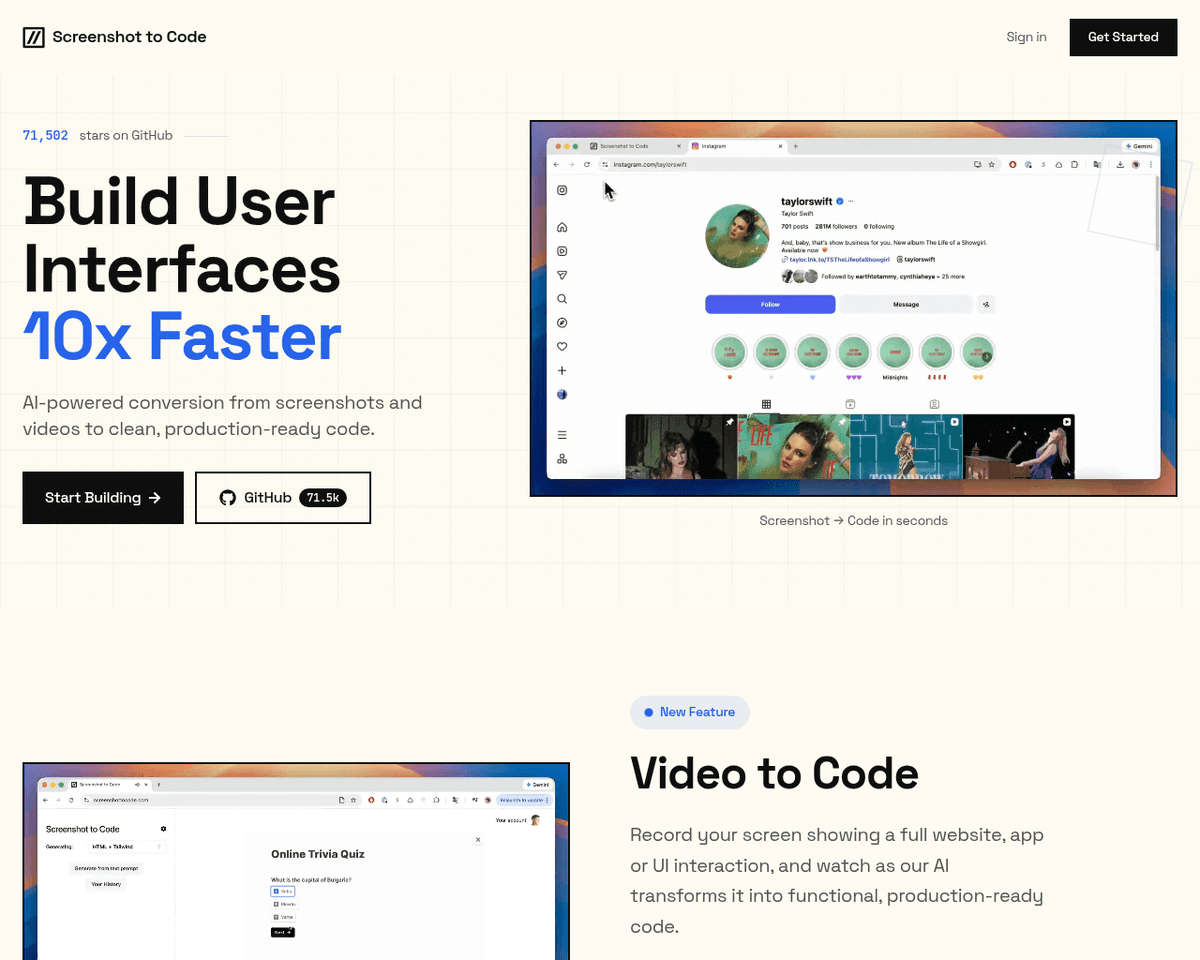
 Live Preview
Screenshot To Code
Features
- Code Generation — Powered by GPT-4 Vision and DALL-E 3, the tool generates accurate code from screenshots.
- URL Cloning — Users can input a URL to clone a live website, allowing for real-time code generation.
- Local Installation — The application can be installed and used locally by following instructions on the GitHub page.
- Enhancements — The tool can incorporate corrections and enhancements to the generated pages, ensuring high-quality code.
- Framework Support — Supports various frameworks and libraries such as HTML, Tailwind CSS, React, Vue, and Bootstrap.
- User-Friendly Interface — Intuitive design makes it easy for both developers and designers to navigate and use the tool effectively.
FAQ
What is Screenshot To Code?
By supporting a range of frameworks and libraries, including HTML, Tailwind CSS, React, Vue, and Bootstrap, it caters to a diverse audience of developers and designers. The integration of advanced technologies like GPT-4 Vision and DALL-E 3 ensures that the generated code is not only accurate but al
How much does Screenshot To Code cost?
Visit the official Screenshot To Code website for the most up-to-date pricing information and available plans.
What are the key features of Screenshot To Code?
Screenshot To Code includes features such as: [object Object], [object Object], [object Object], [object Object], [object Object].
What category does Screenshot To Code fall under?
Screenshot To Code is listed under Development Tools on Hack the Prompt. It competes with other tools in this space.
Related Tools
Tools with similar capabilities you might also like
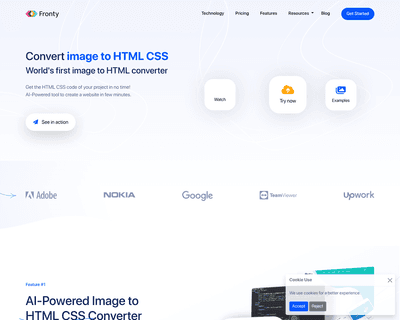
By allowing users to upload screenshots of their designs, it quickly generates the corresponding HTML and CSS code, saving considerable time and effort. The pla

Unlike many existing platforms that struggle with this integration, Ideogram AI delivers visually appealing results that maintain coherence between the textual
With real-time code completion suggestions and enhanced recommendations based on code comments, it helps streamline the coding process while minimizing potentia
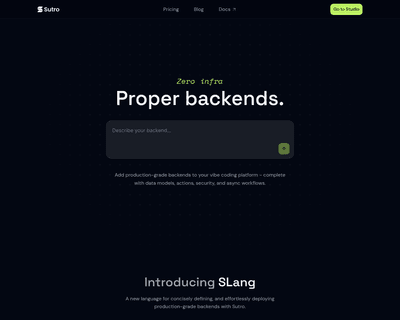
Users can input detailed descriptions of their app concepts and receive a functional prototype in just 30 seconds, a remarkable feat that significantly reduces
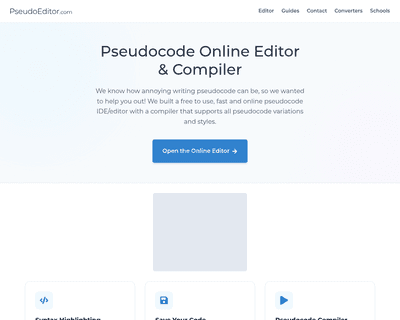
Its user-friendly interface simplifies the writing process, while features like dynamic syntax highlighting enhance readability and facilitate quick debugging.
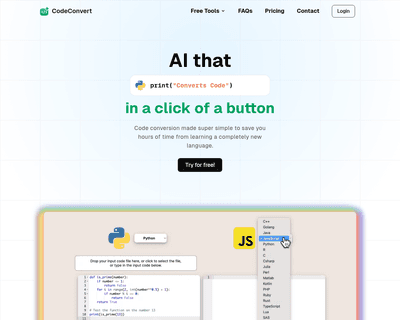
With support for more than 25 languages, including C++, Python, and Java, it caters to a wide array of coding needs. The tool's user-friendly interface allows f