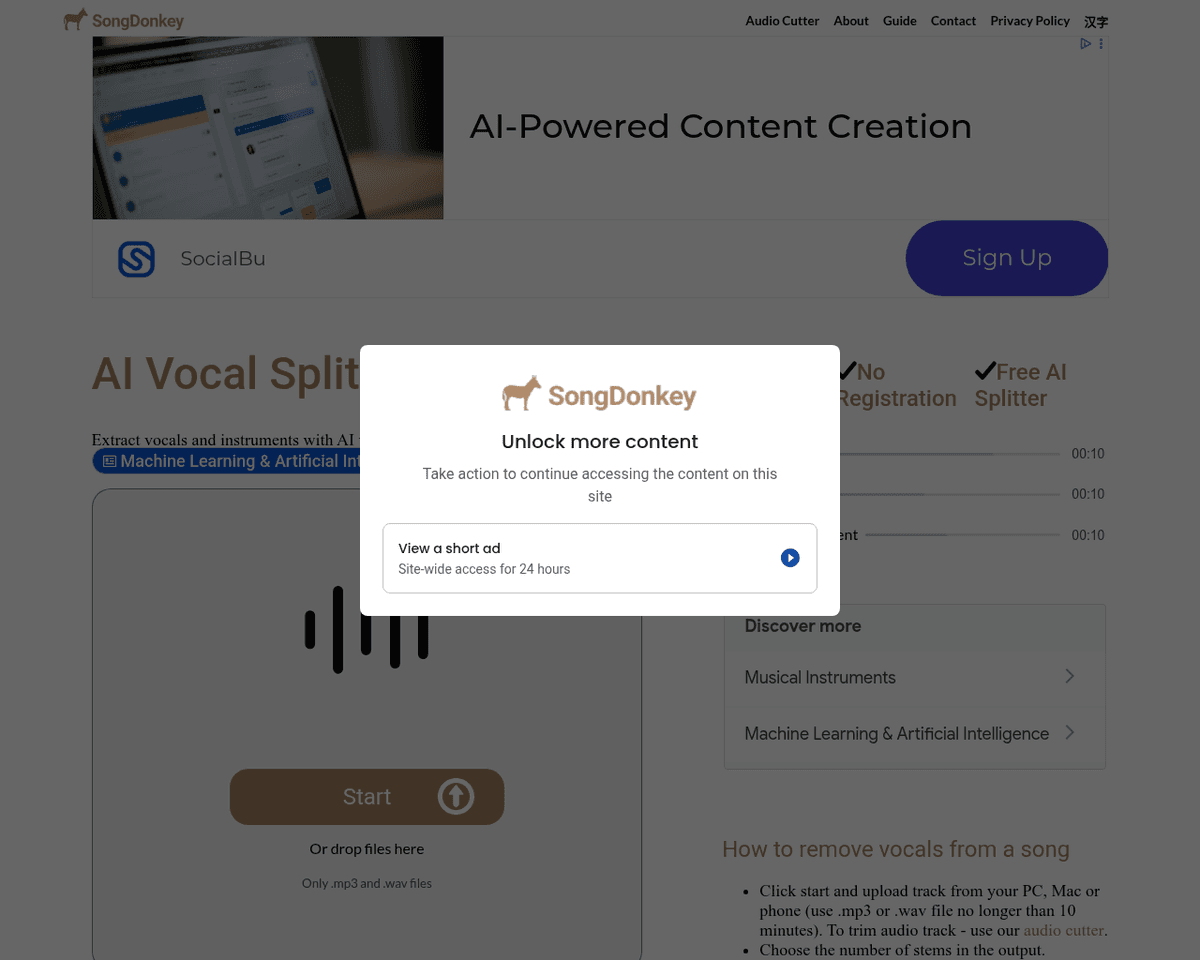
 Live Preview
Songdonkey
Features
- High-quality vocal extraction — SongDonkey utilizes advanced AI to ensure clear and precise separation of vocals from instrumental tracks.
- Multiple stem options — Users can choose to extract 2, 4, or 5 stems, allowing for versatile audio manipulation.
- Fast processing time — Enjoy quick results with most audio files processed in just a few minutes.
- No registration required — Start using the service immediately without the hassle of creating an account.
- Supports popular audio formats — Easily upload and process mp3 and wav files for seamless audio editing.
- Affordable pricing — Enjoy competitive pricing for full-length stem downloads, making it budget-friendly for all users.
Use Cases
- Karaoke Creation — SongDonkey allows users to create karaoke versions of their favorite songs by isolating the vocals, making it perfect for parties and sing-alongs.
- Acapella Production — Musicians can extract vocals to create acapella tracks, enabling singers to showcase their talents or collaborate with others in unique ways.
- Remixing and Mashups — Producers can separate instruments for remixes and mashups, offering endless creative possibilities for enhancing original tracks.
- Music Sampling — Artists and producers can analyze and sample specific elements from songs, facilitating innovative music creation and experimentation.
- Learning Tool — Students and teachers can use SongDonkey to remove certain elements while learning songs, making it easier to focus on specific instruments or vocals.
- Backing Tracks — SongDonkey helps musicians create backing tracks and music minus one versions, allowing for practice or live performances without the original vocals.
Related Tools
Tools with similar capabilities you might also like
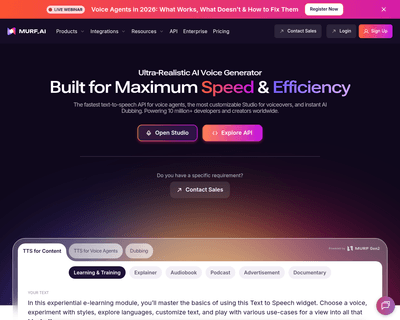
Murf.ai offers users an intuitive platform that effortlessly converts written content into engaging audio. With a diverse selection of over 120 lifelike voices
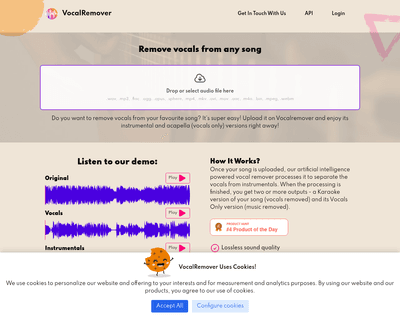
Users can upload their own songs or choose from a library, receiving either a karaoke version devoid of vocals or an acapella version that highlights the vocal
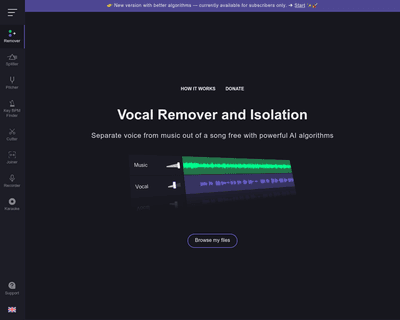
By harnessing sophisticated AI algorithms, it allows for the creation of karaoke versions or the extraction of isolated vocal tracks for remixing and editing. T
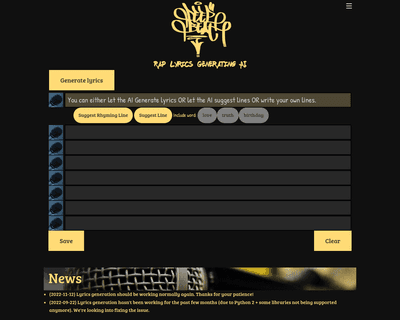
By harnessing a vast dataset of rap lyrics, it equips users with a tool that understands the intricacies of rhyme, rhythm, and thematic expression. The applicat
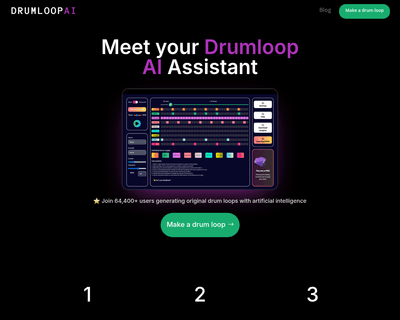
By leveraging advanced neural audio synthesis, Drumloop AI generates unique drum loops based on user-defined text prompts or selected genres. This capability al
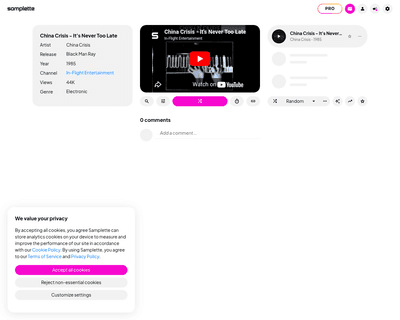
By leveraging advanced AI technology, the platform tailors sample generation to user preferences, allowing for a rich exploration of diverse sounds, genres, and