 Live Preview
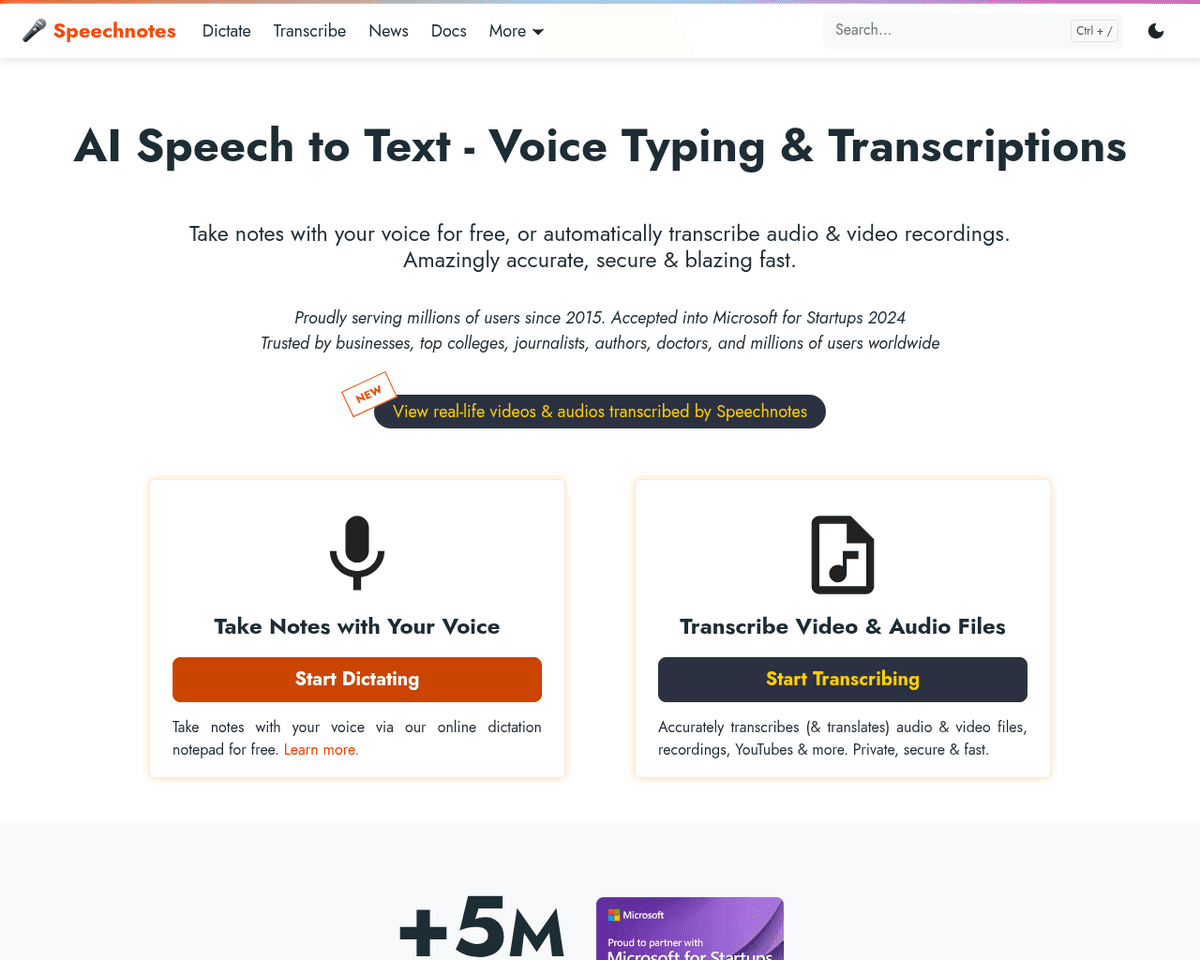
Speechnotes
Features
- Real-Time Dictation — Start dictating your thoughts and see them transcribed instantly, making it perfect for capturing ideas on the fly.
- Voice Commands — Control punctuation and formatting with your voice, allowing for a smoother dictation experience.
- Automatic Capitalization — Enjoy the convenience of automatic sentence capitalization, so you can focus on your ideas instead of typing.
- Import/Export Options — Easily move your content in and out of Speechnotes, making it a breeze to integrate into your workflow.
- User-Friendly Interface — The platform is designed to be accessible and intuitive, catering to users of all backgrounds.
- Transcription API — Developers can enhance their applications with Speechnotes’ powerful transcription capabilities, expanding its usability.
Use Cases
- Professional Writers and Authors — Speechnotes empowers writers to effortlessly dictate their drafts and ideas, allowing creativity to flow without the interruption of typing, making it an invaluable tool for capturing inspiration on the go.
- Students — With Speechnotes, students can take notes during lectures hands-free, enhancing their learning experience and ensuring they capture every important detail without the hassle of manual note-taking.
- Medical Practitioners — Medical professionals can use Speechnotes to record patient notes and observations efficiently, allowing them to focus on patient care without the distraction of typing, thus improving overall workflow.
- Individuals with Hearing Impairments — Speechnotes offers accessibility features, including the iOS TextHear app, which aids in communication for those with hearing impairments, ensuring everyone can express their thoughts and ideas freely.
Related Tools
Tools with similar capabilities you might also like
Its robust text-to-speech engine supports a wide range of file formats, including PDFs and ebooks, enabling seamless access to various documents. The platform f
Users can easily convert written documents, including PDFs and web pages, into audio format, allowing them to absorb information in a more engaging way. The pla
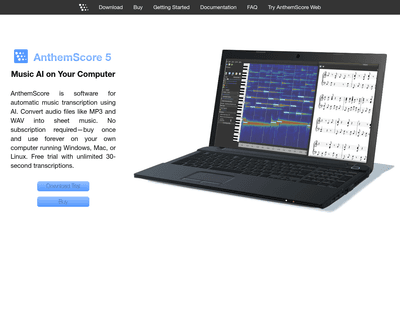
By analyzing the frequency spectrum of audio, AnthemScore identifies the notes being played, making it a practical tool for musicians and composers looking to c
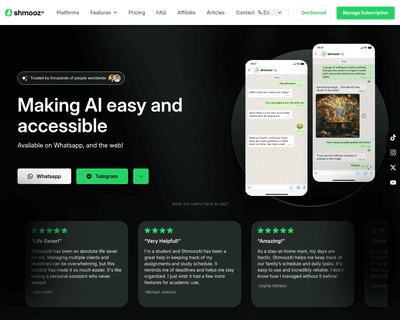
Its versatility is evident in features such as real-time web searches, image generation based on user descriptions, and the ability to process voice notes, maki
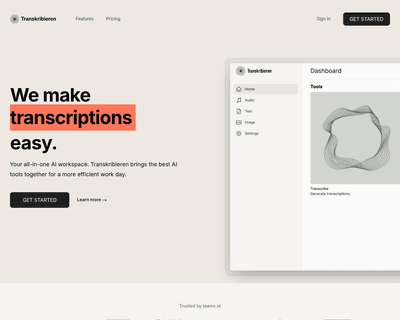
Users can easily upload various audio formats, and the platform’s algorithms analyze the content to produce a written transcript. This process is not only effic
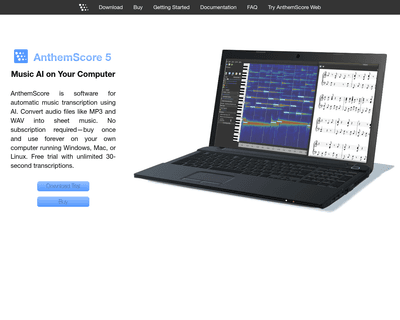
Utilizing advanced algorithms and machine learning, it effectively detects notes and organizes them into measures with minimal user input. This capability is pa