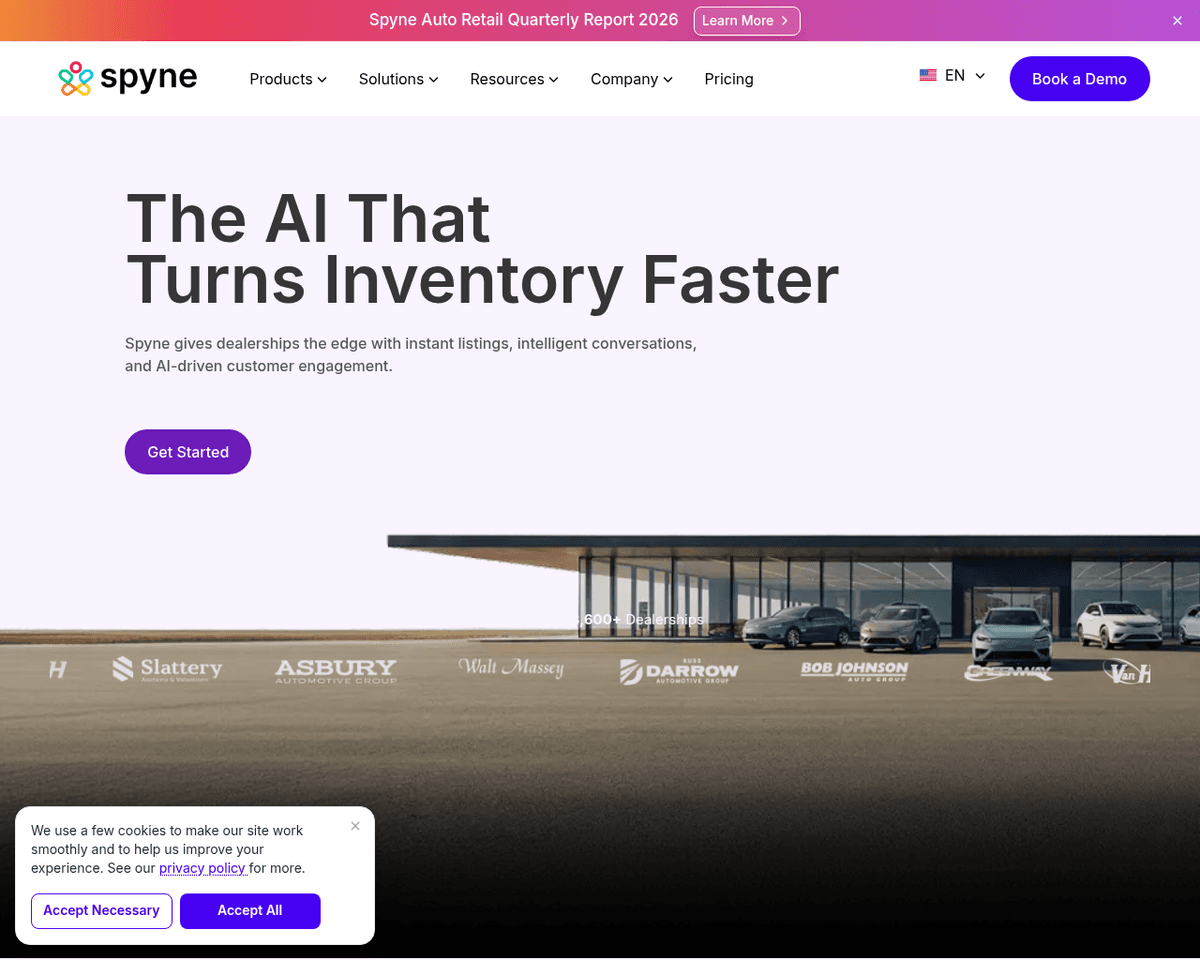
 Live Preview
Spyne
Features
- Automated Image Processing Workflows — Spyne.ai streamlines image editing tasks like background removal and shadow addition, saving time and effort.
- Virtual Studio Feature — Users can capture and edit product images using their smartphones, achieving professional results without a physical studio.
- 360° Photo Booth Functionality — Capture multiple angles of products for immersive 360° views, enhancing the online shopping experience.
- Customization Options — Businesses can choose from various backgrounds, effects, and models to create visuals that align with their brand identity.
- Developer-Friendly APIs — Seamless integration with existing platforms allows for efficient cataloging and management of product visuals.
- Enhanced Brand Image — Consistent and professional images help businesses showcase their products effectively, boosting credibility and engagement.
FAQ
What is Spyne?
Its platform allows users to create high-quality product visuals, including 360-degree views, which can significantly boost online sales. The virtual studio feature is particularly noteworthy, as it enables users to capture and edit images using just a smartphone, eliminating the need for a traditio
How much does Spyne cost?
Visit the official Spyne website for the most up-to-date pricing.
What are the key features of Spyne?
Spyne includes features such as: [object Object], [object Object], [object Object], [object Object], [object Object].
Related Tools
Tools with similar capabilities you might also like
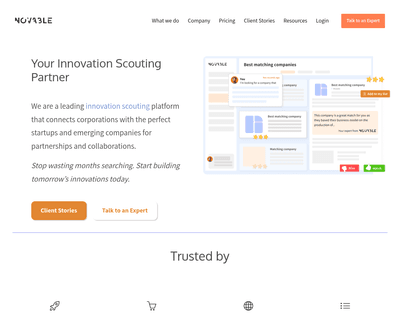
The scouting phase leverages natural language processing to allow users to articulate their requirements, resulting in curated lists known as Golden Baskets. Fo
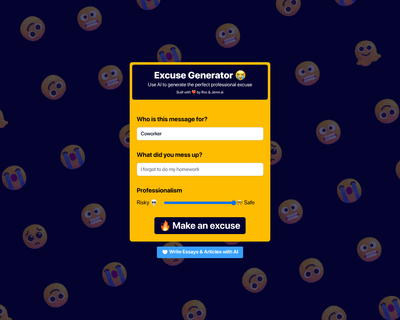
By leveraging advanced AI technology, it offers users the ability to create tailored excuses for various situations, whether it's dealing with a late arrival at
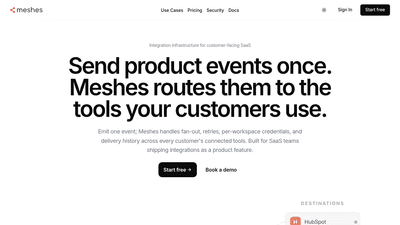
Meshes is the outbound integration layer for SaaS products.
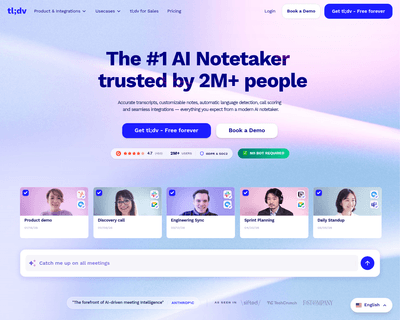
Its AI capabilities enable users to effortlessly record and transcribe meetings across platforms like Zoom, Google Meet, and Microsoft Teams. The automatic tran

By uploading your written content, such as books or articles, the AI learns from your style and knowledge, enabling it to respond to inquiries and provide suppo

The process begins with a simple recording of a template video, which can then be customized using data from various sources. This capability allows businesses