 Live Preview
Superpowered Me
Features
- AI Meeting Notes — Superpowered automatically takes notes during your meetings, allowing you to focus on the conversation without the distraction of note-taking.
- Meeting Templates — Choose from various structured templates designed for different types of meetings, ensuring consistent and organized notes.
- Calendar Integration — Seamlessly connects with your calendar, automatically joining meetings without any extra clicks needed.
- Support for All Major Meeting Platforms — Works effortlessly with platforms like Zoom, Google Meet, Microsoft Teams, and Cisco Webex, making it versatile for any meeting environment.
- Available for Mac and Windows — Enjoy a lightweight desktop app that runs in the background, providing notifications and easy access to your meetings.
- Secure and Compliant — With SOC 2 Type 2 certification and GDPR compliance, your data is safeguarded, ensuring a trustworthy experience with no audio or video recording.
Use Cases
- Sales Professionals — Superpowered helps sales professionals stay focused on their pitch without the distraction of note-taking, ensuring they never lose track of client conversations and can quickly review meeting summaries.
- Students — Students benefit from Superpowered by never missing key points in lectures and discussions. With auto-generated lecture notes, they can study more effectively and collaborate easily on group projects.
- Managers — Managers can maintain consistent notes from 1-on-1s across their team, monitor progress, and build stronger relationships with direct reports, all while focusing on meaningful conversations.
- Recruiters — Recruiters can have structured interview notes for every candidate, standardizing the note-taking process and significantly reducing the time spent on documenting interviews.
- Engineers — Engineers can cut down on meeting prep and follow-ups, focusing on technical discussions without distractions, and easily searching transcripts for key details.
- Consultants — Consultants can maintain a record of client discussions, ensuring follow-up on action items and reducing note-taking time, allowing them to stay billable and productive.
- Remote Employees — Remote employees can stay engaged in meetings without the burden of taking notes, ensuring they feel included and receive automatic meeting summaries for better follow-up.
Related Tools
Tools with similar capabilities you might also like
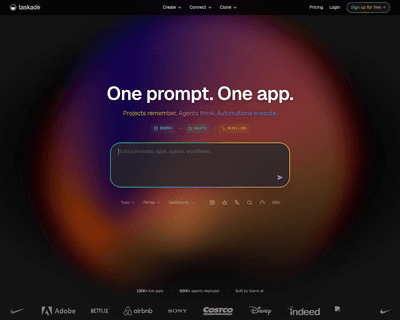
With features like task management, note-taking, and real-time chat, it enables users to organize their projects through various formats such as to-do lists, mi
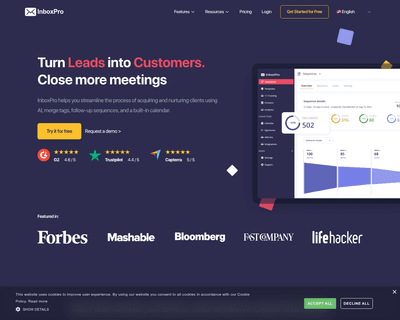
By integrating seamlessly with Gmail, it offers features such as an AI-powered email assistant that helps users draft messages and summarize lengthy emails quic
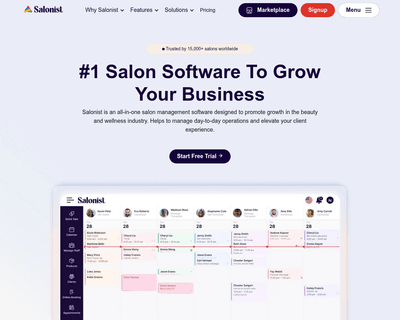
With features like appointment booking, inventory oversight, and staff management, it simplifies the complexities of running a salon or spa. The platform also e
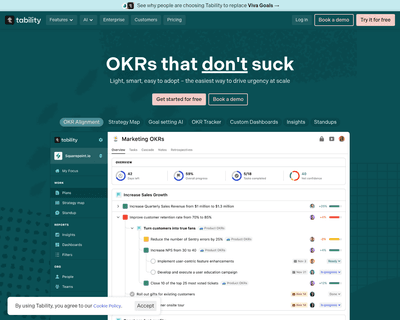
By enabling teams to craft SMART objectives quickly, Tability not only saves valuable time but also enhances the clarity and relevance of the goals set. The pla
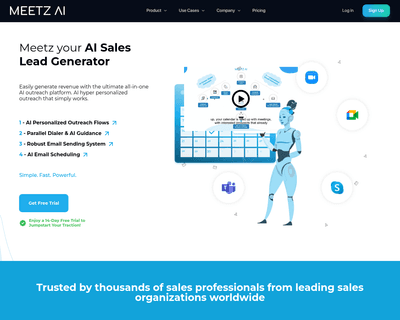
With its intelligent calendar management, users can effortlessly find optimal meeting times that accommodate all participants, effectively eliminating the back-
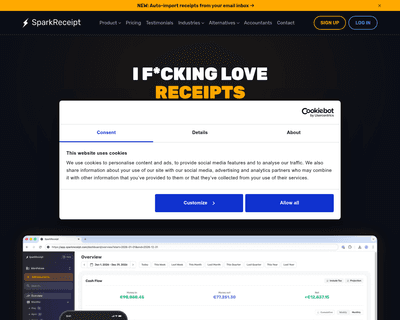
By automatically categorizing expenses and income, it alleviates the often tedious task of manual entry and organization. This efficiency allows users to focus