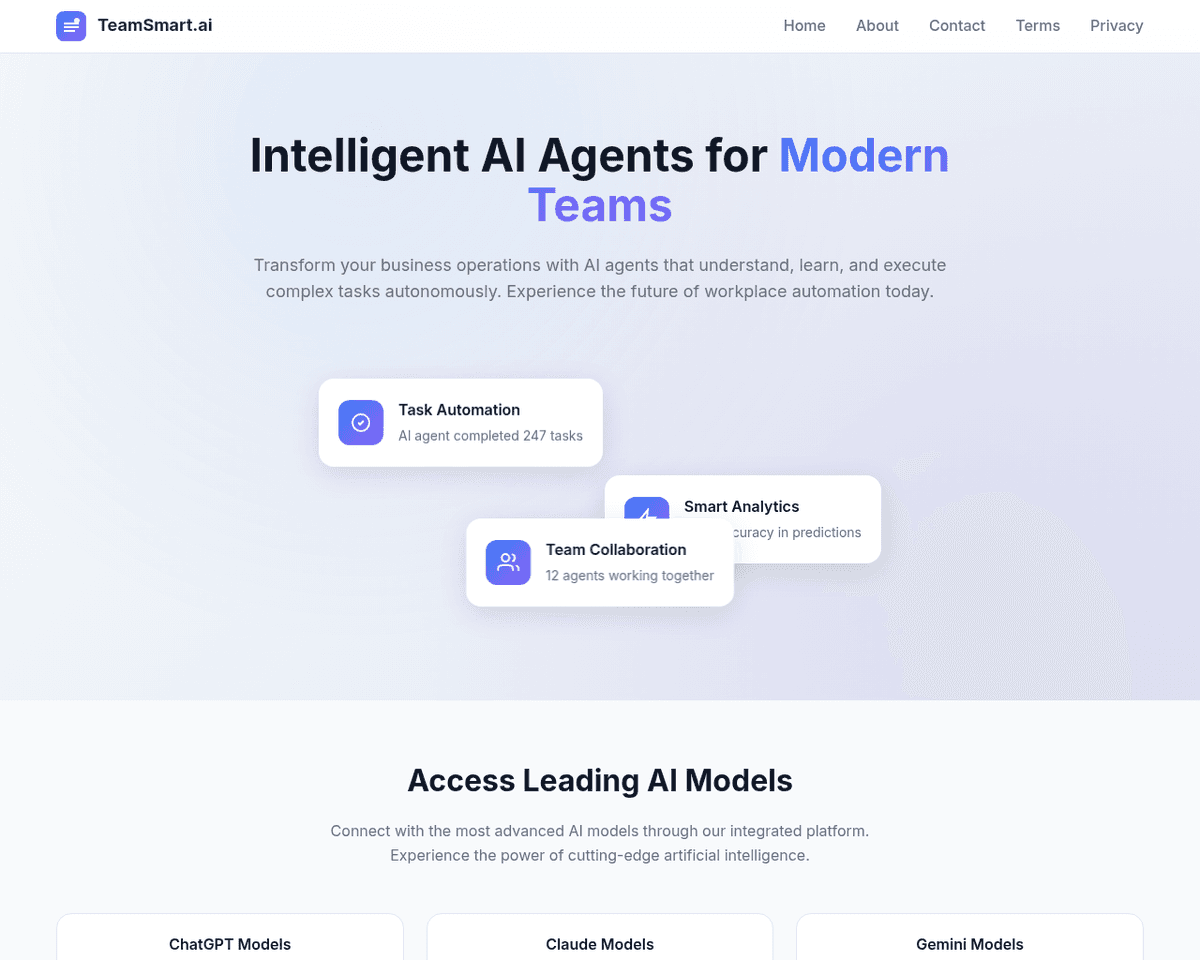
 Live Preview
TeamsmartAI
Features
- One-click access to AI assistants — Easily connect with a team of AI assistants directly from your Chrome browser.
- Customizable AI team — Select from over 15 specialized AI assistants tailored to various tasks and domains.
- Seamless integration with OpenAI — Utilize your own OpenAI API key for personalized assistance without hassle.
- User-friendly interface — Enjoy a smooth experience with quick access via a single click or keyboard shortcut.
- Local data storage — Your data, including API keys and chat logs, is securely stored locally in your browser, ensuring privacy.
- Enhanced productivity dashboard — Monitor your output and manage your workload effectively with a customized dashboard.
FAQ
What is TeamsmartAI?
With the ability to use a personal OpenAI API key, individuals can engage with more than 15 specialized AI assistants tailored for specific functions like content summarization, code generation, and tweet drafting. This setup not only enhances productivity but also fosters creativity by providing us
How much does TeamsmartAI cost?
Visit the official TeamsmartAI website for the most up-to-date pricing.
What are the key features of TeamsmartAI?
TeamsmartAI includes features such as: [object Object], [object Object], [object Object], [object Object], [object Object].
Related Tools
Tools with similar capabilities you might also like
This browser-based platform eliminates the need for downloads, making it accessible to anyone with internet access. Users can quickly generate realistic, high-r
The platform encourages collaboration with clients through visual feedback and version history, allowing for a seamless exchange of ideas and adjustments. This
Users can easily generate images and GIFs by providing text prompts or uploading their own visuals, thanks to the sophisticated AI models like Stable Diffusion
By training its Cowriter model on your previous articles, Reword not only generates new content in your unique voice but also helps you save time during the res
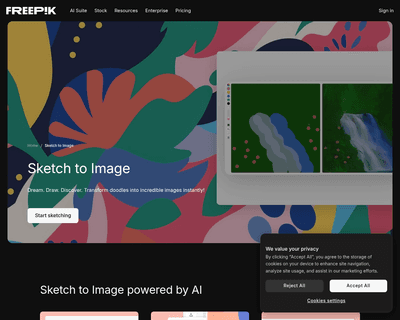
The AI image generation feature allows users to create photorealistic images in real-time, while the sketch-to-image functionality takes basic drawings and elev

Its user-friendly interface allows users to navigate the platform effortlessly, making it accessible for both novices and experienced artists. The tool excels i