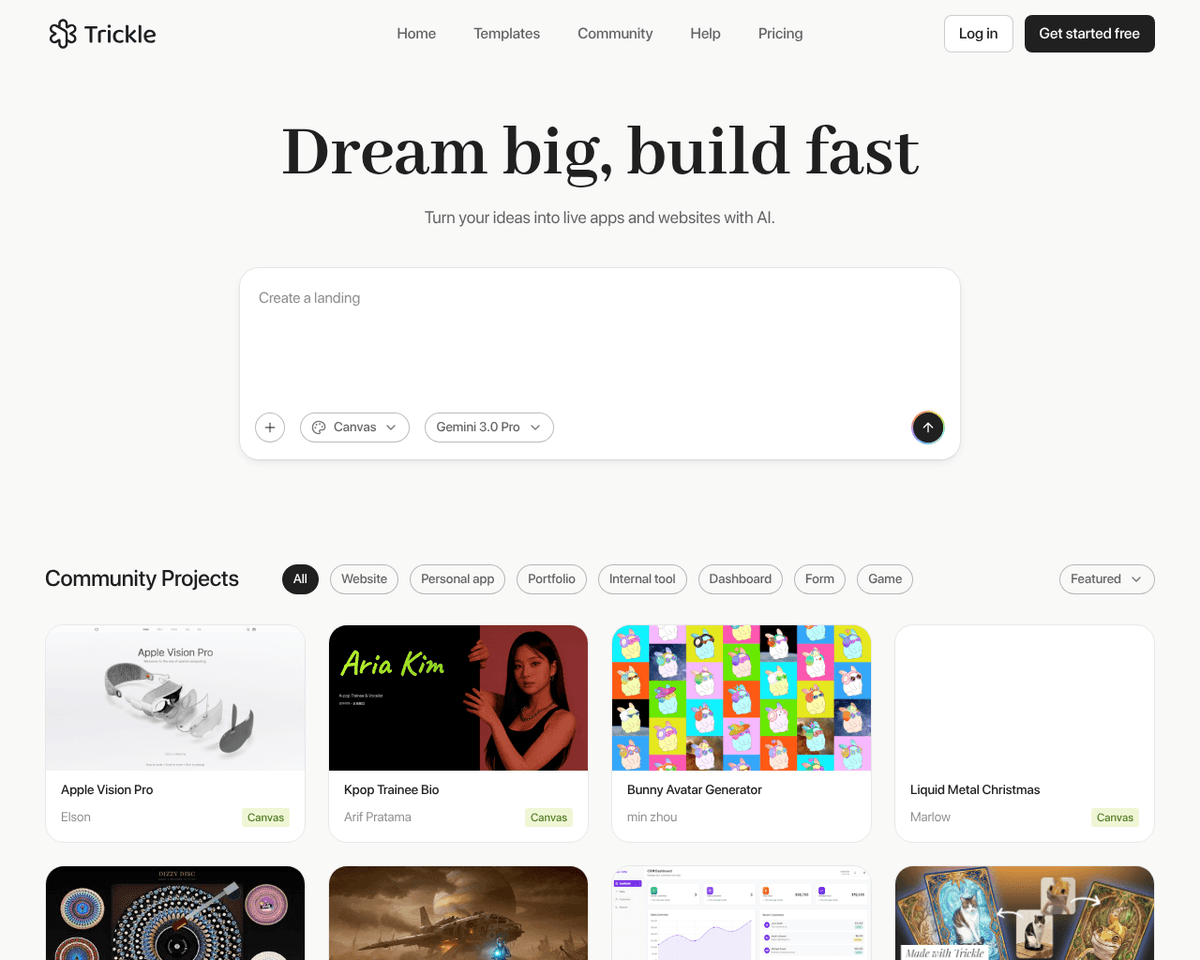
 Live Preview
Trickle
Features
- AI-Powered Summarization — Trickle utilizes advanced AI algorithms to generate detailed summaries for your screenshots, making it easier to browse and retrieve information.
- Local Processing for Privacy — Screenshots are processed locally on your device, ensuring your sensitive content remains secure and under your control.
- Insight Extraction — Beyond summarization, Trickle extracts key insights from your screenshots, enhancing their value and usability.
- Semantic Search Capabilities — With GPT-4's reasoning abilities, Trickle allows you to perform semantic searches, providing additional insights based on your queries.
- Handwritten Content Digitization — Trickle can digitize handwritten notes from your screenshots, making it easier to organize and access important information.
- Non-Text Graphics Recognition — The tool effectively recognizes and handles non-text-based graphics, ensuring a comprehensive approach to managing visual content.
FAQ
What is Trickle?
Users can upload their screenshots, and the system will generate concise summaries, making it easier to navigate through visual content. This functionality is particularly beneficial for those who frequently capture information from various sources, as it allows for quick retrieval and understanding
How much does Trickle cost?
Visit the official Trickle website for the most up-to-date pricing.
What are the key features of Trickle?
Trickle includes features such as: [object Object], [object Object], [object Object], [object Object], [object Object].
Related Tools
Tools with similar capabilities you might also like
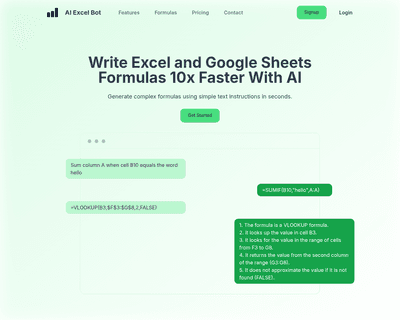
This functionality allows individuals to articulate their needs in straightforward terms, such as "calculate the average of column A," and receive an accurate f

Participants engage in monthly sessions led by industry experts, allowing them to explore various leadership themes in an interactive environment. This hands-on
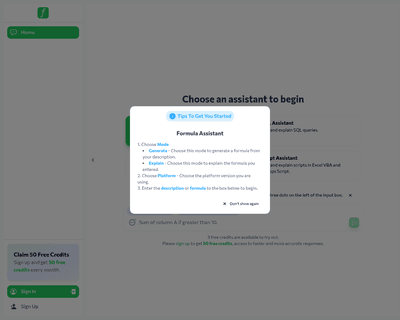
By allowing users to input specific queries related to their data, the platform intelligently analyzes these requests and generates the appropriate formulas for
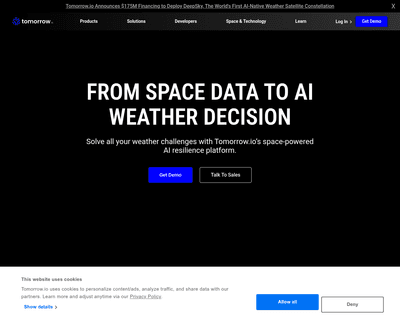
Its innovative micro-weather platform extracts environmental observations from cellular data, resulting in a wealth of comprehensive weather information. This a
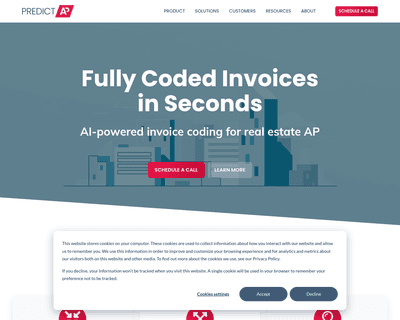
By utilizing historical invoice data and advanced algorithms, PredictAP automates the invoice capture process, significantly reducing the time spent on manual d
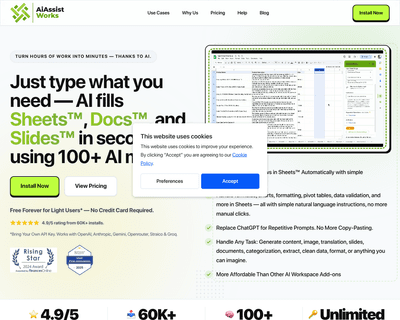
This toolkit allows users to fill sheets without the hassle of complex formulas or tedious copy-pasting, making it particularly useful for tasks such as bulk co