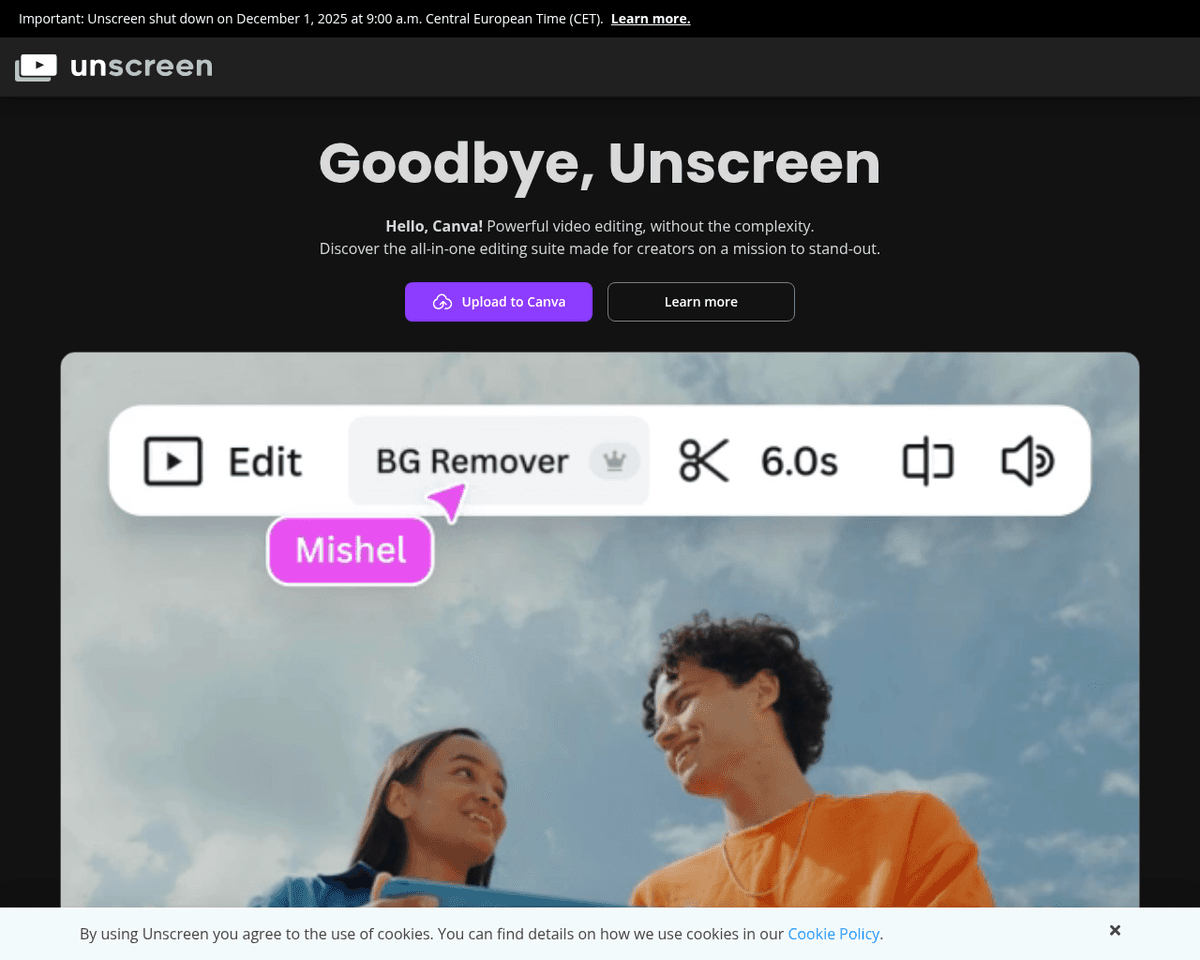
 Live Preview
Unscreen
Features
- 100% automatic — Unscreen requires no clicks or manual input to remove video backgrounds.
- Accurate segmentation — Advanced AI technology accurately differentiates between subjects and backgrounds.
- Works on any video — No need for green screens or controlled environments; it works with any video format.
- Free to use — Unscreen is completely free, making it accessible to everyone.
- Fast processing — Results are generated almost instantly after uploading your video.
- No account needed — Users can enjoy privacy and convenience without the need for sign-up.
Use Cases
- Social Media Videos — Create engaging content by placing yourself into any environment. Unscreen allows social media managers to enhance their videos effortlessly, attracting more viewers and engagement.
- Presentations — Easily insert yourself or objects into custom backgrounds, making your presentations more dynamic and visually appealing. Educators and presenters will find this feature invaluable for captivating their audience.
- Education — Film videos anywhere and drop them into explanatory backgrounds. Teachers and students can create informative and engaging educational content without the hassle of complex editing.
- Teleconferencing — Replace your home environment with a professional virtual background, making remote workers and live streamers look polished and professional during meetings and broadcasts.
- Marketing — Integrate products or concepts into custom scenes, allowing digital marketers to create eye-catching promotional content that stands out in a crowded market.
Related Tools
Tools with similar capabilities you might also like

By leveraging AI technology, the platform allows users to upload their videos and automatically transcribes and analyzes the content, making it easy to identify

By leveraging AI technology, the tool efficiently identifies and extracts engaging segments from longer videos, allowing creators to produce shorter clips that
By leveraging AI technology, it identifies the most captivating segments from longer content, making it particularly useful for podcasts and interviews. Users c

Users can easily input text, whether from blog posts or AI-generated scripts, and the platform takes care of the rest, including realistic voiceovers. This user

By harnessing advanced AI technology, it identifies key moments in audio and video, allowing creators to quickly produce clips that are ready for popular social
By leveraging AI technology, it simplifies the video creation process, allowing users to generate content quickly and tailor it to their specific needs. The pla