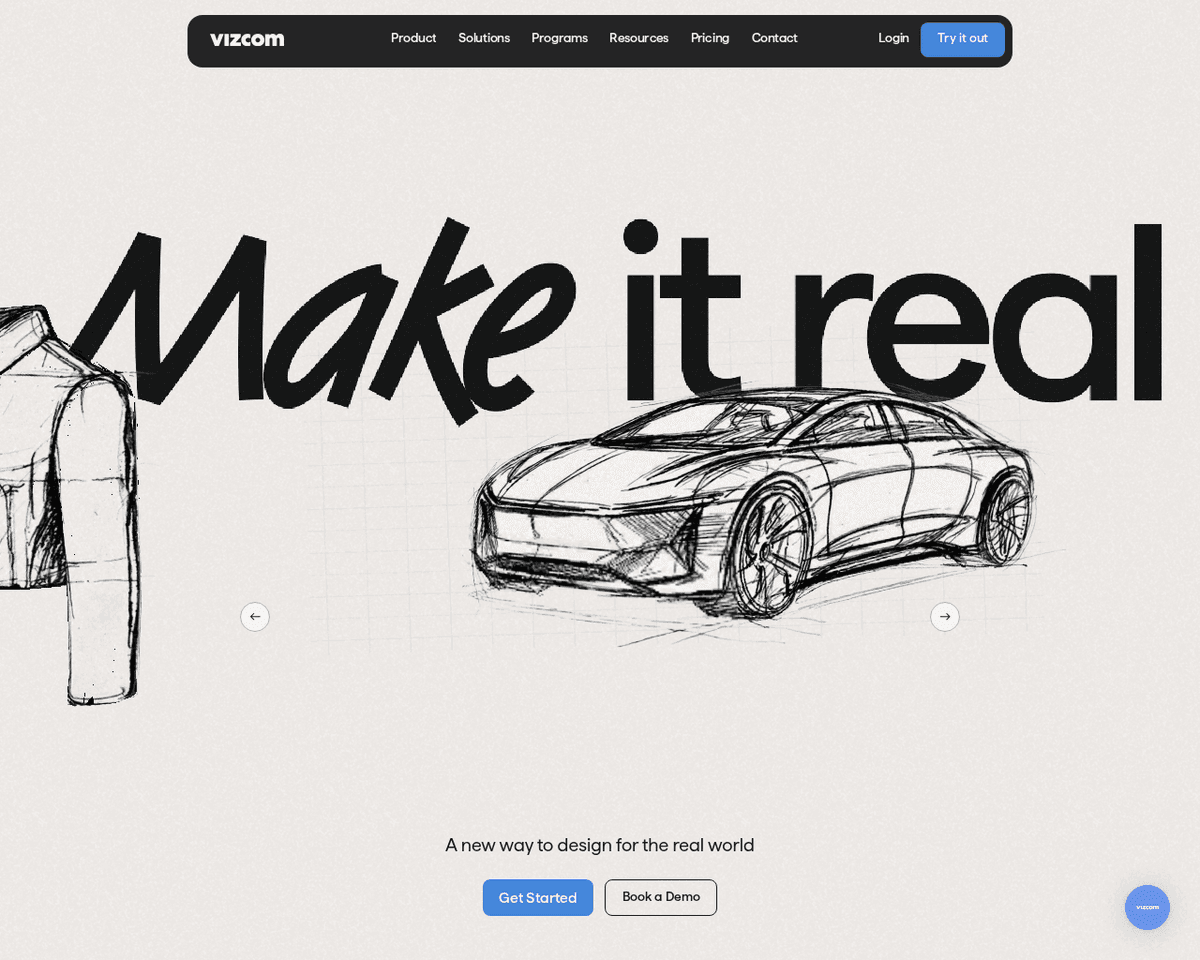
 Live Preview
Vizcom AI
Features
- Rapid photorealistic rendering — Transform your ideas into stunning visuals in seconds, enhancing productivity and efficiency.
- Unlimited design variations — Explore countless design options and iterations effortlessly with AI assistance.
- User control with sketching tools — Maintain creative control by sketching concepts and importing 3D models.
- Collaborative workspaces — Share access and collaborate seamlessly with team members in shared environments.
- Curated rendering styles — Access a variety of rendering styles tailored by Vizcom to elevate your designs.
- Organized layers for robust files — Keep your projects structured and manageable with layer organization.
Use Cases
- Rapid Ideation — Vizcom AI empowers designers to quickly iterate through product concepts, making it perfect for industrial designers who thrive on creativity and need to bring ideas to life swiftly.
- Realistic Presentations — With the ability to show photorealistic renderings to stakeholders, Vizcom AI is ideal for product managers and design teams looking to impress clients and secure buy-in with stunning visuals.
- Portfolio Building — Freelancers and aspiring designers can quickly generate high-quality portfolio pieces, showcasing their skills and creativity with the help of Vizcom's rapid rendering capabilities.
- Collaborative Design — Vizcom AI enhances teamwork by allowing multiple collaborators to align in shared workspaces, making it a valuable tool for design teams across various industries.
Related Tools
Tools with similar capabilities you might also like
Powered by the Inflection-2.5 model, Pi operates with only 40% of the computational resources used by OpenAI's GPT-4, yet it achieves 94% of GPT-4's performance
Its ability to provide responses that vary in depth—from succinct answers to comprehensive explanations—makes it a versatile tool for users seeking information

Its automatic time blocking feature generates a comprehensive weekly plan tailored to your tasks and availability, allowing you to focus on what truly matters.
By leveraging advanced AI capabilities similar to those found in ChatGPT, Bito AI simplifies the coding process, enabling users to write code, understand syntax
Whether you're summarizing lengthy articles, research papers, or even YouTube videos, the platform provides a seamless experience—simply browse to the content,
By offering a diverse array of tools and consultancy services, the platform enables organizations to harness strategic foresight and design thinking. Users can