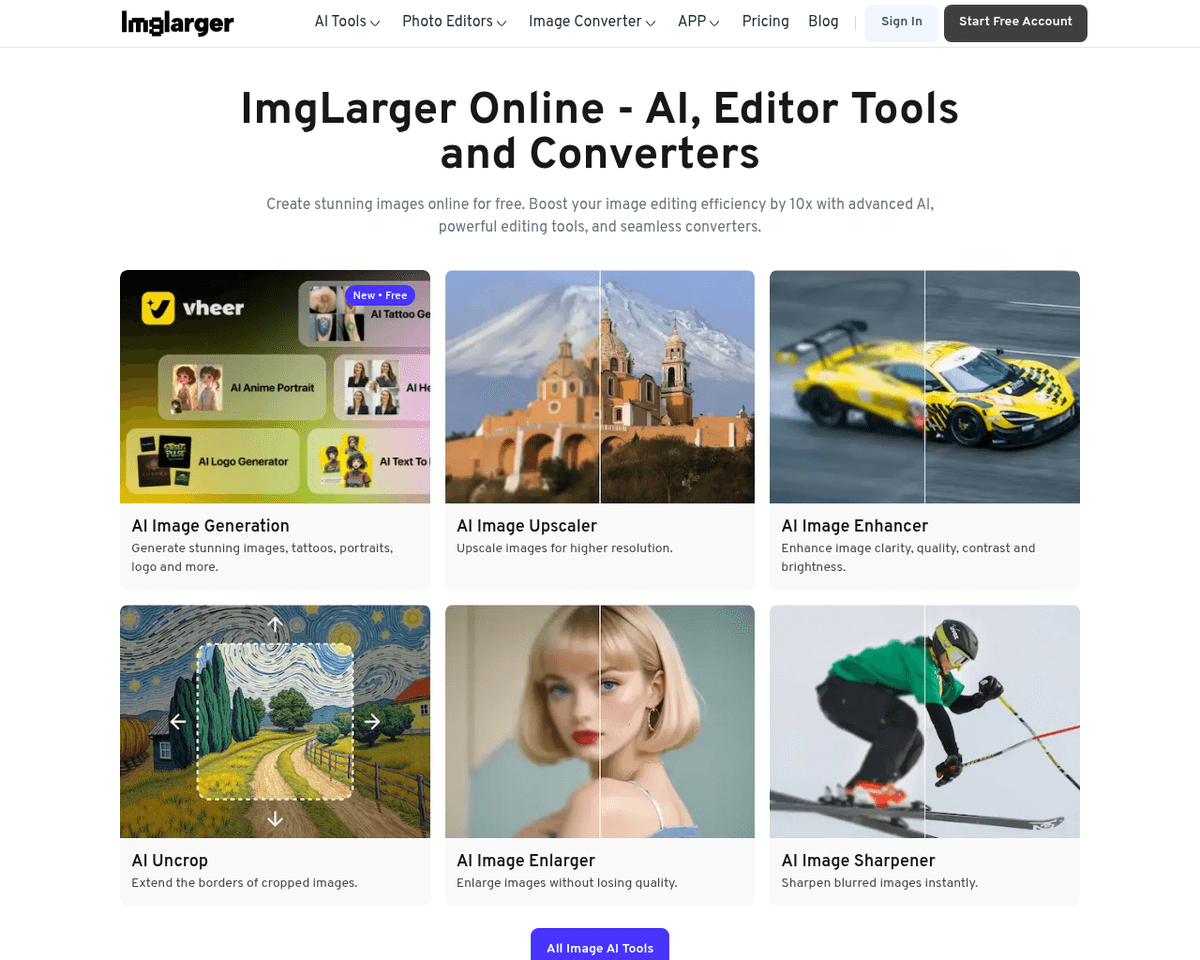
 Live Preview
AI Image Enlarger
Features
- Image Upscaling — Enlarge images up to 8k resolution while maintaining stunning quality.
- Batch Processing — Enhance multiple images simultaneously, saving you precious time.
- Comprehensive Editing Tools — Access features like cropping, fine-tuning, and filters to perfect your images before upscaling.
- Additional AI Tools — Utilize AI Enhancer and AI Sharpener to take your image quality to the next level.
- User-Friendly Interface — Enjoy a simple and intuitive design that requires no technical skills to navigate.
- API Access — Seamlessly integrate AI Image Enlarger capabilities into your own applications or workflows.
Use Cases
- Photographers — Professional photographers can significantly enhance the quality of their images for both print and digital media, ensuring that every shot captures the essence of their work.
- Graphic Designers — Graphic designers benefit from AI Image Enlarger by creating crisp visuals for various projects, helping them deliver stunning designs that stand out.
- Marketing Professionals — Marketing professionals can enhance brand imagery for promotional use, ensuring that their marketing materials are visually appealing and effective in capturing attention.
- Social Media Enthusiasts — Social media users looking to improve the quality of their personal photos can sharpen and enlarge images, making their posts more engaging and visually striking.
Related Tools
Tools with similar capabilities you might also like
With 15 options available, individuals can experiment freely without the commitment of an actual haircut. This feature not only serves as a practical tool for d
By simply entering a text prompt or uploading an image, users can generate a logo that aligns with their vision. Once the initial design is produced, the platfo
With a straightforward process, users input their ideas, select from a variety of styles, and receive multiple SVG illustrations tailored to their vision. This
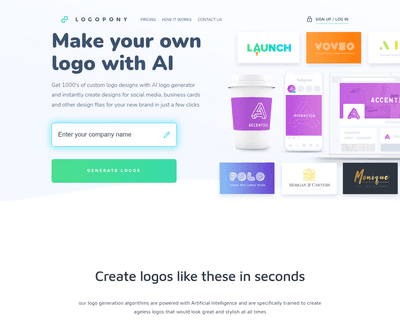
By analyzing a vast array of fonts, icons, colors, and design elements, it offers a diverse range of creative options that can be easily refined using its intui
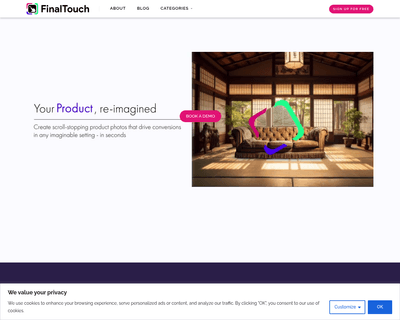
By simply uploading a product photo, users can generate a variety of unique scenes in seconds, all powered by advanced generative AI. This ease of use allows ma
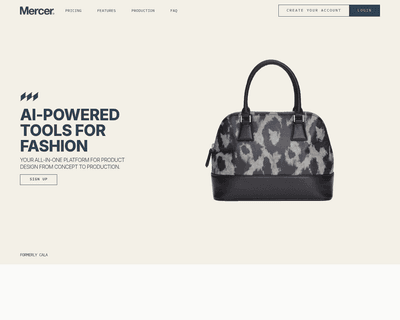
Users can tap into AI-driven design capabilities, such as generating apparel concepts through DALL·E 2, which interprets text descriptions or reference images.