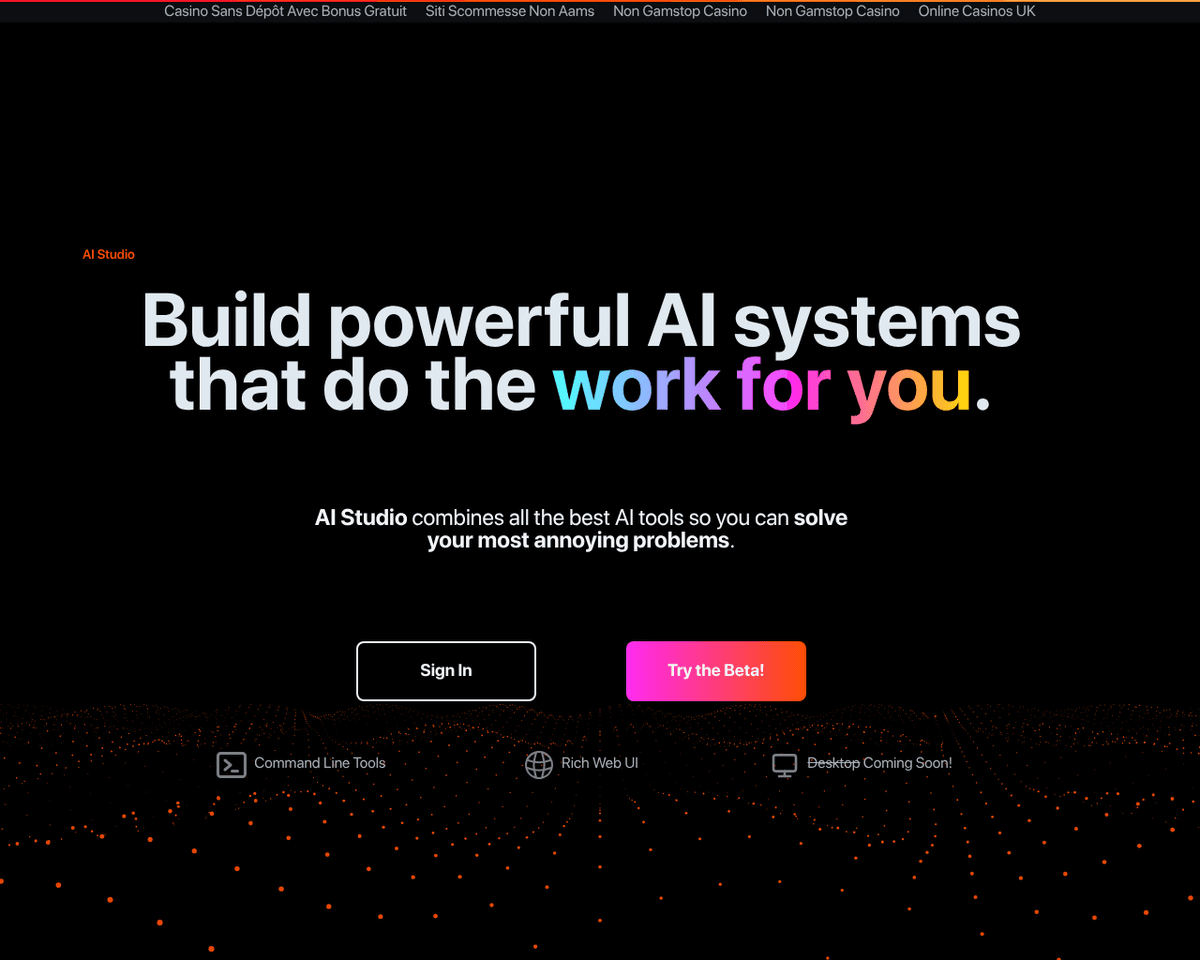
 Live Preview
AIStudio
Features
- Simple no-code interface — Build AI workflows without any coding experience, making it accessible for everyone.
- Drag and drop workflow builder — Easily connect different AI building blocks with an intuitive drag-and-drop feature.
- Flexible architecture — Integrate custom datasets, models, and code to tailor the platform to your specific needs.
- Infrastructure management — AI Studio automatically manages and scales the infrastructure required for your AI systems.
- Rich web dashboard — Monitor your workflows in real-time with a comprehensive dashboard that provides insights into performance.
- Command line interface — For advanced users, AI Studio offers a command line interface to enhance functionality and control.
Use Cases
- Business Process Automation — AI Studio empowers businesses to automate repetitive tasks such as document processing and customer service chatbots, allowing teams to focus on strategic initiatives and improve efficiency.
- Media and Content Moderation — With AI Studio, content creators and media companies can implement image and video tagging, content filtering, and sentiment analysis, ensuring that their platforms remain safe and engaging for users.
- Predictive Analytics — Businesses can leverage AI Studio for demand forecasting and recommendation engines, providing valuable insights that drive decision-making and enhance customer experiences.
- Learning and Experimentation — Students and AI enthusiasts can explore machine learning concepts using AI Studio’s no-code interface, making it easy to prototype ideas and learn about AI without needing extensive technical skills.
Related Tools
Tools with similar capabilities you might also like
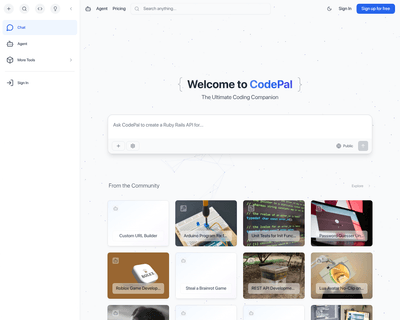
CodePal excels in generating code snippets from natural language input, making it easier for users to express their coding intentions without getting bogged dow
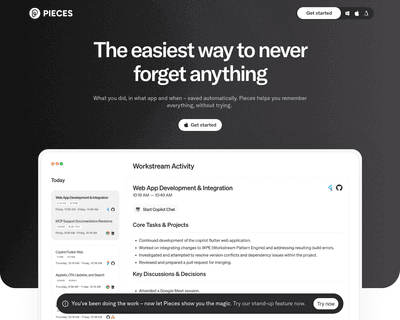
With features that allow users to save, search, share, and reuse code snippets and screenshots, it stands out for its AI-driven capabilities. The integration of

Its no-code builder simplifies the process of defining extraction parameters, allowing users to focus on what data they need rather than how to extract it. By u
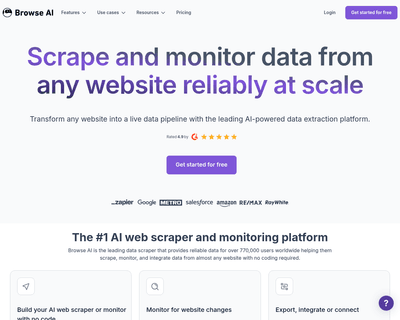
Users can train a robot in just a couple of minutes to gather information, which can then be easily exported in spreadsheet format or integrated with popular pl
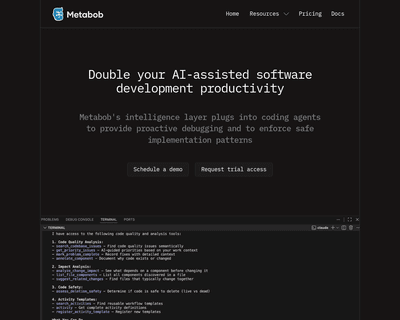
Metabob not only identifies a variety of coding issues—ranging from logical bugs to performance bottlenecks—but also provides context and explanations for these
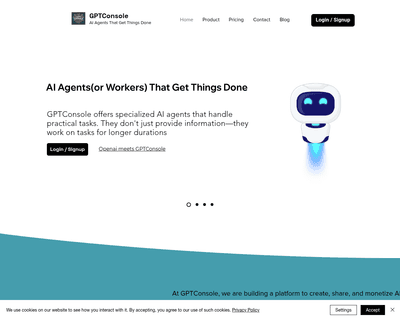
By providing an NPM package that can be easily installed, it allows for quick integration into existing workflows. The introduction of a command-line interface