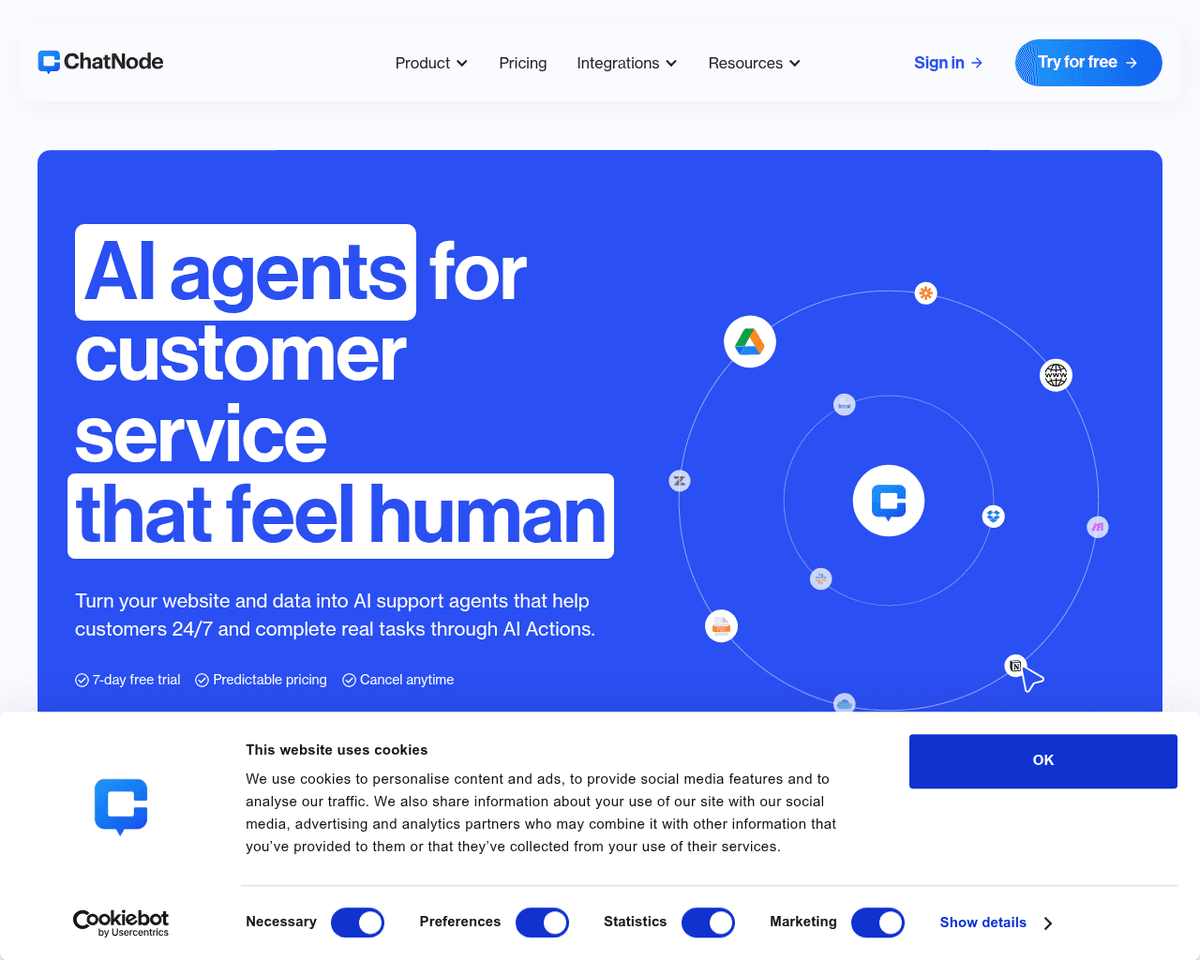
 Live Preview
ChatNode
Features
- Train on any data — Upload PDFs, Word docs, text files, or connect to a website to train the chatbot. The more data, the better the performance.
- Embed anywhere — Easily add the chatbot to your website with just a few lines of code, thanks to ChatNode's embeddable widgets.
- Intuitive dashboard — Manage and monitor multiple chatbots with a user-friendly dashboard that tracks conversations and optimizes performance.
- Customize appearance — Tailor the chatbot's name, avatar, colors, and branding to seamlessly match your business identity.
- Slack integration — Connect your chatbot with Slack to provide instant answers to questions right within your workspace.
- API access — For those looking for advanced customization, ChatNode offers API access to build on top of the platform.
FAQ
What is ChatNode?
By leveraging OpenAI's advanced GPT technology, users can train chatbots using their own data, whether it’s from websites, documents, or other text sources. This capability allows the chatbot to engage in meaningful conversations and provide relevant answers, enhancing the overall user experience. T
How much does ChatNode cost?
Visit the official ChatNode website for the most up-to-date pricing.
What are the key features of ChatNode?
ChatNode includes features such as: [object Object], [object Object], [object Object], [object Object], [object Object].
Related Tools
Tools with similar capabilities you might also like
This approach allows users to bypass the complexities of manual coding by simply conversing with the AI assistant. Whether you're looking to create a new diagra
By harnessing artificial intelligence, YourMove.ai helps users craft engaging dating profiles that highlight their best traits, making them more appealing to po
With features like an AI image generator, which allows users to create artwork from simple text prompts, and an AI chat function that can assist in generating s
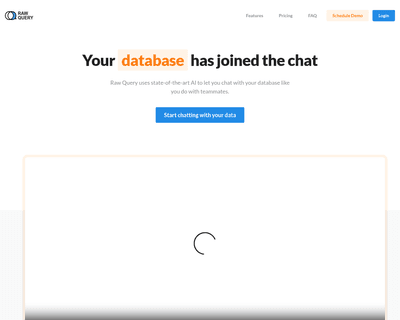
This platform leverages advanced AI technology to interpret user queries, translating them into SQL commands that can be executed seamlessly. With compatibility
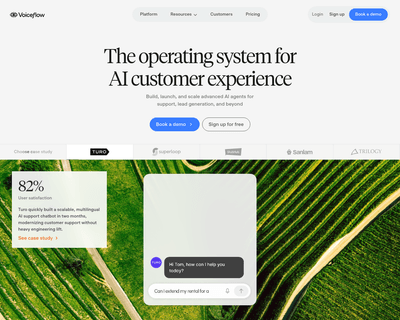
Its intuitive canvas-based design system enables the crafting of intricate conversational flows, while features like context layering and reusable components en
By allowing users to upload various types of content—such as PDFs, DOCXs, and URLs—the platform extracts relevant information to train the chatbot, making it ac