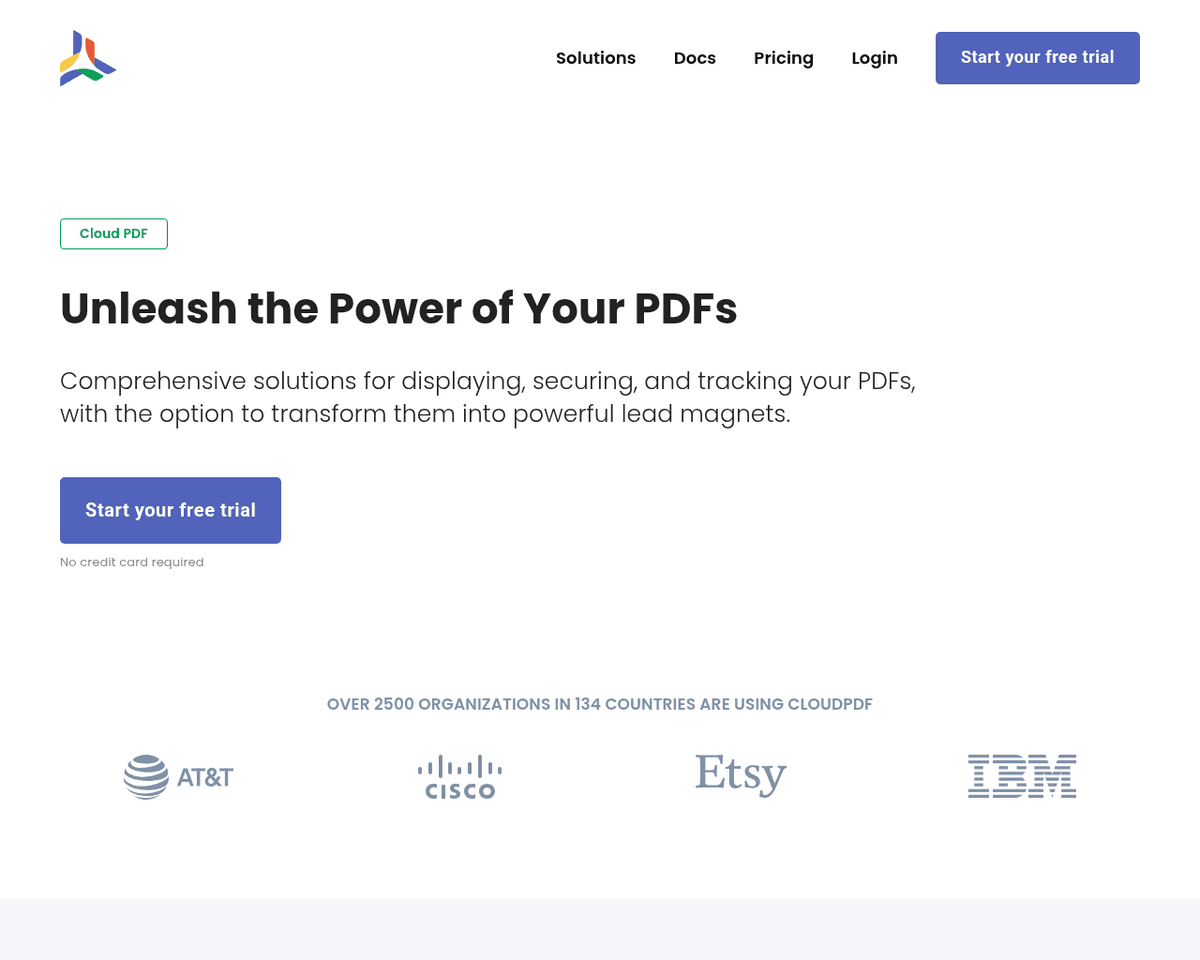
 Live Preview
CloudPDF
Features
- Embedding a Fast and Secure PDF Viewer — Integrate a rapid and secure PDF viewer into your website effortlessly with a simple code snippet or framework-specific library.
- Lead Capture Functionality — Enhance user engagement by prompting visitors for information before they access your documents, helping you gather valuable data.
- Document Engagement Monitoring and Analytics — Gain insights into document engagement and analyze metrics to refine your marketing strategies and improve customer interactions.
- PDF Protection — Safeguard your PDFs by generating them on the server and disabling download options, preventing unauthorized sharing.
- Global File Distribution via CDN — Ensure rapid and reliable access to your files worldwide through a secure Content Delivery Network (CDN).
- User-Friendly for All — CloudPDF caters to both non-coders and professional developers, providing intuitive solutions for efficient PDF management.
FAQ
What is CloudPDF?
It allows individuals to upload their documents to a secure cloud environment, ensuring safe storage and easy global access through a Content Delivery Network (CDN). Users can seamlessly embed a customizable PDF viewer on their websites, enhancing the user experience without requiring extensive codi
How much does CloudPDF cost?
Visit the official CloudPDF website for the most up-to-date pricing.
What are the key features of CloudPDF?
CloudPDF includes features such as: [object Object], [object Object], [object Object], [object Object], [object Object].
Related Tools
Tools with similar capabilities you might also like
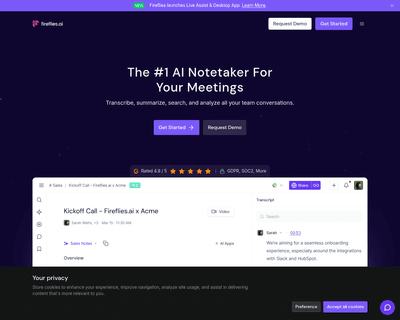
By leveraging advanced voice recognition technology, this application allows users to either upload recordings or have the AI listen in real-time during meeting
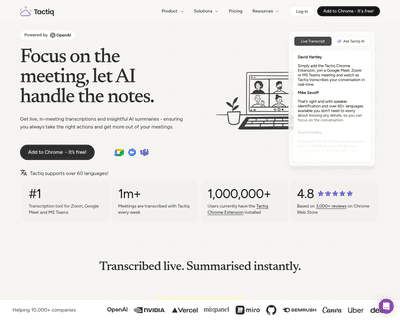
With its capability to seamlessly integrate into platforms like Google Meet, Zoom, and MS Teams, it captures spoken dialogue and converts it into text, ensuring
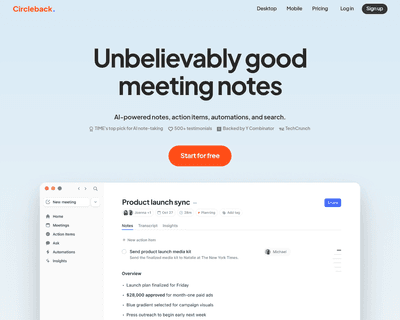
By simply pasting the meeting invite link into the app, users can delegate the task of note-taking to the AI assistant. After the meeting concludes, Circleback
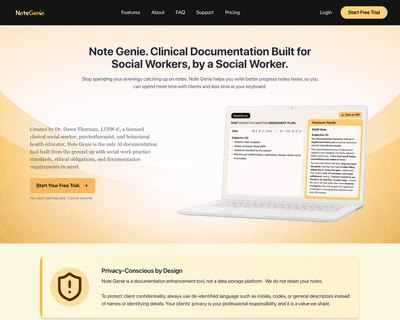
By allowing users to select templates or start typing directly, the platform simplifies the documentation process. Once notes are created, the AI assistant offe
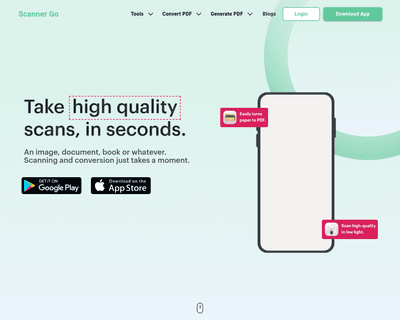
With its mobile app, users can quickly capture high-quality scans using their device's camera, making it a convenient option for those on the move. The platform
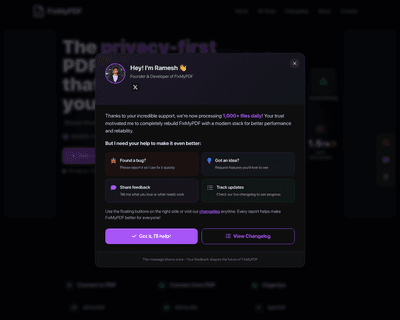
The platform stands out by ensuring that all processing occurs directly on your device, eliminating the need for uploads or registrations. This approach not onl