 Live Preview
ScannerGo
Features
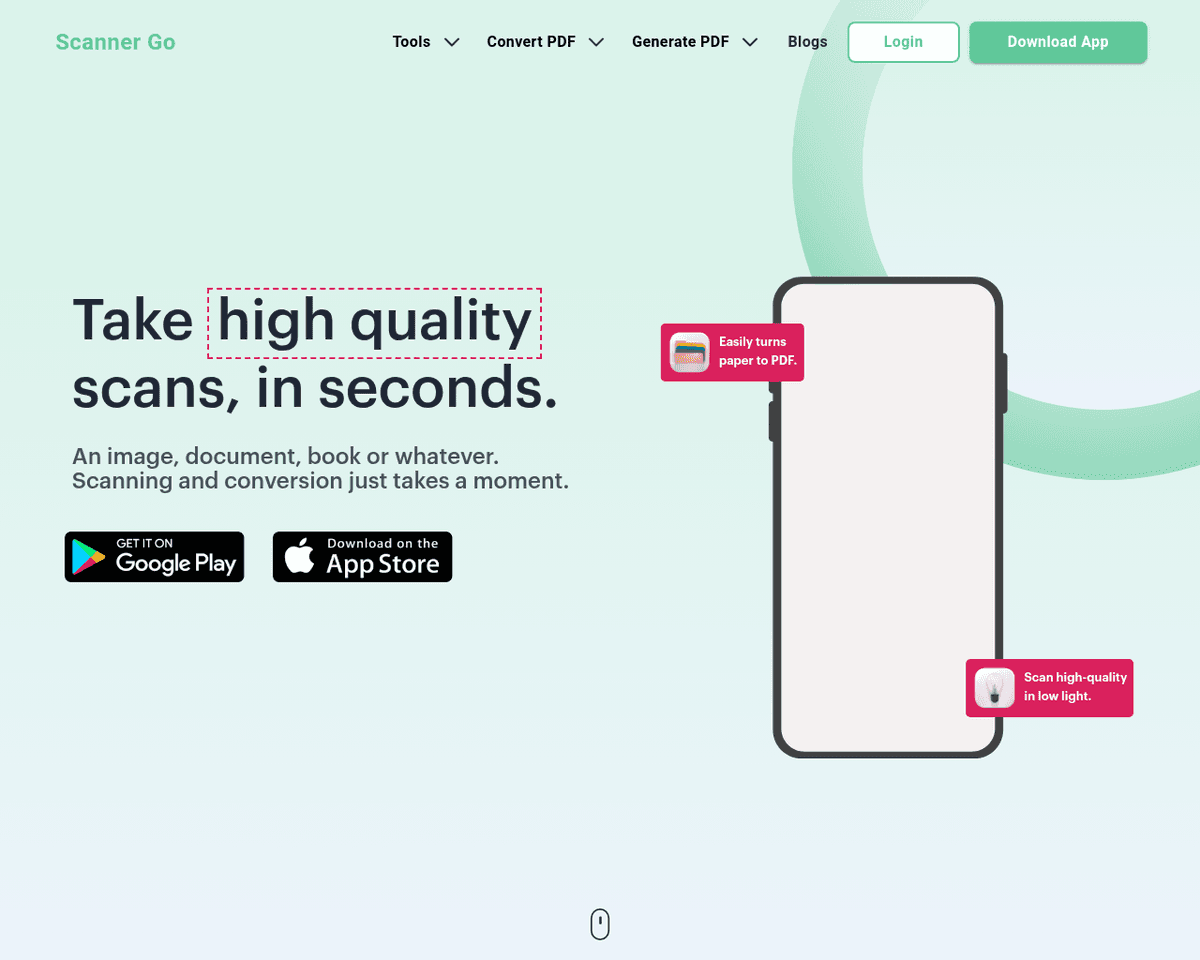
- Comprehensive Document Handling — ScannerGo serves as a versatile free PDF tool for scanning, converting, editing, and sharing documents effortlessly.
- Efficient Mobile Scanning — The mobile app allows users to quickly capture high-quality scans using their device's camera, making it convenient for on-the-go tasks.
- File Format Versatility — It supports a wide range of file formats for conversion, including JPG, PNG, ZIP, WORD, EXCEL, and PPT, ensuring flexibility in document management.
- PDF Manipulation — Users can easily merge, compress, optimize, split, and rotate PDF files, enhancing their document management capabilities.
- OCR Technology — The built-in OCR technology extracts text from PDFs and images, allowing users to convert them into editable formats seamlessly.
- User-Friendly PDF Management — ScannerGo simplifies the process of printing, sharing, and managing PDF files, making it accessible for everyone.
FAQ
What is ScannerGo?
With its mobile app, users can quickly capture high-quality scans using their device's camera, making it a convenient option for those on the move. The platform supports a wide range of file formats, including JPG, PNG, WORD, and EXCEL, allowing for easy conversions to and from PDF. Additionally, th
How much does ScannerGo cost?
Visit the official ScannerGo website for the most up-to-date pricing.
What are the key features of ScannerGo?
ScannerGo includes features such as: [object Object], [object Object], [object Object], [object Object], [object Object].
Related Tools
Tools with similar capabilities you might also like
By leveraging advanced voice recognition technology, this application allows users to either upload recordings or have the AI listen in real-time during meeting
It allows individuals to upload their documents to a secure cloud environment, ensuring safe storage and easy global access through a Content Delivery Network (
With its capability to seamlessly integrate into platforms like Google Meet, Zoom, and MS Teams, it captures spoken dialogue and converts it into text, ensuring
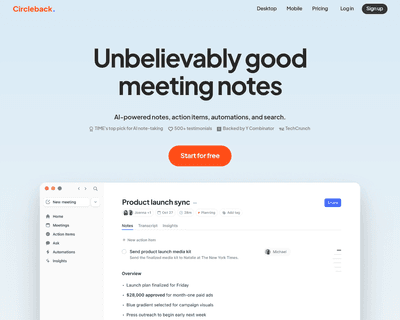
By simply pasting the meeting invite link into the app, users can delegate the task of note-taking to the AI assistant. After the meeting concludes, Circleback
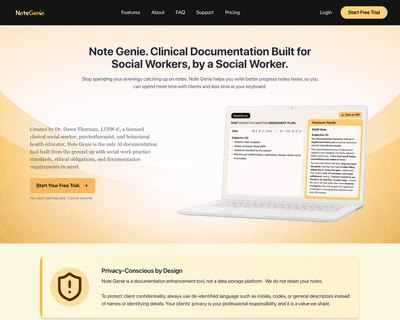
By allowing users to select templates or start typing directly, the platform simplifies the documentation process. Once notes are created, the AI assistant offe
The platform stands out by ensuring that all processing occurs directly on your device, eliminating the need for uploads or registrations. This approach not onl