 Live Preview
Color Picker
Features
- Eyedropper — Pull colors directly from uploaded images or anything on your screen; drop a file into the page and click a pixel to see its values in multiple formats.
- Format conversions — Instantly switch between HEX, RGB, HSL, and HSV and copy the codes into CSS, design software, or palette tools.
- Gradient maker — Create linear or radial gradients by adding and sliding stops, adjusting angle and transparency, and grabbing the finished CSS.
- Colour history — Every color you pick sticks around so you can come back to it later or reuse it across projects.
- Universal access — Works in any modern browser; extensions support multiple languages and receive regular updates.
- Color exploration — Open the palette to learn more about a color, see variations, combinations, and harmonies.
FAQ
What is Color Picker?
By utilizing the eyedropper tool, users can easily pull colors from uploaded images, revealing their exact values in HEX, RGB, HSL, and HSV formats. This feature not only streamlines the design process but also ensures precision, allowing designers to maintain consistency across their projects. The
How much does Color Picker cost?
Visit the official Color Picker website for the most up-to-date pricing.
What are the key features of Color Picker?
Color Picker includes features such as: [object Object], [object Object], [object Object], [object Object], [object Object].
Related Tools
Tools with similar capabilities you might also like
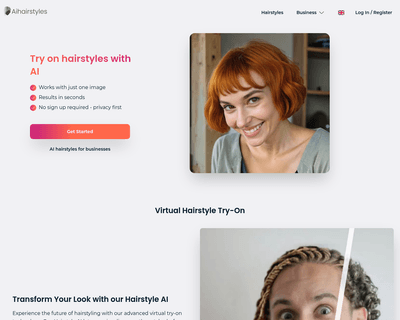
With 15 options available, individuals can experiment freely without the commitment of an actual haircut. This feature not only serves as a practical tool for d
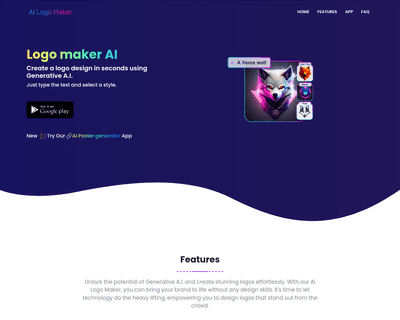
By simply entering a text prompt or uploading an image, users can generate a logo that aligns with their vision. Once the initial design is produced, the platfo
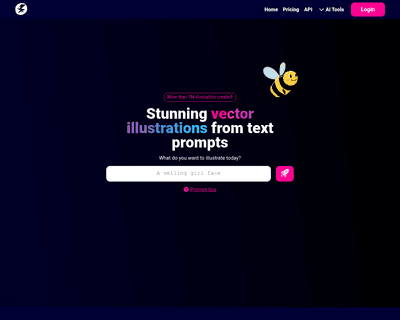
With a straightforward process, users input their ideas, select from a variety of styles, and receive multiple SVG illustrations tailored to their vision. This
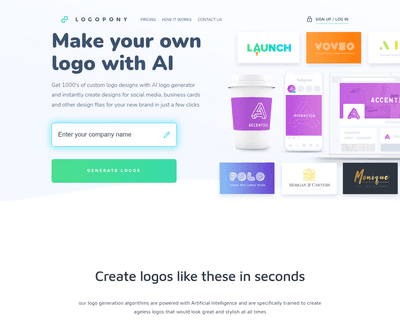
By analyzing a vast array of fonts, icons, colors, and design elements, it offers a diverse range of creative options that can be easily refined using its intui
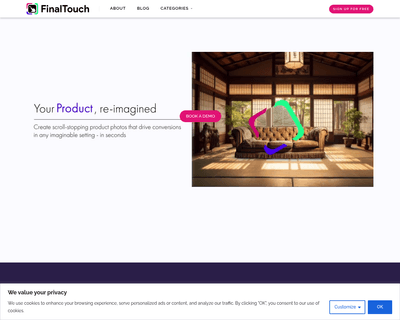
By simply uploading a product photo, users can generate a variety of unique scenes in seconds, all powered by advanced generative AI. This ease of use allows ma
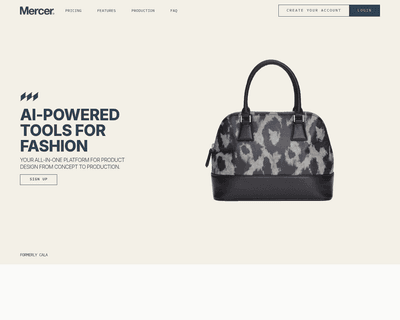
Users can tap into AI-driven design capabilities, such as generating apparel concepts through DALL·E 2, which interprets text descriptions or reference images.