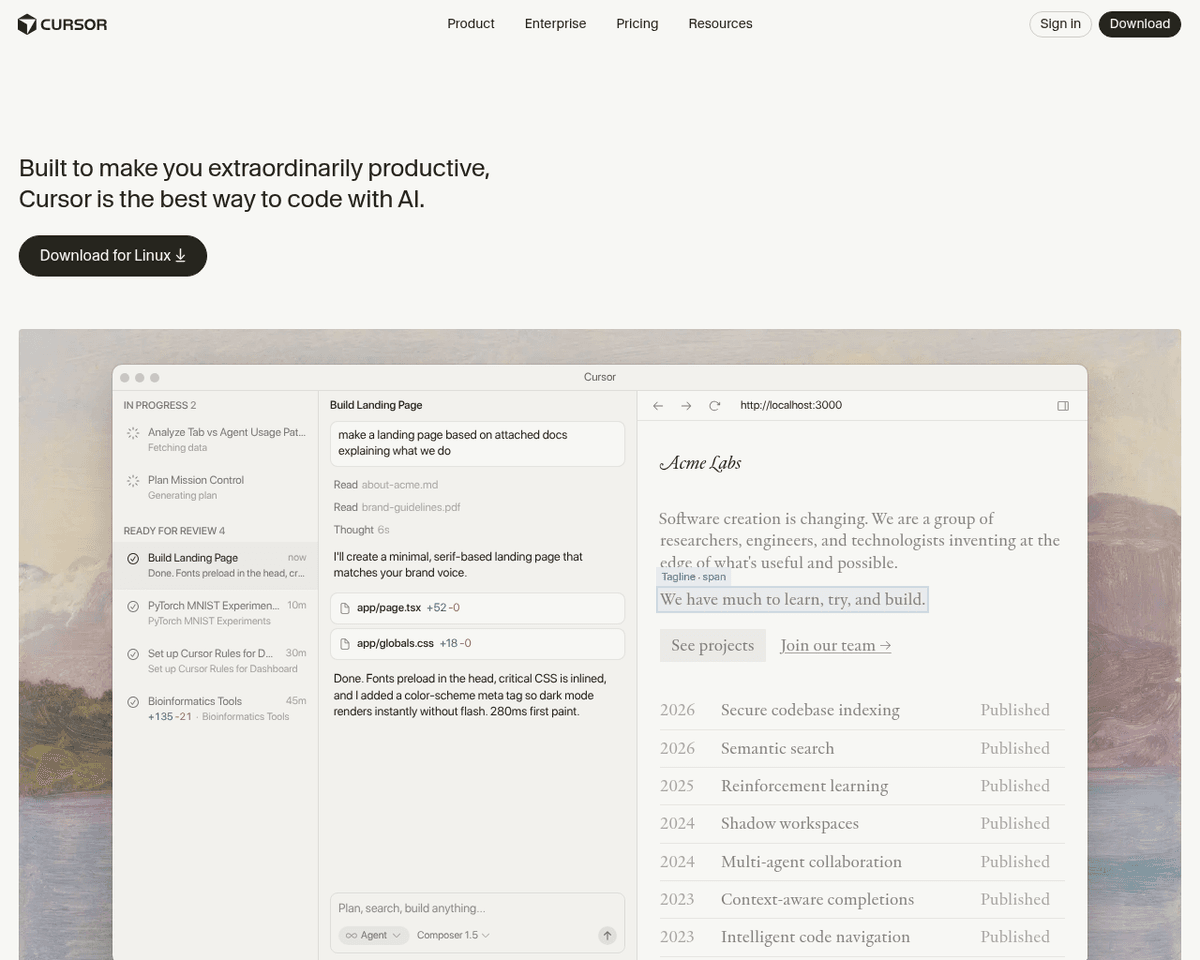
 Live Preview
Cursor
FAQ
What is Cursor?
Cursor is an AI-powered code editor built for pair programming with artificial intelligence. Forked from VS Code, it provides a familiar editing experience enhanced with AI capabilities including code generation, intelligent autocomplete, codebase-aware chat, and multi-file editing. Cursor understan
How much does Cursor cost?
Visit the official Cursor website for the most up-to-date pricing.
Latest News
8 AI IDEs That Replaced VS Code Workflows This Year
This article discusses eight AI-driven IDEs, including Cursor, that have emerged as alternatives to traditional VS Code workflows in the past year.
Cursor’s $2 billion bet: The IDE is now a fallback, not the default
The piece explores Cursor's strategic shift, positioning the IDE as a secondary option rather than the primary tool for developers, reflecting a $2 billion investment.
Cursor vs Intent (2026): Best AI Code Editor or Agent Orchestration Platform?
This discussion compares Cursor and Intent, evaluating which platform serves better as an AI code editor or for orchestrating code agents by 2026.
Related Tools
Tools with similar capabilities you might also like
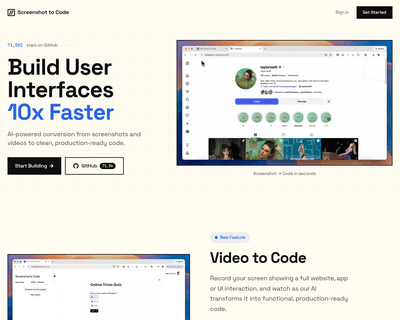
By supporting a range of frameworks and libraries, including HTML, Tailwind CSS, React, Vue, and Bootstrap, it caters to a diverse audience of developers and de
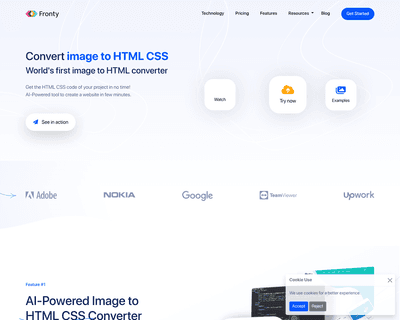
By allowing users to upload screenshots of their designs, it quickly generates the corresponding HTML and CSS code, saving considerable time and effort. The pla


Unlike many existing platforms that struggle with this integration, Ideogram AI delivers visually appealing results that maintain coherence between the textual
With real-time code completion suggestions and enhanced recommendations based on code comments, it helps streamline the coding process while minimizing potentia
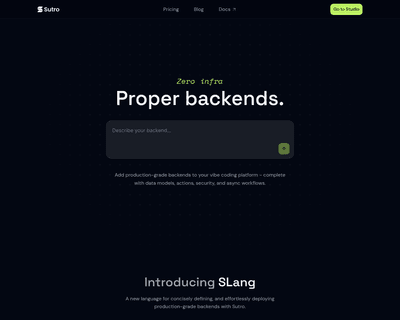
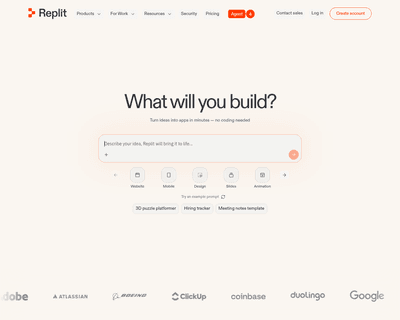
Users can input detailed descriptions of their app concepts and receive a functional prototype in just 30 seconds, a remarkable feat that significantly reduces
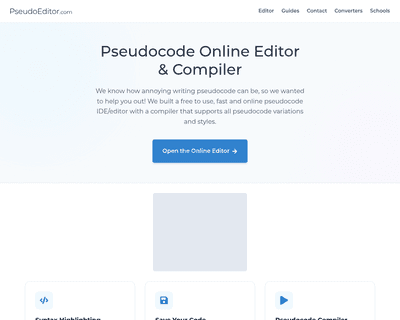
Its user-friendly interface simplifies the writing process, while features like dynamic syntax highlighting enhance readability and facilitate quick debugging.