 Live Preview
Doodle Morph AI
Features
- Transform Doodles into Stunning Art — Easily convert your simple sketches into beautiful, photo-realistic artwork using advanced AI algorithms.
- Multiple Art Styles — Choose from a variety of art styles including oil painting, pencil sketch, and watercolor to match your creative vision.
- Color Enhancement — Automatically add color to black and white drawings, bringing your doodles to life with vibrant hues.
- User-Friendly Interface — Designed for all ages, the app is intuitive and makes art creation accessible to everyone, regardless of skill level.
- Offline Functionality — Enjoy the full capabilities of the app without needing an internet connection, allowing you to create art anytime, anywhere.
- Export Options — Easily share your creations by exporting them as JPG or PNG files, or save them directly to your Camera Roll for sharing across devices.
Use Cases
- Concept Art Creation — Artists can quickly transform their sketches into stunning concept art, allowing for rapid iteration and exploration of ideas without the need for extensive hand-drawing.
- Student Projects — Students can turn their class notes and doodles into beautiful artwork, making learning more engaging and visually appealing while reinforcing their understanding of art concepts.
- Kids' Artwork Gifts — Parents can easily convert their children's doodles into framed gifts, capturing precious memories and showcasing their creativity in a unique way.
- Skill Improvement for Amateurs — Amateur artists can enhance their skills by visualizing sketches in different styles, helping them understand shading and texture while boosting their confidence in art creation.
- Educational Tool for Teachers — Teachers can use Doodle Morph AI to encourage students to experiment with art creation, fostering creativity and making art lessons more interactive and enjoyable.
Related Tools
Tools with similar capabilities you might also like
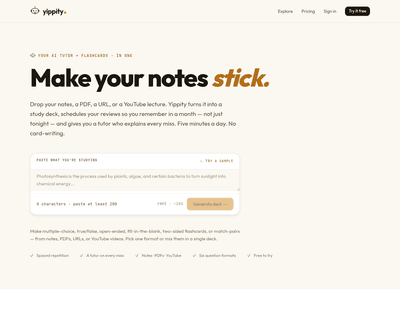
Users can easily upload or paste text, and the AI-driven system generates a variety of quiz formats, including multiple-choice, true/false, and fill-in-the-blan
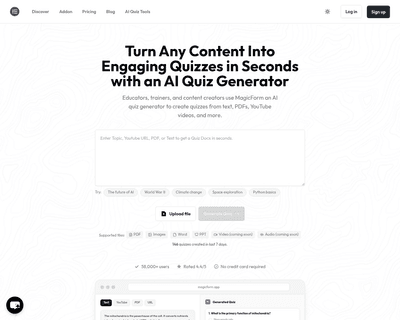
By simply copying and pasting content from various sources, such as textbooks or online articles, users can specify the desired number of questions and types—ra
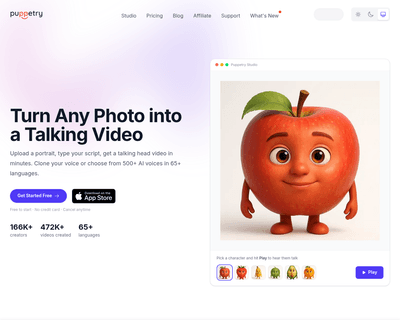
One of its key features, Puppetry, allows users to create engaging videos with AI-generated talking faces, making it particularly appealing for content creators
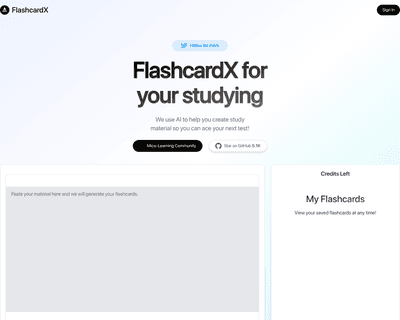
By simply inputting a text passage, whether it’s from a textbook, lecture notes, or an article, the application intelligently identifies key vocabulary and conc
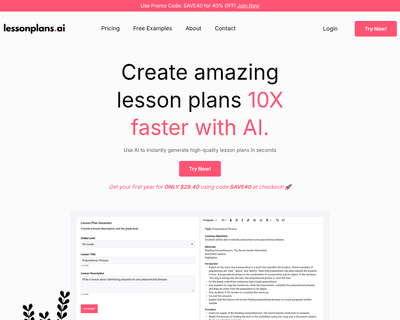
By simply providing a detailed description of the lesson they want to develop, teachers can generate complete plans in seconds, saving valuable time on planning
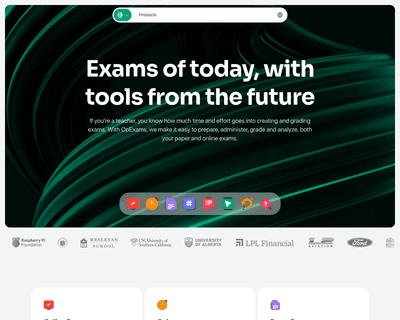
Teachers can create secure online assessments with a variety of interactive question types, enhanced by advanced proctoring features to uphold academic integrit