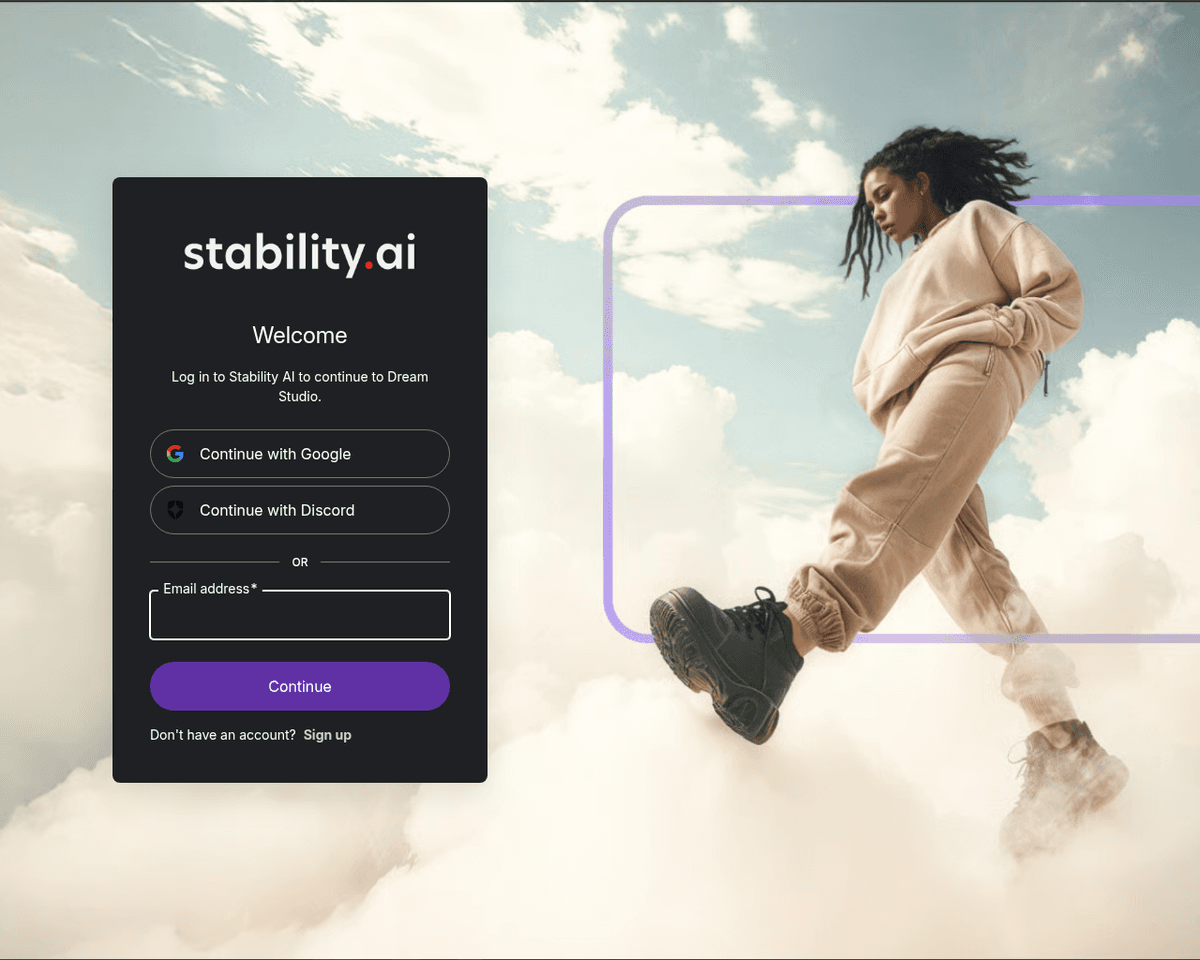
 Live Preview
DreamStudio
Features
- Effortless Image Generation — Just type a text prompt, and DreamStudio's AI will create stunning images that match your description.
- Seamless Editing — Modify your images easily by adding or removing elements, giving you full creative control.
- Inpainting & Outpainting — Quickly replace or introduce new elements into your images, enhancing your artistic vision.
- Multiple Variations — Generate several creative versions of an image at once, allowing you to explore different ideas effortlessly.
- Advanced Upscaling — Improve the resolution and quality of your images, ensuring they look professional and polished.
- Layered Editing — Utilize layers for more complex and refined image editing, making your workflow smoother and more organized.
Use Cases
- Digital Art Creation — DreamStudio empowers artists to create stunning original artworks and illustrations effortlessly. Whether you're a seasoned painter or just starting out, this tool can help bring your imagination to life.
- Graphic Design — Designers can streamline their workflow by using DreamStudio to create logos, posters, and marketing materials in a fraction of the time. It's perfect for those looking to enhance their creative projects quickly and efficiently.
- Photography Enhancement — Photographers can elevate their images by using inpainting and outpainting features to modify and enhance their photos, making it an invaluable tool for anyone looking to improve their visual storytelling.
- Game Asset Design — Game developers can leverage DreamStudio to design unique game assets, including characters and environments. This tool allows for rapid prototyping and creative exploration, making it a game-changer in the industry.
- Special Effects Creation — For filmmakers and video editors, DreamStudio offers the ability to add stunning visual effects and touch up images, ensuring that your projects stand out with professional-grade visuals.
- Education and Learning — Students and educators can utilize DreamStudio to create engaging visual aids for presentations and projects, making learning more interactive and enjoyable for everyone involved.
FAQ
What is DreamStudio?
This intuitive approach not only democratizes the art of image generation but also empowers users to refine their creations through iterative editing. The platform’s features, such as inpainting and outpainting, enable users to enhance existing images by adding or modifying elements with ease, while
How much does DreamStudio cost?
Visit the official DreamStudio website for the most up-to-date pricing information and available plans.
What are the key features of DreamStudio?
DreamStudio includes features such as: [object Object], [object Object], [object Object], [object Object], [object Object].
What can I use DreamStudio for?
Common use cases for DreamStudio include: [object Object], [object Object], [object Object], [object Object].
What category does DreamStudio fall under?
DreamStudio is listed under Art & Creative and Photo Editing & Enhancement on Hack the Prompt. It competes with other tools in this space.
Related Tools
Tools with similar capabilities you might also like
Remove BG addresses this common challenge by offering a straightforward, user-friendly platform that leverages artificial intelligence to eliminate unwanted bac

By leveraging a sophisticated deep learning model, it effectively bridges the gap between user imagination and visual representation. Users can generate unique
Users can generate images from text prompts, existing images, or even their own custom models, making it a versatile tool for artists and designers alike. The p
With its diverse range of tools, users can easily modify images by changing backgrounds, removing unwanted elements, and applying various filters and effects. T
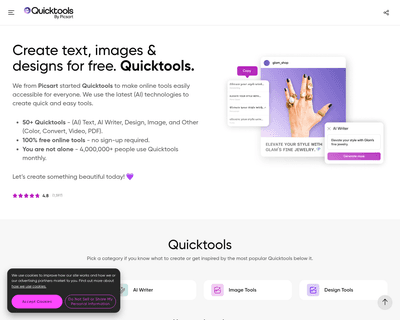
Users can easily enhance their images, create unique designs, and experiment with various editing features such as filters, stickers, and templates. The platfor
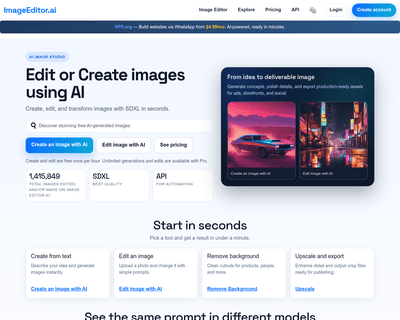
With offerings like the AI Image Editor, Free Online Photo Editor, and AI Photo Editor, individuals can make quick adjustments or enhance their images without t