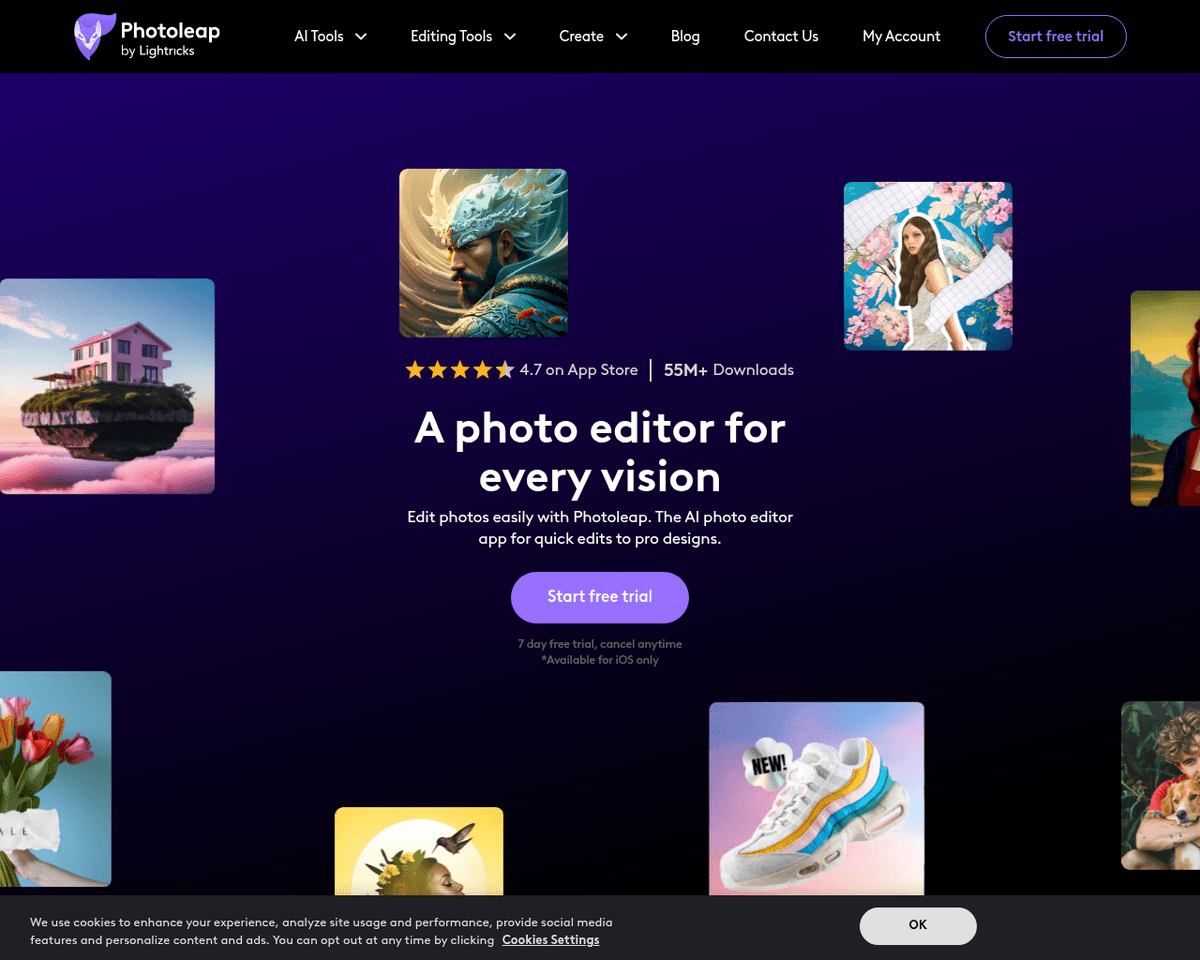
 Live Preview
Photoleapapp
Features
- Intuitive and User-Friendly Interface — Photoleap's design makes it easy for anyone to dive into photo editing, even if you're just starting out.
- Comprehensive Photo Editing Tools — Users can change backgrounds, remove unwanted objects, create collages, and apply a variety of filters and effects.
- AI-Powered Image Transformations — The app's AI image generator allows users to turn selfies into unique art styles, avatars, or cartoons.
- Enhanced Customization Options — Beyond AI transformations, Photoleap offers stickers, fonts, and one-tap effects for personalized edits.
- Cross-Platform Accessibility — Available on both iOS and Android, Photoleap ensures that users can edit photos on their preferred devices.
- Free Trial Period — Users can explore the app's features with a complimentary 7-day trial, making it easy to see what it can do before committing.
FAQ
What is Photoleapapp?
With its diverse range of tools, users can easily modify images by changing backgrounds, removing unwanted elements, and applying various filters and effects. The app also features an AI image generator that allows users to reimagine their selfies as artistic renditions or cartoons, making it a vers
How much does Photoleapapp cost?
Visit the official Photoleapapp website for the most up-to-date pricing.
What are the key features of Photoleapapp?
Photoleapapp includes features such as: [object Object], [object Object], [object Object], [object Object], [object Object].
Related Tools
Tools with similar capabilities you might also like
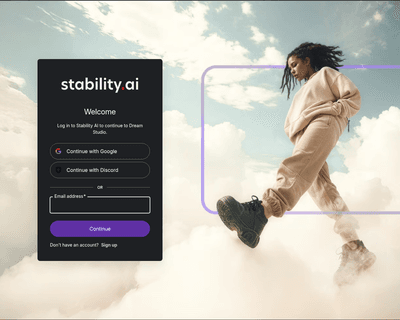
This intuitive approach not only democratizes the art of image generation but also empowers users to refine their creations through iterative editing. The platf
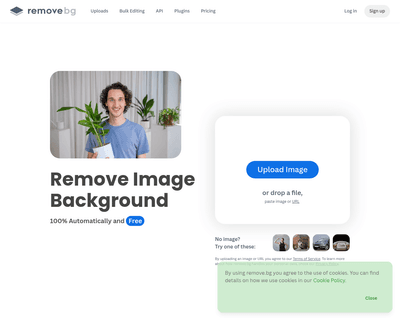
Remove BG addresses this common challenge by offering a straightforward, user-friendly platform that leverages artificial intelligence to eliminate unwanted bac
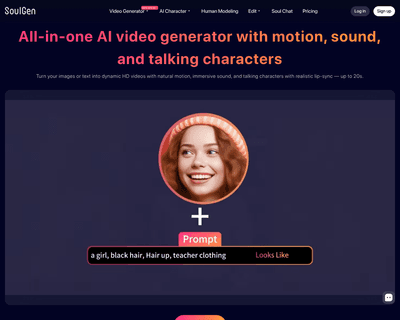
By leveraging a sophisticated deep learning model, it effectively bridges the gap between user imagination and visual representation. Users can generate unique
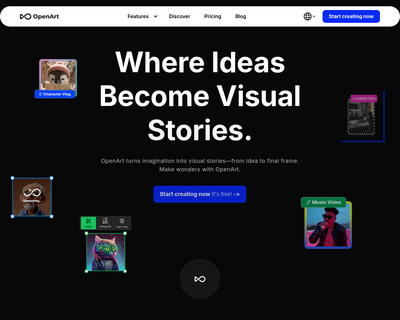
Users can generate images from text prompts, existing images, or even their own custom models, making it a versatile tool for artists and designers alike. The p
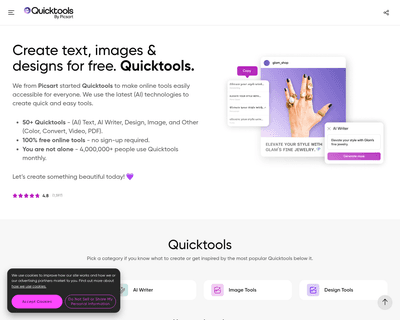
Users can easily enhance their images, create unique designs, and experiment with various editing features such as filters, stickers, and templates. The platfor
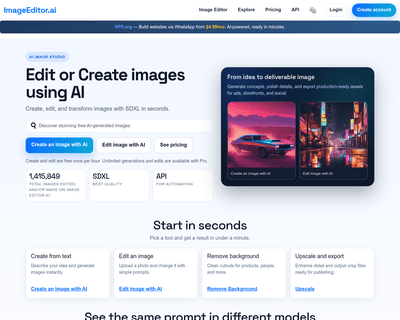
With offerings like the AI Image Editor, Free Online Photo Editor, and AI Photo Editor, individuals can make quick adjustments or enhance their images without t