 Live Preview
Entry Point AI
Features
- Intuitive interface — Format data and launch training through a simple, visual interface without coding required.
- Template fields — Organize your data into fields like text, number, URL, etc. to easily make updates.
- Dataset tools — Filter, edit, and expand your dataset with synthetic data generation.
- Model evaluation — Run fine-tunes across platforms and base models to compare performance.
- Easy data import — Import training examples effortlessly from a CSV file, requiring as few as 20 examples for meaningful results.
- Multi-platform support — Fine-tune models on various platforms like OpenAI and Anthropic, ensuring flexibility in your AI development.
FAQ
What is Entry Point AI?
Users can easily identify their specific tasks, whether it's automating customer service inquiries or classifying marketing feedback. The platform allows for straightforward data importation, enabling users to format their examples through intuitive templates. With just a handful of training example
How much does Entry Point AI cost?
Visit the official Entry Point AI website for the most up-to-date pricing.
What are the key features of Entry Point AI?
Entry Point AI includes features such as: [object Object], [object Object], [object Object], [object Object], [object Object].
Related Tools
Tools with similar capabilities you might also like
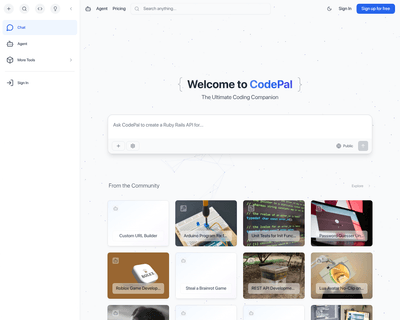
CodePal excels in generating code snippets from natural language input, making it easier for users to express their coding intentions without getting bogged dow
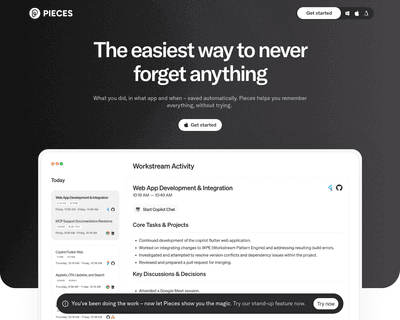
With features that allow users to save, search, share, and reuse code snippets and screenshots, it stands out for its AI-driven capabilities. The integration of

Its no-code builder simplifies the process of defining extraction parameters, allowing users to focus on what data they need rather than how to extract it. By u
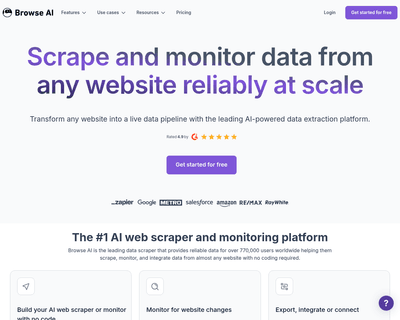
Users can train a robot in just a couple of minutes to gather information, which can then be easily exported in spreadsheet format or integrated with popular pl
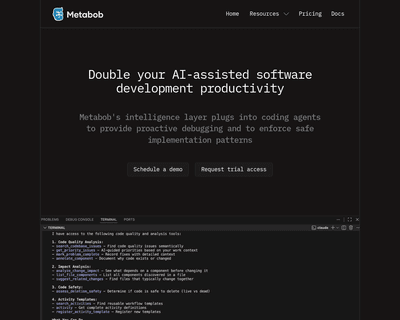
Metabob not only identifies a variety of coding issues—ranging from logical bugs to performance bottlenecks—but also provides context and explanations for these

By providing an NPM package that can be easily installed, it allows for quick integration into existing workflows. The introduction of a command-line interface