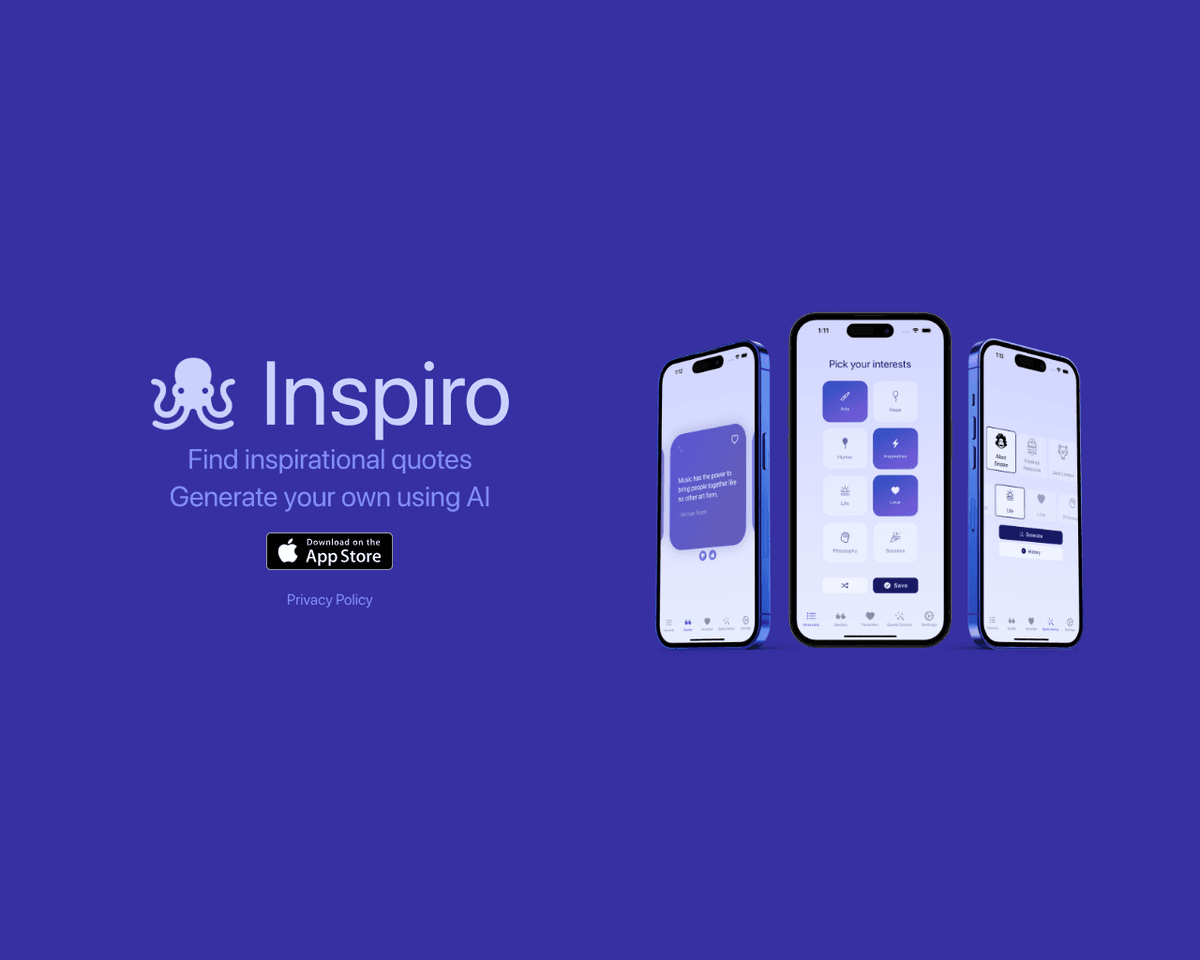
 Live Preview
Inspiro
Features
- Extensive quote database - Access over 100,000 curated inspirational quotes across various categories.
- AI-generated custom quotes - Receive personalized quotes tailored to your context and desired tone.
- Category browsing - Easily explore quotes by themes such as motivation, love, and success.
- Keyword search functionality - Quickly find quotes by entering specific words or phrases.
- Favorite and save quotes - Keep your most loved quotes handy for inspiration whenever you need it.
- Daily inspirational notifications - Enjoy a fresh dose of motivation delivered to you every day.
FAQ
What is Inspiro?
With a rich database of more than 100,000 curated quotes, users can effortlessly explore various categories or search by specific keywords. The app's AI capabilities allow it to generate unique quotes tailored to individual preferences, ensuring that each user receives content that resonates with th
How much does Inspiro cost?
Visit the official Inspiro website for the most up-to-date pricing.
What are the key features of Inspiro?
Inspiro includes features such as: [object Object], [object Object], [object Object], [object Object], [object Object].
Related Tools
Tools with similar capabilities you might also like
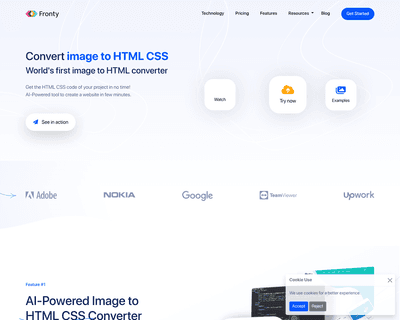
By allowing users to upload screenshots of their designs, it quickly generates the corresponding HTML and CSS code, saving considerable time and effort. The pla
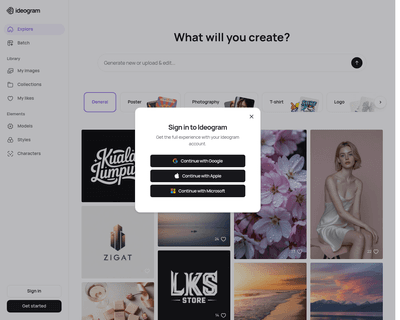

Unlike many existing platforms that struggle with this integration, Ideogram AI delivers visually appealing results that maintain coherence between the textual
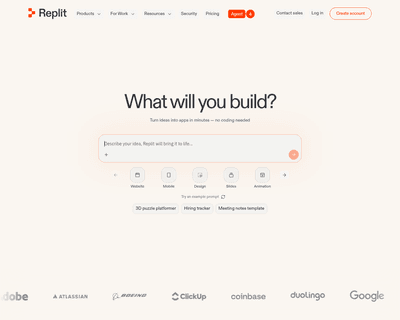
With real-time code completion suggestions and enhanced recommendations based on code comments, it helps streamline the coding process while minimizing potentia
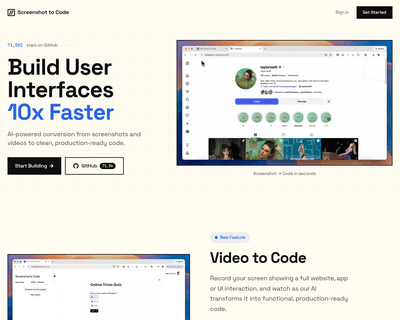
By supporting a range of frameworks and libraries, including HTML, Tailwind CSS, React, Vue, and Bootstrap, it caters to a diverse audience of developers and de
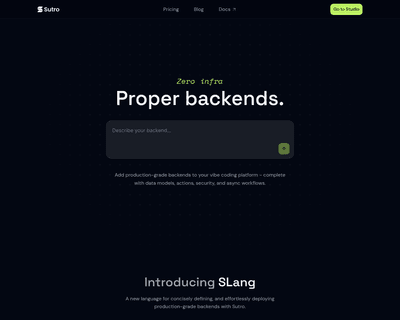
Users can input detailed descriptions of their app concepts and receive a functional prototype in just 30 seconds, a remarkable feat that significantly reduces
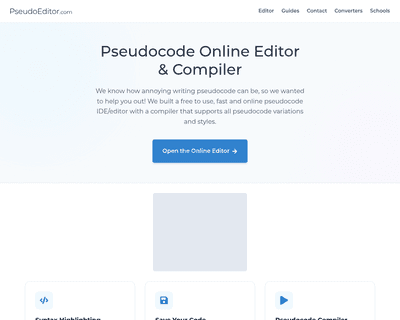
Its user-friendly interface simplifies the writing process, while features like dynamic syntax highlighting enhance readability and facilitate quick debugging.