Liquiflow
Features
- Theme Builder — Build complete Shopify 2.0 themes from scratch with full control over every element.
- Section Builder — Create individual custom sections to enhance existing Shopify themes.
- Visual Design Conversion — Design everything visually in Webflow and convert it automatically into production-ready Liquid code without any coding required.
- Zero Vendor Lock-in — Your converted theme is 100% yours, stored directly in Shopify, eliminating reliance on external servers.
- One-click Deployment — Seamless GitHub integration for version control and instant publishing.
- Full Shopify Compatibility — Complete support for Shopify App Store apps, metafields, metaobjects, and all Shopify 2.0 features.
FAQ
What is Liquiflow?
With options like the Theme Builder and Section Builder, users can either create complete Shopify 2.0 themes from the ground up or enhance existing themes with custom sections. The visual design process in Webflow is straightforward, and the automatic conversion to production-ready Liquid code elimi
How much does Liquiflow cost?
Visit the official Liquiflow website for the most up-to-date pricing.
What are the key features of Liquiflow?
Liquiflow includes features such as: [object Object], [object Object], [object Object], [object Object], [object Object].
Related Tools
Tools with similar capabilities you might also like

By simply uploading a photo, individuals can receive a curated selection of outfits tailored to their unique body shape and style. The platform not only allows
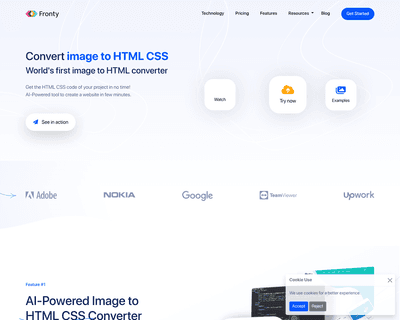
By allowing users to upload screenshots of their designs, it quickly generates the corresponding HTML and CSS code, saving considerable time and effort. The pla
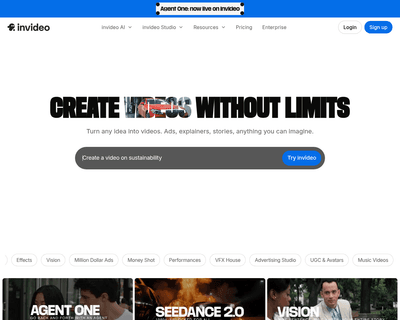
Improve your website's search engine ranking with our expert SEO services. Our team will optimize your site for maximum visibility and drive more traffic to you
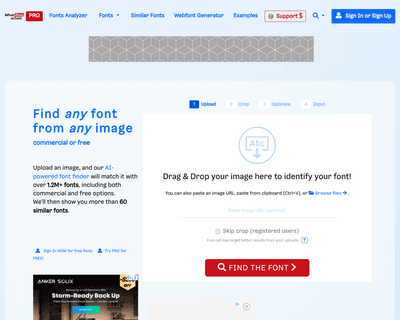
Users can easily upload images or input URLs to tap into a vast database of over 900,000 fonts, which includes both free and commercially licensed options. The

Users can easily create engaging demos that allow others to interact with their models in real-time, whether it's adjusting parameters with sliders or uploading
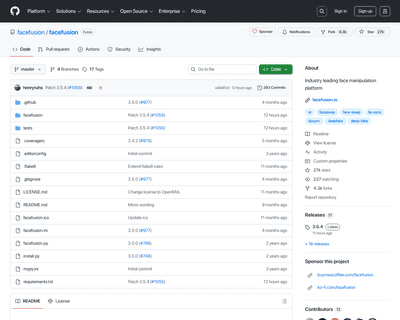
The one-click installer for Windows simplifies the setup process, allowing users to dive right into face swapping and enhancing without technical hurdles. With