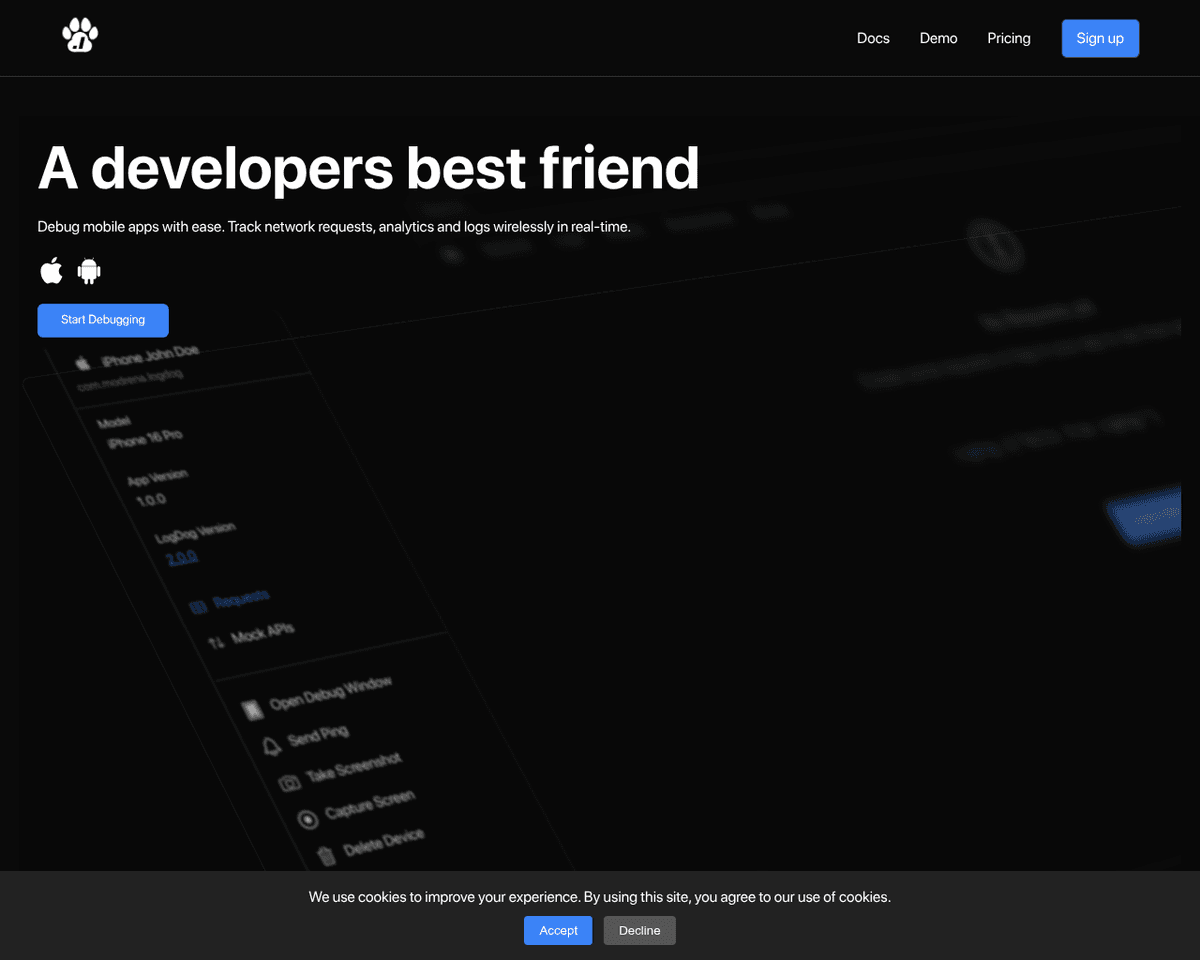
 Live Preview
LogDog
Features
- Real-time log capturing — LogDog captures all logs, requests, and events as they happen, ensuring you never miss a critical moment.
- Intuitive web UI — The user-friendly interface makes navigating through logs and events a breeze, even for those new to debugging.
- Cross-platform support — Designed for both iOS and Android, LogDog seamlessly integrates into your mobile development workflow.
- Event interception — Easily intercept logs and requests to troubleshoot issues on the fly, enhancing your debugging efficiency.
- Comprehensive logging — Capture detailed logs that provide insights into your app's performance and behavior, helping you make informed decisions.
- Developer-friendly SDK — The SDK is straightforward to implement, allowing developers to focus on building great apps without getting bogged down in complex setups.
FAQ
What is LogDog?
This real-time logging capability is particularly beneficial for developers who need to diagnose issues quickly without the hassle of traditional debugging methods. By providing a web UI, LogDog allows users to easily navigate through the captured data, making it simpler to identify patterns or anom
How much does LogDog cost?
Visit the official LogDog website for the most up-to-date pricing.
What are the key features of LogDog?
LogDog includes features such as: [object Object], [object Object], [object Object], [object Object], [object Object].
Related Tools
Tools with similar capabilities you might also like
By allowing users to upload screenshots of their designs, it quickly generates the corresponding HTML and CSS code, saving considerable time and effort. The pla

Unlike many existing platforms that struggle with this integration, Ideogram AI delivers visually appealing results that maintain coherence between the textual
With real-time code completion suggestions and enhanced recommendations based on code comments, it helps streamline the coding process while minimizing potentia
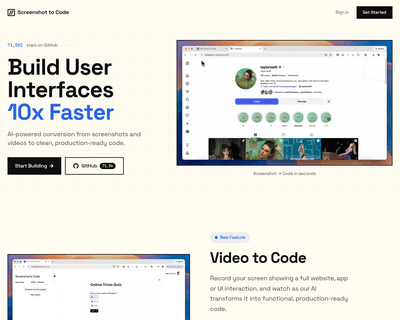
By supporting a range of frameworks and libraries, including HTML, Tailwind CSS, React, Vue, and Bootstrap, it caters to a diverse audience of developers and de
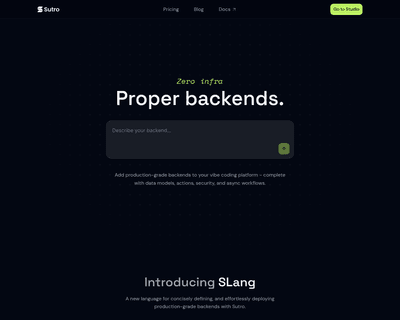
Users can input detailed descriptions of their app concepts and receive a functional prototype in just 30 seconds, a remarkable feat that significantly reduces
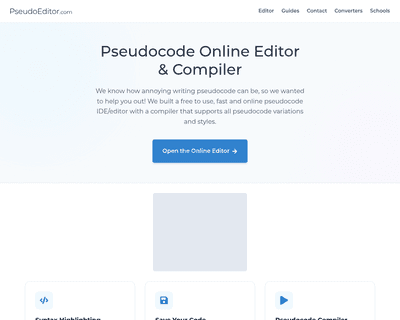
Its user-friendly interface simplifies the writing process, while features like dynamic syntax highlighting enhance readability and facilitate quick debugging.