 Live Preview
Petalica Paint
Features
- AI-Powered Automatic Colorization — Experience the magic of instant colorization that brings your sketches to life with minimal effort.
- Three Unique Colorization Styles — Choose from Tanpopo, Satsuki, or Canna to perfectly match the aesthetic of your artwork.
- Sketch Simplification Tool — Refine your sketches effortlessly for a cleaner and more polished output before colorization.
- Color Hints Feature — Guide the AI's color choices by adding specific hints, ensuring the final piece aligns with your artistic vision.
- Pixiv Sketch Integration — Seamlessly incorporate Petalica Paint into your creative workflow within the Pixiv Sketch environment.
- User-Friendly Interface — Enjoy a simple drag-and-drop experience and intuitive controls, making it accessible for artists of all skill levels.
Use Cases
- Artists and Illustrators — Digital artists can leverage Petalica Paint to quickly test color schemes and finalize their artwork, saving hours on manual colorization and enhancing their creative process.
- Graphic Designers — Design professionals can integrate Petalica Paint into their workflow, expediting concept art creation and enhancing presentation materials with vibrant colorization.
- Hobbyists and Learners — Art enthusiasts and beginners can use Petalica Paint to explore color composition and improve their digital painting skills in a user-friendly environment.
- Animation and Game Development — Teams working on animation and game assets can utilize Petalica Paint for rapid prototyping and efficient colorization of concept art, streamlining their production process.
Related Tools
Tools with similar capabilities you might also like
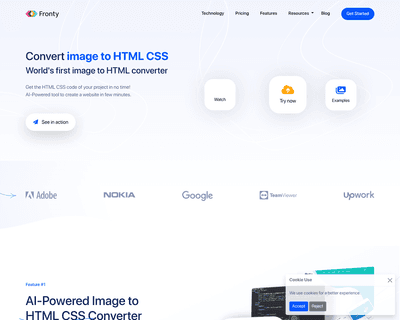
By allowing users to upload screenshots of their designs, it quickly generates the corresponding HTML and CSS code, saving considerable time and effort. The pla
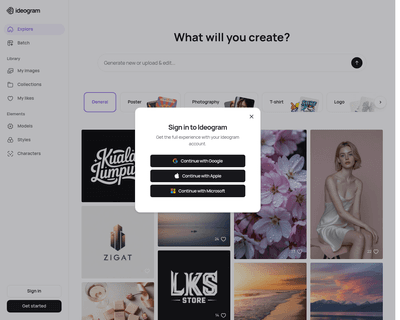

Unlike many existing platforms that struggle with this integration, Ideogram AI delivers visually appealing results that maintain coherence between the textual
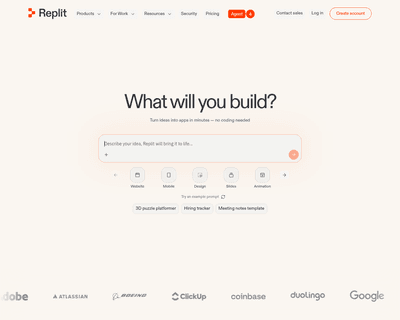
With real-time code completion suggestions and enhanced recommendations based on code comments, it helps streamline the coding process while minimizing potentia
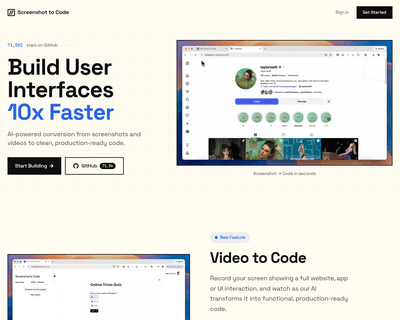
By supporting a range of frameworks and libraries, including HTML, Tailwind CSS, React, Vue, and Bootstrap, it caters to a diverse audience of developers and de
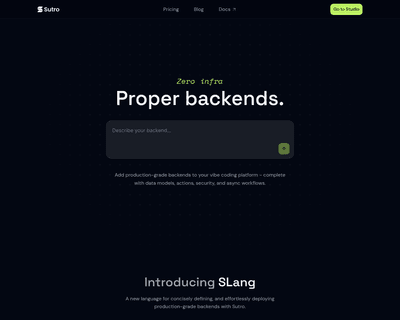
Users can input detailed descriptions of their app concepts and receive a functional prototype in just 30 seconds, a remarkable feat that significantly reduces
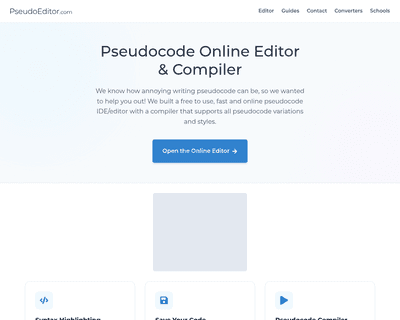
Its user-friendly interface simplifies the writing process, while features like dynamic syntax highlighting enhance readability and facilitate quick debugging.