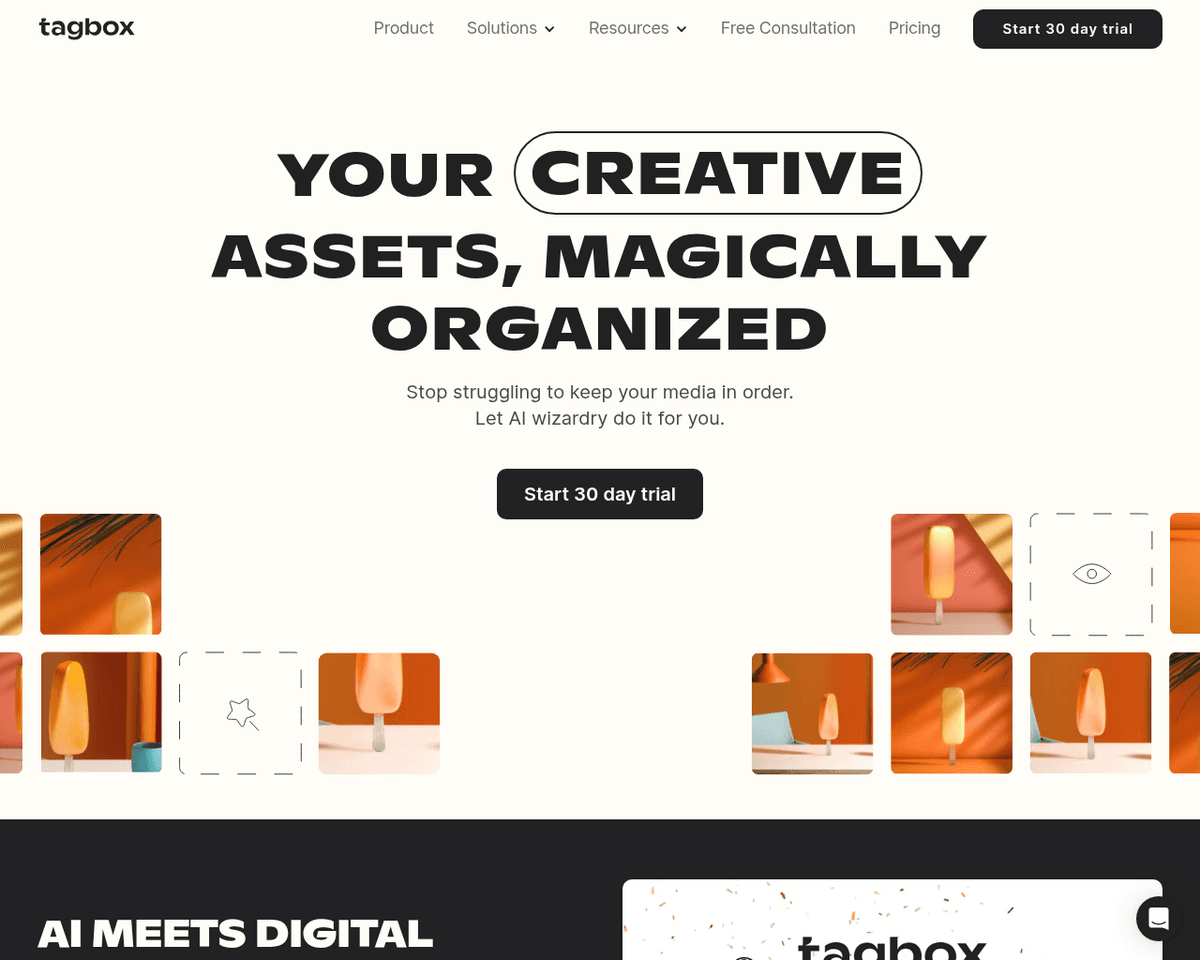
 Live Preview
Tagbox
Features
- Automatic Asset Tagging — Tagbox intelligently tags your media files based on various attributes like content, emotions, and colors, making it effortless to find what you need.
- Continuous Learning — The platform improves tagging accuracy over time, adapting to your preferred naming conventions for a more personalized experience.
- Easy Organization — It structures your assets in a clean, organized manner, allowing for quick searching and filtering.
- Drag-and-Drop Uploads — Upload your images, videos, and editable files with a simple drag-and-drop interface, saving you valuable time.
- Real-Time Collaboration — Enjoy real-time asset previews, annotations, and commenting features that enhance teamwork and communication.
- Integrations and API Access — Connect with tools like Slack and Zapier, or use the developer API to streamline your workflow even further.
Use Cases
- Creative Agencies — Tagbox helps creative agencies eliminate cluttered folders from clients, automatically organizing projects so teams can focus on delivering exceptional work without getting lost in file management.
- Event Management — For event planners, Tagbox structures guest photos and manages videos for highlight reels, making it easy to capture and share memorable moments without the hassle of manual sorting.
- Educational Institutions — Tagbox streamlines the organization of media uploads from students and teachers, allowing educational institutions to focus on enriching learning experiences rather than managing files.
- Retail Brands — Retail teams benefit from Tagbox by managing product images and campaign assets in one central location, enhancing their marketing efforts with easy access to all necessary materials.
Related Tools
Tools with similar capabilities you might also like
By extracting essential ideas and reducing text volume by up to 75%, it allows users to quickly grasp the core content without wading through unnecessary detail
By allowing users to highlight and annotate key points directly on web pages, it streamlines the process of gathering insights that align with personal objectiv
Its virtual product staging feature allows users to create impressive product images using just a smartphone and a simple backdrop, eliminating the need for cos
By training its Cowriter model on your previous articles, Reword not only generates new content in your unique voice but also helps you save time during the res
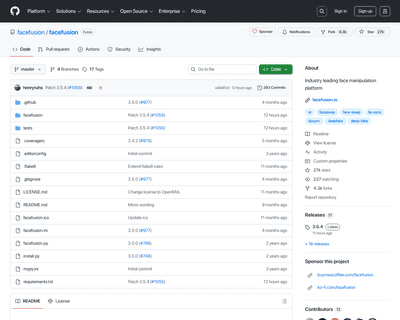
The one-click installer for Windows simplifies the setup process, allowing users to dive right into face swapping and enhancing without technical hurdles. With
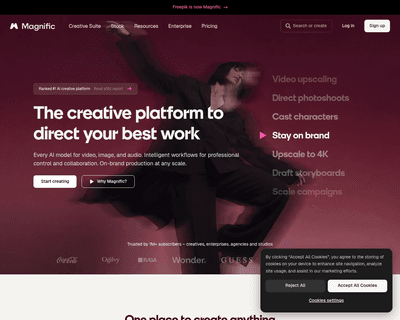
One of its standout features is the ability to upscale low-resolution images, enriching them with fine details and improved clarity. Users can guide the enhance