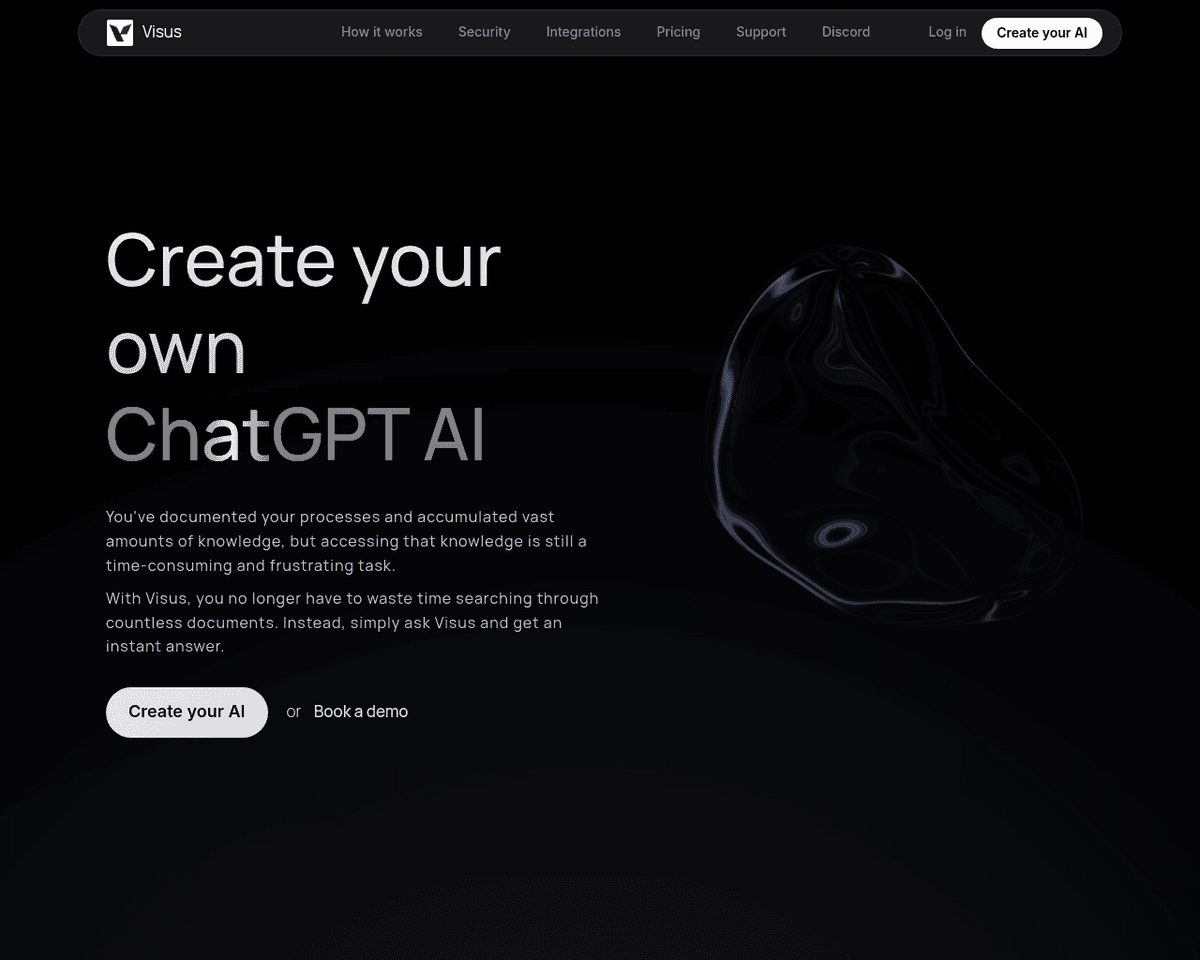
 Live Preview
Visus
Features
- Understands natural language — Ask questions conversationally, making interactions feel more natural.
- Limitless knowledge — Train Visus on as many documents as you need, ensuring comprehensive coverage of your information.
- Verified answers — Get responses based solely on the documents you've provided, ensuring accuracy and relevance.
- Conversational — Engage in follow-up questions for deeper insights and clarity.
- Customizable — Tailor Visus to fit your specific needs by adjusting parameters like sensitivity and accuracy.
- Secure — Enjoy peace of mind with encrypted data and strict permission controls to protect your information.
Use Cases
- Customer Support — Visus provides instant answers to customer inquiries based on your knowledge base, enhancing customer satisfaction and reducing response times for businesses.
- Internal FAQs — Empower employees to self-serve answers to common questions, reducing the need for repetitive inquiries and fostering a more efficient workplace.
- Content Creation — Visus can analyze documents to identify gaps or issues, helping content creators streamline their processes and enhance the quality of their work.
- Research and Analysis — Uncover valuable insights from large document collections, making Visus an essential tool for researchers and analysts looking to enhance their findings.
Related Tools
Tools with similar capabilities you might also like
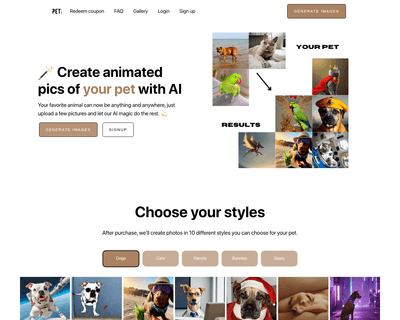
By uploading a selection of high-quality images, users can have their pets reimagined as astronauts, pirates, or even in festive holiday scenes. This service is

By leveraging advanced artificial intelligence, it tailors suggestions based on individual profiles and ongoing discussions, ensuring that users can communicate
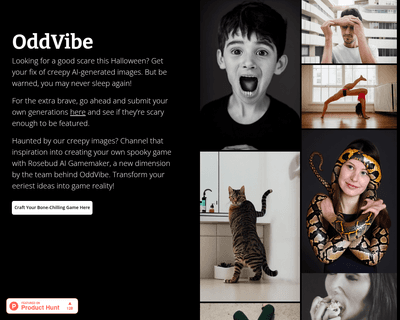
The platform continuously adds new visuals, ensuring a fresh supply of unsettling content that can inspire horror stories, games, or simply provide a good scare

Product compliant social media posts for your online shop.
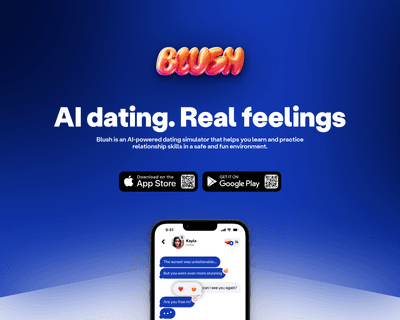
This interactive platform fosters a judgment-free space where individuals can practice essential relationship skills, from flirting to effective communication.
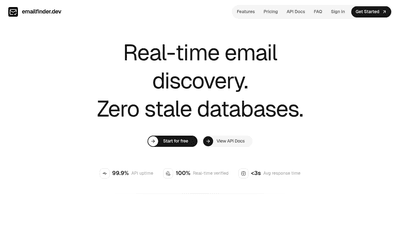
Real-time email discovery API — find any professional email by name, company, LinkedIn, or role.