Vivid
Features
- Design-Code Consistency — Vivid ensures your UI designs stay consistent with their implementation in your application by bridging the gap between design and code.
- Time Savings — By automatically generating UI code snippets, Vivid saves you time and effort, eliminating the need to manually translate designs into code.
- Effortless Updates — Changes made in Figma are automatically reflected in the corresponding code snippets, keeping your design and codebase in sync without manual intervention.
- Styling Tweaks — Vivid’s AI-powered features allow you to adjust styling directly in Figma, avoiding the need to dive into the codebase for minor changes.
- Collaboration — Vivid fosters seamless collaboration between designers and developers, as changes made in Figma are instantly reflected in the code, improving teamwork.
- User-Friendly Integration — The installation and connection process with Figma is straightforward, making it easy for anyone to get started with Vivid.
FAQ
What is Vivid?
By syncing Figma designs directly with the codebase, it generates UI code that reflects the latest design updates. This capability not only ensures that the visual elements of an application remain consistent with their design counterparts but also streamlines the workflow, saving valuable time that
How much does Vivid cost?
Visit the official Vivid website for the most up-to-date pricing.
What are the key features of Vivid?
Vivid includes features such as: [object Object], [object Object], [object Object], [object Object], [object Object].
Related Tools
Tools with similar capabilities you might also like
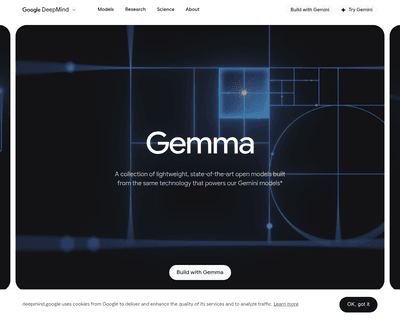
Their architecture, rooted in the advanced research behind the Gemini models, ensures that users can leverage state-of-the-art performance across a range of AI

CodePal excels in generating code snippets from natural language input, making it easier for users to express their coding intentions without getting bogged dow
With features that allow users to save, search, share, and reuse code snippets and screenshots, it stands out for its AI-driven capabilities. The integration of
Its no-code builder simplifies the process of defining extraction parameters, allowing users to focus on what data they need rather than how to extract it. By u
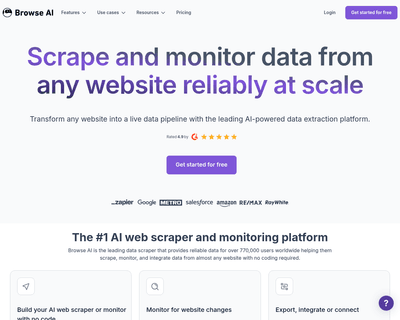
Users can train a robot in just a couple of minutes to gather information, which can then be easily exported in spreadsheet format or integrated with popular pl
Metabob not only identifies a variety of coding issues—ranging from logical bugs to performance bottlenecks—but also provides context and explanations for these