 Live Preview
Expressive Animator
Features
- Professional vector tools — Expressive Animator offers a suite of advanced vector tools for creating stunning animations.
- Keyframe-based timeline animation — Easily manage your animations with a user-friendly timeline that allows for precise control over motion.
- Import multiple file formats — Users can import SVG, PDF, Adobe Illustrator files, and Figma designs seamlessly.
- Easing controls and motion paths — Enhance your animations with smooth transitions and customizable motion paths.
- Masking techniques — Utilize masking to create complex animations and effects that bring your designs to life.
- Versatile export options — Export your animations in various formats, including Lottie, GIF, PNG, and video, for maximum flexibility.
FAQ
What is Expressive Animator?
The software supports a variety of import formats, including SVG, PDF, Adobe Illustrator files, and Figma designs, making it easy to integrate existing assets into new projects. Users can leverage features like easing controls, motion paths, and masking to create nuanced animations that enhance the
How much does Expressive Animator cost?
Visit the official Expressive Animator website for the most up-to-date pricing.
What are the key features of Expressive Animator?
Expressive Animator includes features such as: [object Object], [object Object], [object Object], [object Object], [object Object].
Related Tools
Tools with similar capabilities you might also like
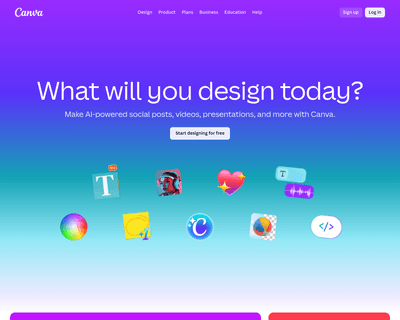
The platform caters to both novices and seasoned designers, allowing anyone to create visually appealing content without needing extensive training. With its in

Users can easily import their own videos or explore a library of successful ads for inspiration, allowing them to communicate their preferences directly to the
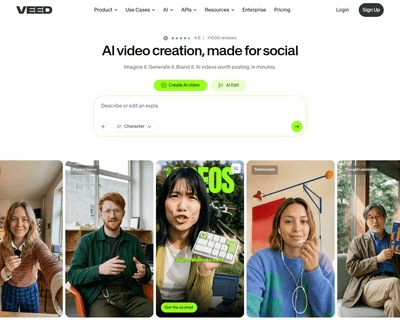
With its intuitive interface, users can easily upload videos, incorporate subtitles, add music, and apply visual effects without needing extensive technical ski
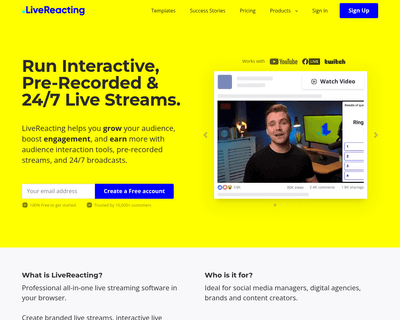
By offering a browser-based studio, it eliminates the need for software installation, allowing creators to focus on content rather than technical hurdles. Users
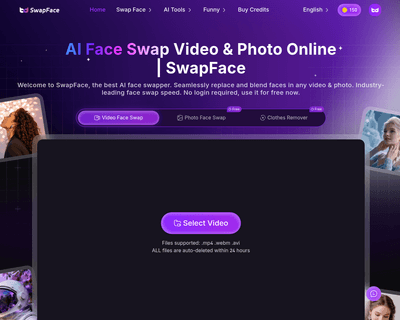
With capabilities for image and video face swapping, as well as multi-person video face swapping, it provides a versatile platform for enhancing visual content.

With hundreds of customizable templates designed for various social media platforms, users can quickly produce videos that meet specific marketing needs—whether