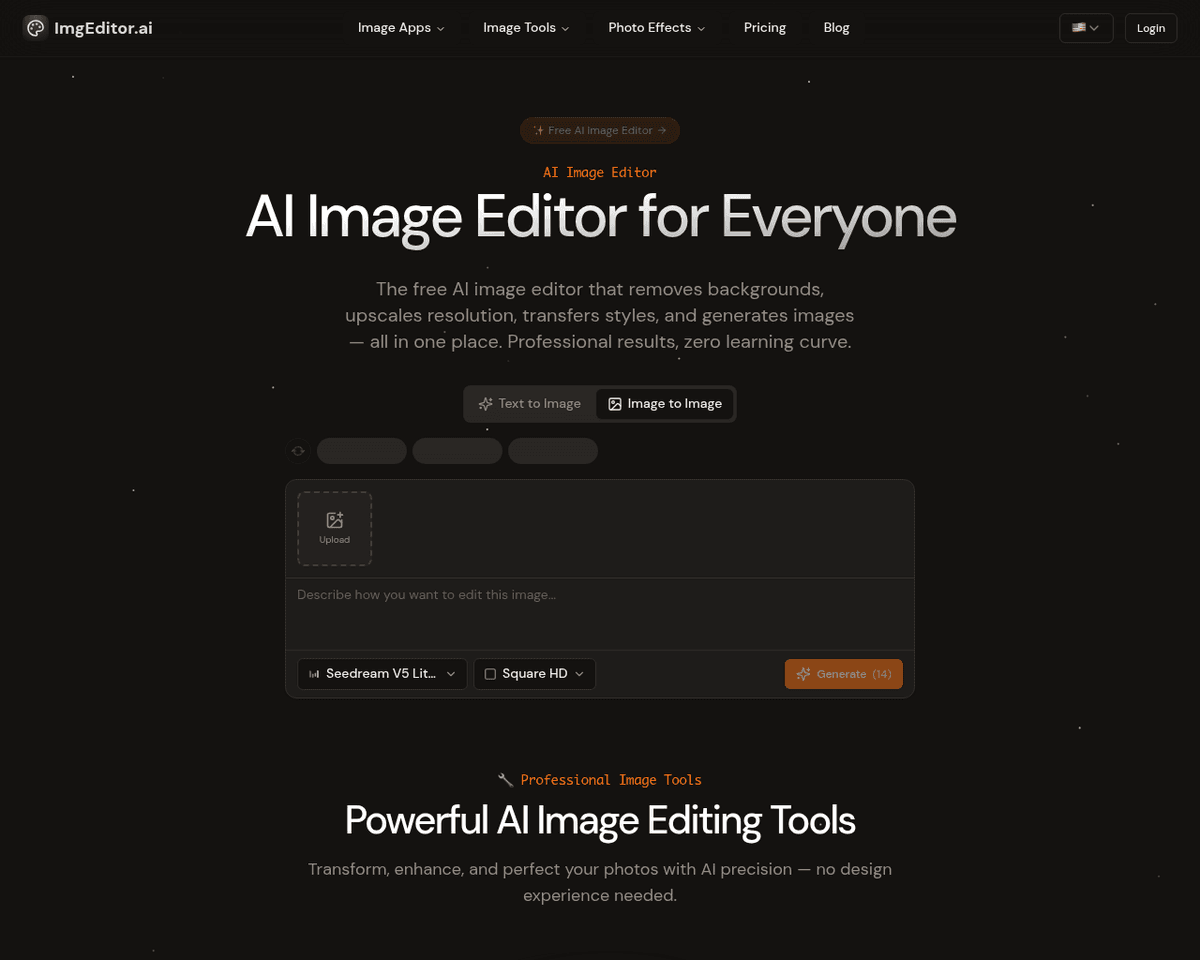
 Live Preview
ImgEditor AI
Features
- Smart Object Detection — Intelligently identifies and preserves important elements in photos, ensuring your edits maintain the essence of the original image.
- Precision Editing Tools — Offers surgical precision editing capabilities, allowing for meticulous adjustments while preserving overall composition.
- Style Transfer & Enhancement — Apply artistic styles to your images with AI analysis, transforming your photos into unique works of art.
- Real-time Processing — Experience lightning-fast processing with an average time of just 30 seconds, making your workflow efficient.
- Professional AI Tools — Access over 15 AI-powered editing capabilities designed for both creators and professionals, enhancing your editing experience.
- High-resolution Processing — Supports high-resolution processing up to 4K, ensuring your images maintain quality and detail.
FAQ
What is ImgEditor AI?
With features like Smart Object Detection and Precision Editing Tools, users can maintain the integrity of their images while making detailed adjustments. The platform's ability to apply artistic styles through Style Transfer & Enhancement adds a layer of creativity, allowing users to experiment wit
How much does ImgEditor AI cost?
Visit the official ImgEditor AI website for the most up-to-date pricing.
What are the key features of ImgEditor AI?
ImgEditor AI includes features such as: [object Object], [object Object], [object Object], [object Object], [object Object].
Related Tools
Tools with similar capabilities you might also like

Users can create custom photos and professional headshots, making it an efficient tool for marketers, creators, and designers seeking diverse visual content. Th

Reface has since evolved into a prominent player in the content creation space, primarily due to its innovative face-swapping technology. This feature not only

By training its Cowriter model on your previous articles, Reword not only generates new content in your unique voice but also helps you save time during the res

The one-click installer for Windows simplifies the setup process, allowing users to dive right into face swapping and enhancing without technical hurdles. With

One of its standout features is the ability to upscale low-resolution images, enriching them with fine details and improved clarity. Users can guide the enhance

This innovative method, known as EMO, excels in creating lifelike animations that include accurate lip-syncing and a range of facial expressions. By utilizing j